
YouTube video in a web object has a scroll bar
I am a new user in Captivate 2017. Our unit has created a number of short training videos that we are hosting on YouTube. I am trying to figure out the best way to view those videos in a Captivate module. So far I like using the web object to view the YouTube videos within the Captivate training. However, I have one problem. No matter what size I make my web object or the size I use in the embed code, I have a vertical scroll bar on the video. This means that if people want to see the captions at the bottom of the video, they are missing info at the top. OR if they can see the top of the video, they can't see the captions or YouTube play controls at the bottom. See photo below.
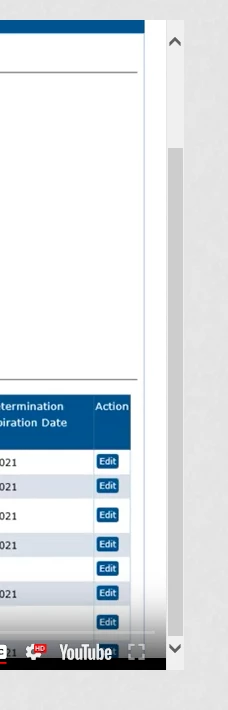
Does anyone have any suggestions about what preference or setting or position information I need to change so I don't have this scroll bar?
Accessibility is important to me, and all our YouTube videos have captions for those who wish to use them. Someone not being able to see the top of the video so that they can see the captions at the bottom is just not acceptable. So if people don't have suggestions using other objects, I am open to that. Just remember, I am using Captivate 2017, so the new YouTube interaction in 2019 is not available to me.
Thanks,
Laura Shultz


 AdChoices