


Inspiring
March 31, 2021
Question

Zoom constantly moves

  • March 31, 2021
  • 2 replies
  • 117 views

I zoom into my project so that I can work on it:
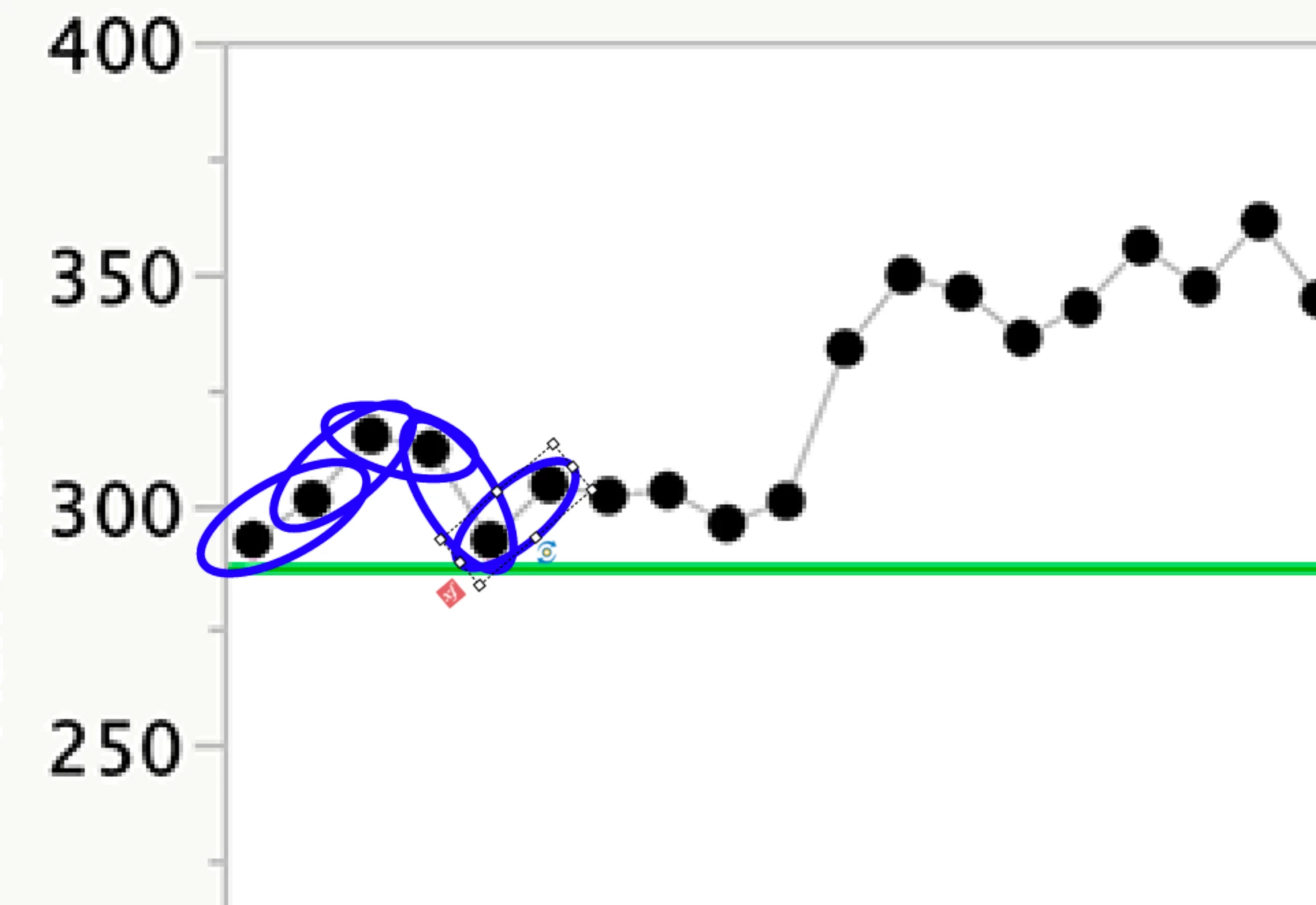


I duplicate the oval, click on timing and the screen moves, why?  This is the entire screen that I see above and below


This is very frustrating.  I have 40 ovals that I have to duplcate and precisely place and it keeps moving each time.  Why?  I am on captivate 11.5.5.676.


    This topic has been closed for replies.

    2 replies

    Lilybiri
    Legend
    March 31, 2021

    Loss of focus... it comes and goes. It works nicely in a version, next version has the problem again. Please log a bug report, as I have done multiple times. If you are zoomed in on an object which is selected, that object should remain in focus whatever you do. That was the case in multiple versions, but this version (11.5) lost it again.

    Here is a direct link to the form:

    Adobe Captivate: 1 (allegiancetech.com)

    Community Expert
    March 31, 2021

    yeah I think these are just some glitches in Captivate. It is a bit frustrating. Stuff like that would happen to me in the timeline... I click and it somehow scrolls down, and brings me to the bottoms of the stack of layers.


    I don't think there is much you can do until they decide to fix it. 


    sorry!

    mark

    headTrix, Inc. | Adobe Certified Training & Consulting