
Inspiring
April 5, 2021
Answered

Zooming when publishing

  • April 5, 2021
  • 1 reply
  • 539 views

Sometimes pictures zoom in when publishing for me.  I have no idea why.   Typically I just  create a movie out of the slide and insert the movie that way, it fixes the zoom.  This time though, I have a quiz question, so 

I cannot convert it to a movie.  In captivate my slide looks like;
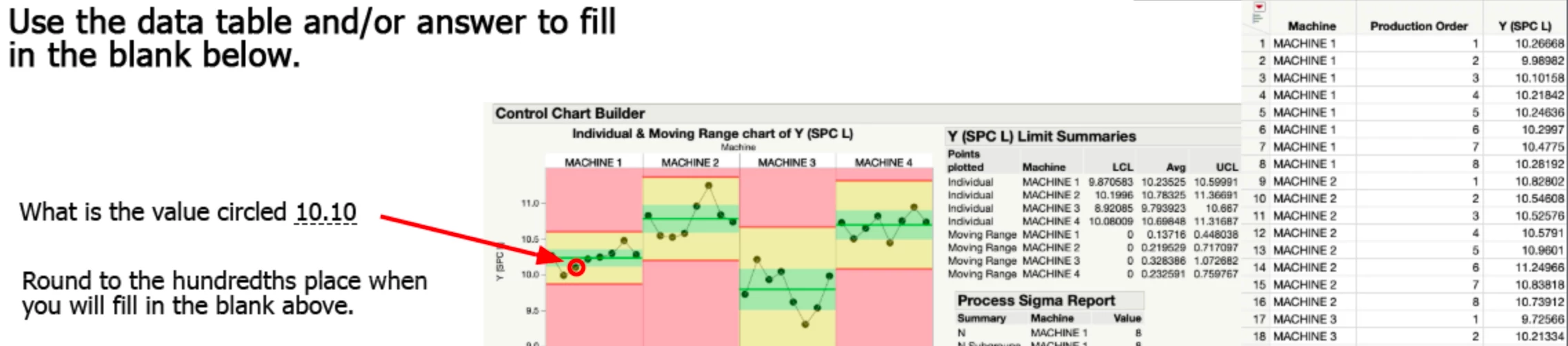


After publishing it looks like:
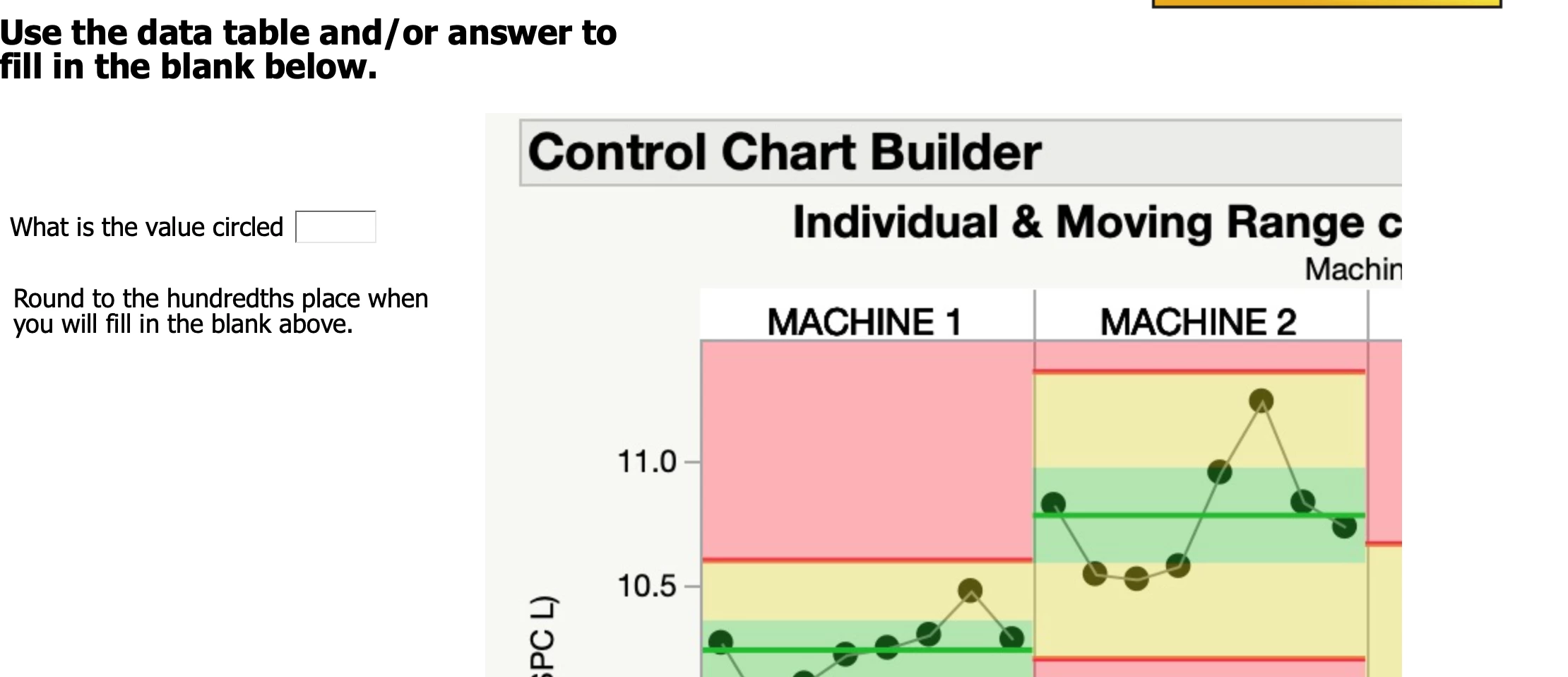
 

I am on captivate 11.5.5.676.  The image is a svg file.


    This topic has been closed for replies.
    Correct answer lmaley

    The only way I could fix this was to change the SVG screen shots to PNG.  Now they work.  Not sure why.  I have other SVG created this same way and it works.

    1 reply

    Lilybiri
    Legend
    April 5, 2021

    How did you create the image?  It looks like it is a screenshot taken on a monitor with a different display resolution. Check its size in the Options tab of the Properties panel. Edit it so that it has exactly the same size in px as you need.

    How did you edit the answer area in the quiz slide?


    lmaleyAuthor
    Inspiring
    April 5, 2021

    I did command shift 4.  Copied that into excel, saved as a SVG then imported.   I do this with most of my screen shots since I get the most crisp image.  Same monitor.  


    lmaleyAuthorCorrect answer
    Inspiring
    April 5, 2021

    The only way I could fix this was to change the SVG screen shots to PNG.  Now they work.  Not sure why.  I have other SVG created this same way and it works.