
Adobe Connect 9 Training Course Video gets resized after being published from Captivate 6
Hello!
I have an FLV that I have published to Adobe Connect 9 from Adobe Captivate 6.
I have set the size of the video to the dimensions that best display the FLV with player controls.
However, when I publish to Adobe Connect 9, the video is resized to a smaller size and looks heavily pixelated.
Is there a way to keep the dimensions and quality without Adobe Connect 9 resizing it?
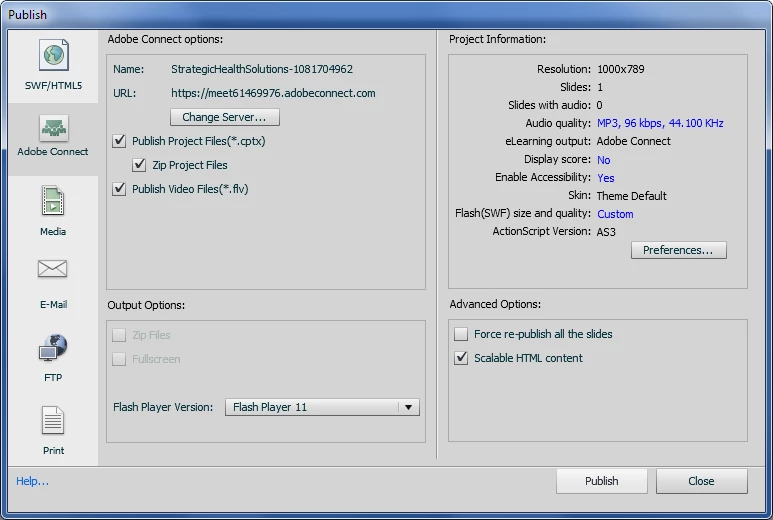
Here are the settings in Captivate 6:
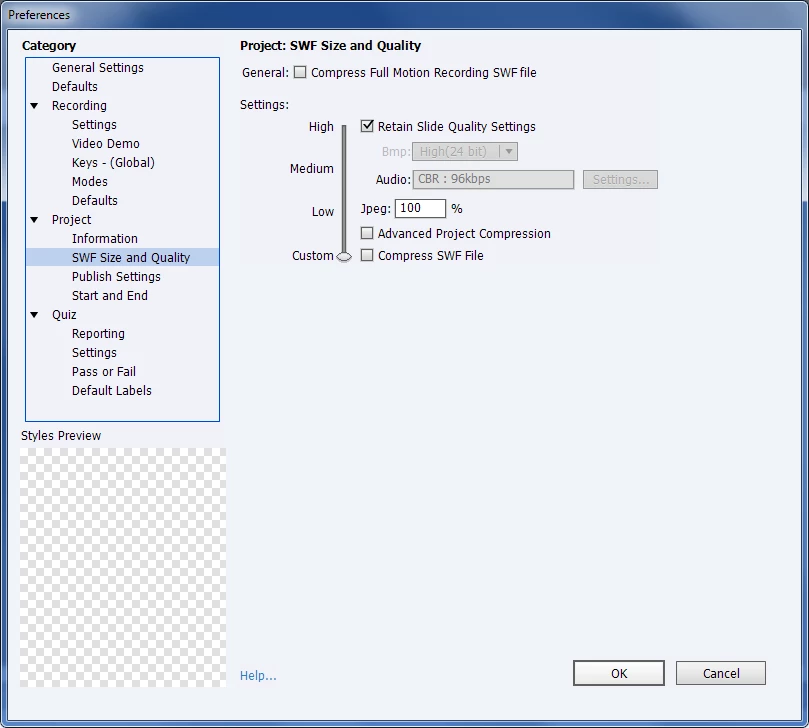
Here is the first screen for the preferences:
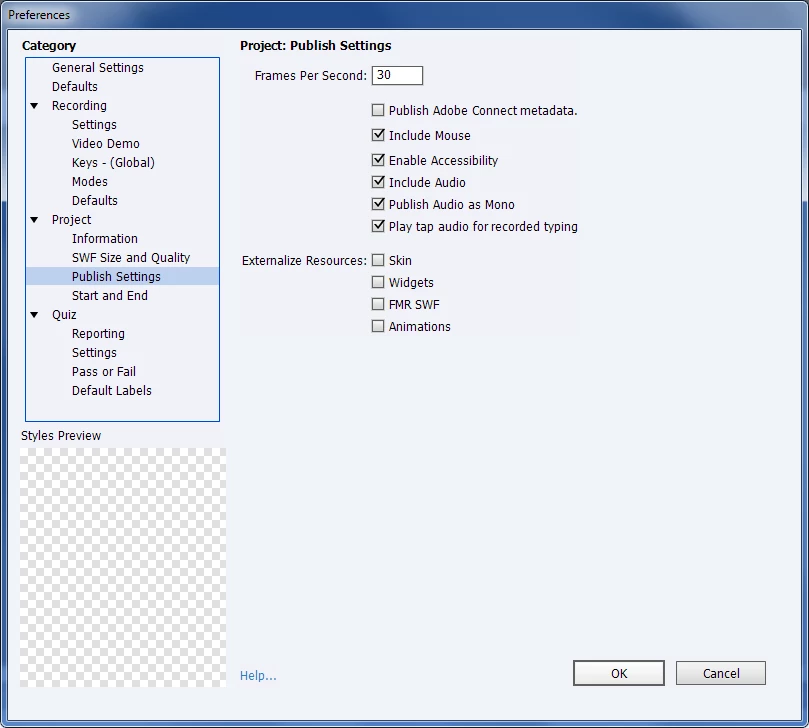
Here is the second screen in Preferences:
Here is what it looks like when viewed from Captivate 6 in a web browser:

Here is what it looks like after it has been published and uploaded into the training in Adobe Acrobat 9:

If you notice in the image above the video is smaller and the CMS logo is very pixelated due to Adobe Connect 9 resizing it.
I am not sure how to keep the dimensions that I have from Captivate 6 and have it reflect after it has been published to Adobe Connect 9.
And is there more functionality that I am not able to access since I am using a 30-Day trial.
Thanks for taking the time to read and assist!
Angelo


 AdChoices