
Adobe Connect Add in Not Detected or Working
Hi,
I have installed the Adobe Connect add in twice now and I continue to see this message:
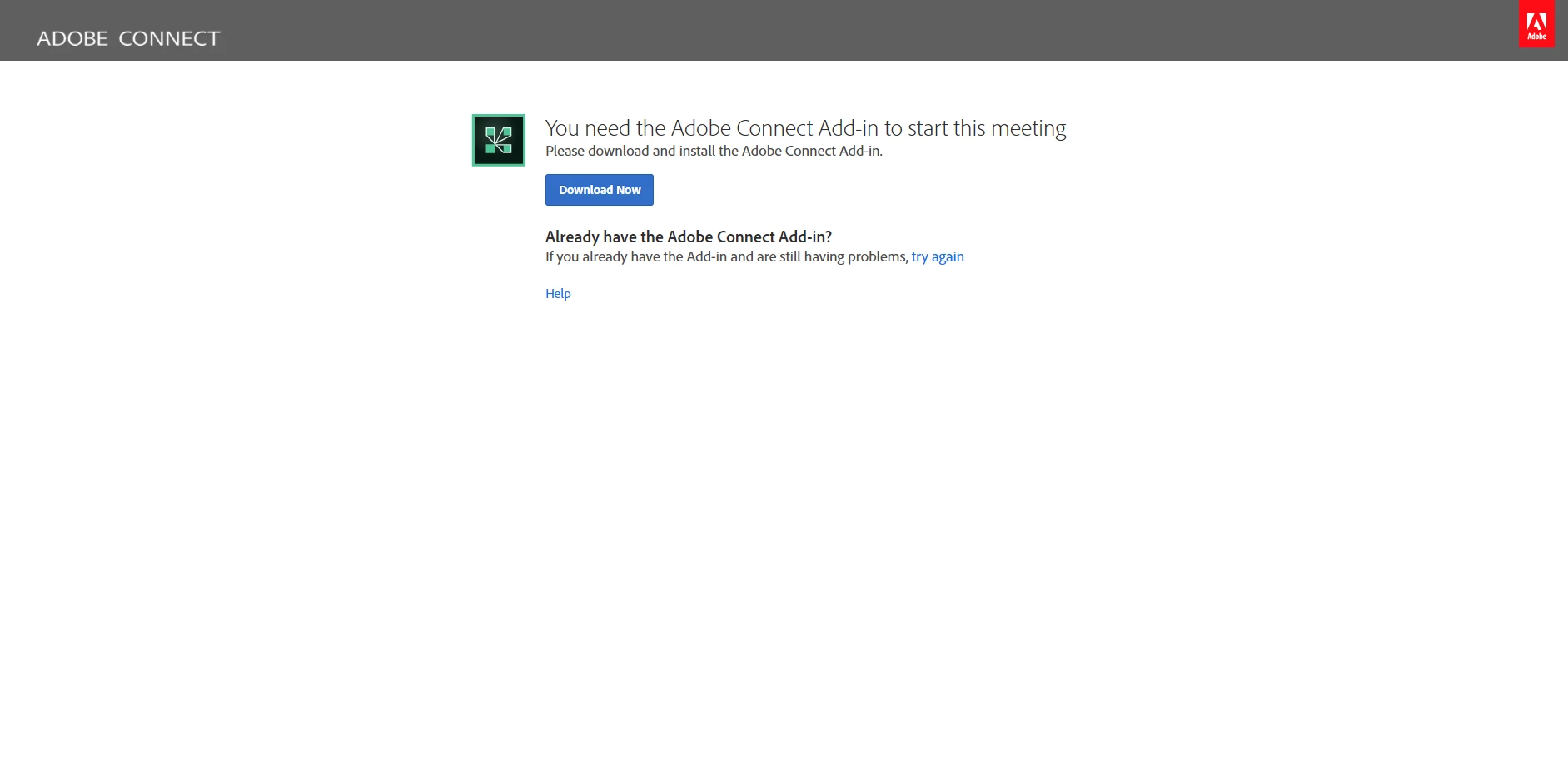
I've clicked the "try again" link numerous times to no avail. I've attempted to use it in FireFox and I.E. and am having the same issue. I've reset all of my browser settings and cache, I've enabled flash and all other options in Chrome. I've restarted my computer and reinstalled the add-in. It appears as if the add-in is just not being detected at all. I'm running Windows 10 but I never had this issue on my previous windows 10 machine. I've searched google and other resources here and cannot find any solution to this. Can someone provide any help or ideas for troubleshooting? I've missed out on two business meetings now and can't fathom what's going wrong.


 AdChoices