
Question
Adobe Connect Launcher deleting links
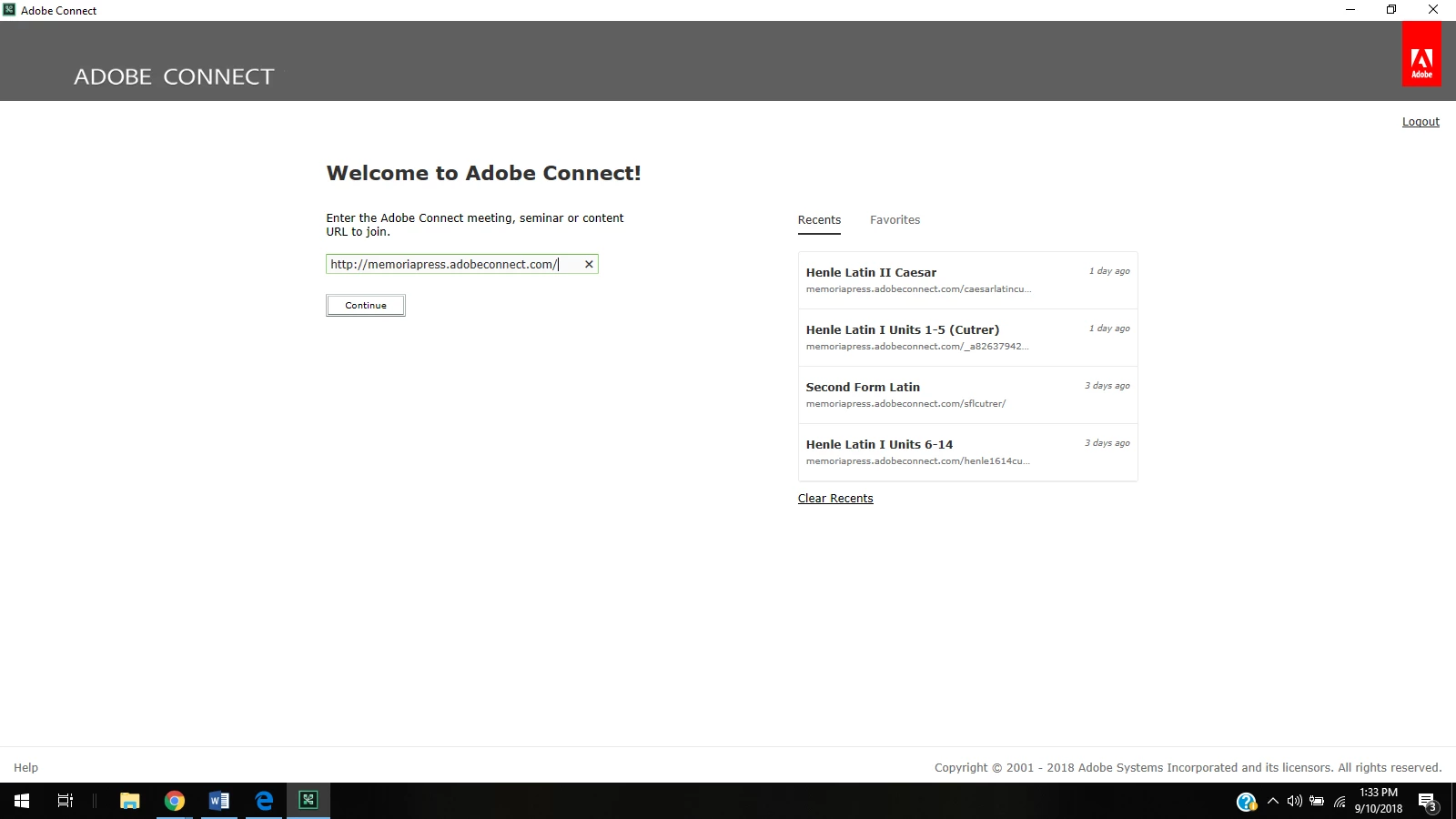
Hello - I have been using the Adobe Connect Launcher desktop application to access my classrooms for a few years now and it has always stored the links to all 7 of my classes without a problem. Over the summer, I had an issue come up in 2 of my classrooms so my school's director made 2 new classrooms. I wanted to get the old classrooms off of my frequently used links, so I pressed "clear recent" and now it only stores 4 classroom links at a time. How can I get it back to where all 7 of my classroom links are available? Whenever I try to add a fifth link, it deletes one of the older ones. I tried to use the favorites to store all of my links, but it also only stores 4. Help please! This is costing me a lot of time!
Thank you!
Meredith


 AdChoices