
Adobe Connect Links Not Working
I have a tech problem with Adobe Connect. Usually, when I click an adobe connect link, it opens a new tab and then opens that link in the Adobe Connect app.
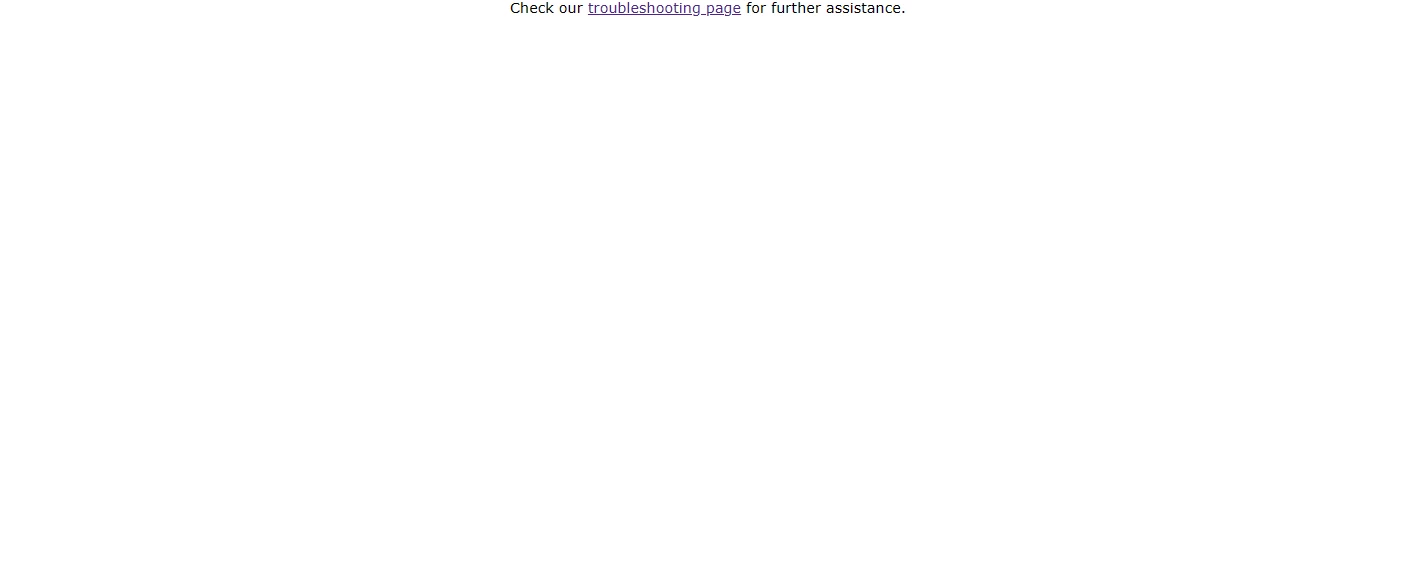
Something went wrong when my computer died in the middle of a meeting. Now whenever I open one of these links, it just opens a blank page with the text "Check our troubleshooting page for further assistance." Here's an image of the page:
The troubleshooting page just says everything works fine and doesn't help me at all. The issue seems to be with my browser, because everything works fine on a different browser on the same computer. I have cleared all my browsing data from the adobe connect website and that has done nothing. I cannot delete and reinstall the browser.
I've been trying to fix this for over an hour and nothing has worked. Please help.


 AdChoices