
Participant
June 10, 2015
Question

Adobe Connect Stuck at Connecting Screen

  • June 10, 2015
  • 1 reply
  • 7728 views

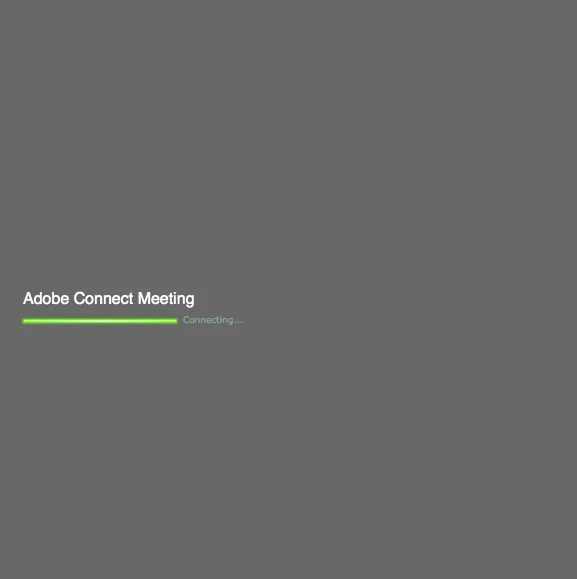
Adobe Connect is stuck connecting on the connecting screen shown in the following picture. I am running OS X Yosemite version 10.10.3 and have tried Safari, Chrome and Firefox with no success. I've cleared my cookies as well.
This topic has been closed for replies.

1 reply

Jorma_at_Knox
Legend
June 10, 2015

Your screen shot is of Adobe Connect 6 or 7. That is a pretty old version of Connect, so there may some compatability with the current version of OSX. Are you trying to launch the room in the add-in or just the browser?

nshaw7Author
Participant
June 10, 2015

I am trying to launch the room in the browser.  I've ran the diagnostic test and have reinstalled and tried deleting the add in to no avail.

Jorma_at_Knox
Legend
June 11, 2015

Historically, the hang at the Connecting screen is an indication of port 1935 being blocked. You may look at checking into that with your firewall or router.