
Participant
November 27, 2018
Question

Adobe Connect won't connect

  • November 27, 2018
  • 3 replies
  • 1203 views

Hello,
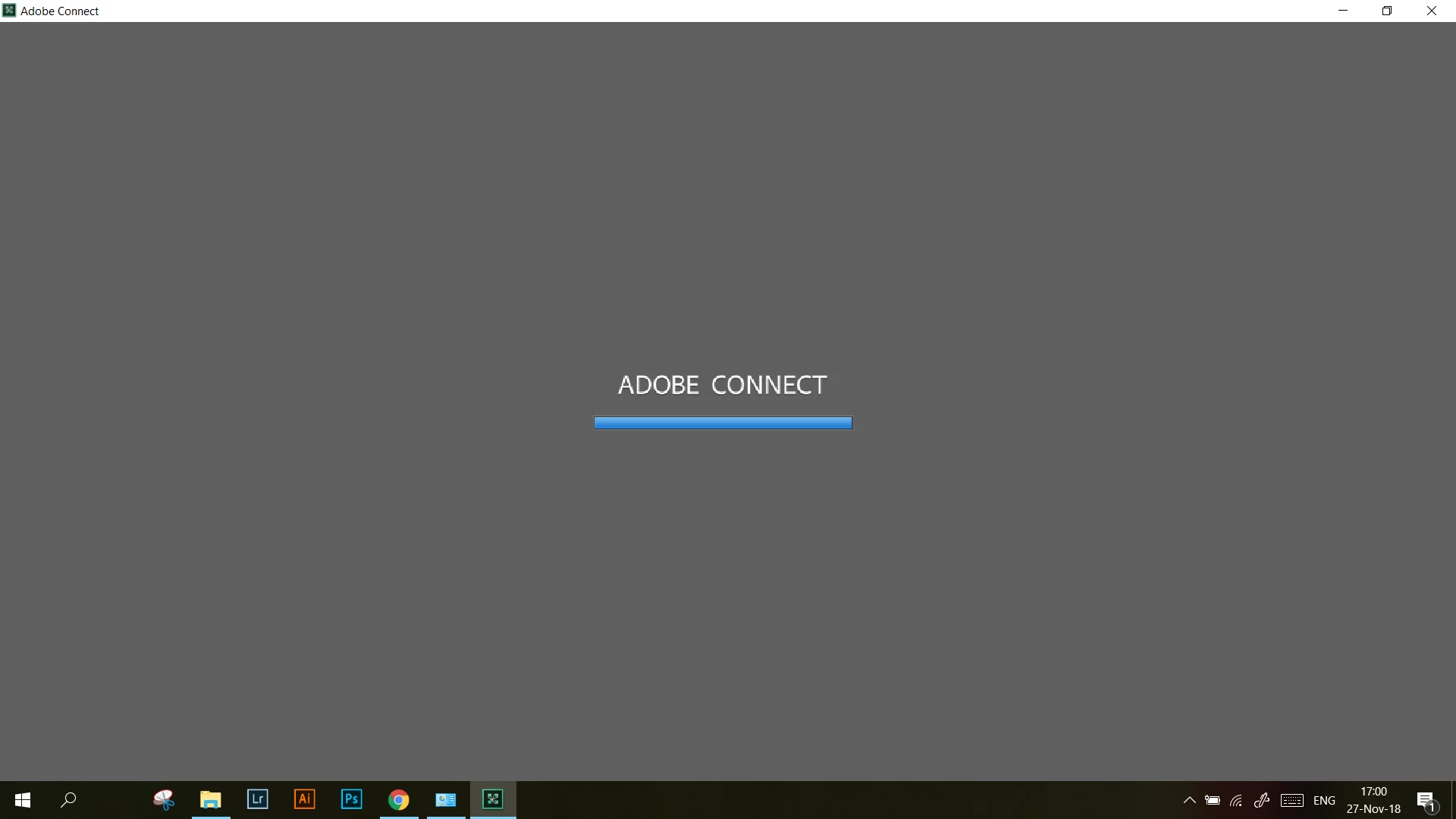
So, from like a week, Adobe Connect will no longer lunch. The problem is that the blue bar is fully loading and then stops. It worked before, I don't know what happened. Tried to reinstall it like 10 times and nothing works, put it to go through the firewall, nothing. I can no longer connect to the meetings so I really need this fixed. I also tried the Adobe Connect test and it says it all works fine.
Thanks
This topic has been closed for replies.

3 replies

Participant
December 1, 2018

Apparently, it resolved by itself, don't know why. I don t think it was a cache problem, as even with windows edge it won't open. And yes, I managed to open it on browser first time but it was going very slow. Now it works in the app without doing anything.

Thomas Gunter-Kremers
Participating Frequently
December 3, 2018

I'm glad to hear it resolved itself. There weren't any reported server issues at that time.  Could your company have been changing firewall permissions or did you use a VPN for a while and then stop?

Participant
November 29, 2018

We had also been getting this issue on several machines. It turned out to be a cache issue. From the browser clear all the cached data and then re-join. The 1st join will probably be slow.

Thomas Gunter-Kremers
Participating Frequently
November 28, 2018

Are you still able to get into the room using the browser or HTML5 version?  Have you tried creating a new room?  sometimes they corrupt and need to be rebuilt on rare occasion.