Ah, support strikes again. The Training catalog is not, and cannot be set to publicly viewable. This permission setting is only available to objects in the Content Library.
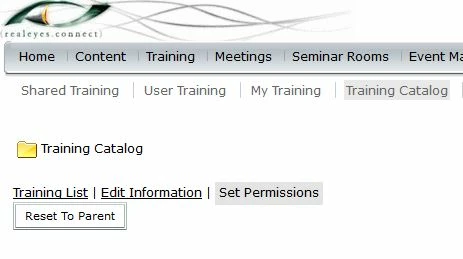
If you go to the Training Tab and then Training Catalog you will see an option to Set Permissions for the Training Catalog. Select that and you will be able to add any individual or group from the list on the left to the list on the right to give them view permissions. There will be no "Make Publicly Viewable" option.
If an individual is not listed in the right hand list (or a member of a group on the right hand list), then they will get the Not Authorized message.

 AdChoices