
Participant
November 24, 2014
Question

Cannot Launch Adobe Connect Add-In

  • November 24, 2014
  • 4 replies
  • 2132 views

I've suddenly (Nov. 17, 2014) run into an issue launching the Adobe Connect Add-In. I've been using the add-in for work for the last three months, without making any major software changes. This issue was not preceded by any manual updates. I've since entirely uninstalled my adobe products, cleared cache, uninstalled my browsers, reinstalled all, tried with multiple browsers, etc. etc. and I'm at the end of my rope. Here's the screen it hangs at:
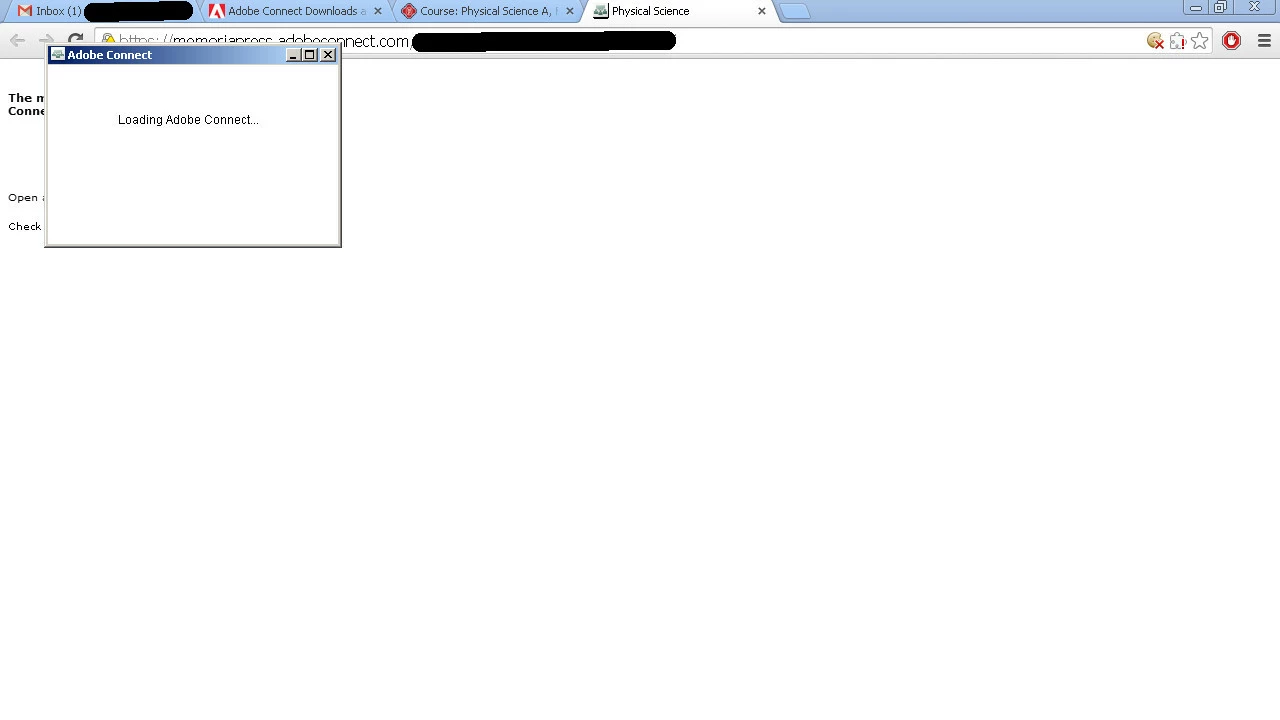
Any help would be greatly appreciated.

This topic has been closed for replies.

4 replies

December 17, 2014

I am also having the same problem:

ACTION_TRACEListener :: Error loading ...

I worked with Adobe Support for 3 hours two days ago.  The only solution was to create a new user.  Adobeconnect works on this user account.  Adobe said the problem is on my machine. I kindof think not!

Does anyone have any suggestions for utilities that can trace want to block the url from loading?

Participating Frequently
December 18, 2014

In my case, it is definitely not a user account issue.  I was able to log in under my user name from a different machine and successfully connect to webinars and download webinar recordings to .flv files.  I'm not sure of how to trace what is blocking the URL.  I really think this is an Adobe bug.  Good luck!!!

Participating Frequently
December 12, 2014

Just started having this issue today.  Adobe Support claims there is no bug reported about this, but I'm glad to see I'm not the only one having this issue!  Support is supposedly going to download my my recording on their end and send it back to me.

iacobusAuthor
Participant
December 12, 2014

Please keep me updated with your progress! I've gutted my adobe system files, browser files, etc. multiple times and done a fresh reinstall with no fix. Also tried logging in with a different adobe username.

CTTwebinars above mentioned they had success by creating a different windows login and accessing the classroom that way, but that fix didn't work for us.

-Jacob Elfrink

Participating Frequently
December 12, 2014

Likewise if you find anything out before I do!  I can do everything else, (access meeting rooms, run meetings, watch recordings, edit recordings, etc) I just can't make a .flv file of the recordings.  I've gone through the same steps with Adobe Support (deleting files, clearing cache, un-installing plug-in, etc) and they can't figure it out.  I have told them that it is not just this recording, but all my recordings, even though in the past, (just last month to be exact) I've been able to do this without issues.  Your screen shot shows exactly what I'm experiencing when opening a recording to make a flash file.

CTTWebinars
Participant
December 3, 2014

We've recently experienced this same issue.   Have you come up with any solutions?    We have been able to get it to work on a couple machines with a couple different users, but to be honest, we don't know what the difference is.  The machines we really need to work still are having the same issue.

iacobusAuthor
Participant
November 27, 2014

Anything? I'm out of ideas to even try here...

Jorma_at_Knox
Legend
December 1, 2014

Holiday weeks can be hard to get any input on...

Have you tried uninstalling the Add-in and then re-installing it? You should be able to remove it using the Add/Remove programs function in your Control Pannel.

You can then reinstall it by trying to do a function in a meeting that requires the Add-in (screen sharing or uploading a PPTX) or by downloading the installer from Adobe Connect Downloads and Updates

iacobusAuthor
Participant
December 1, 2014

Yes, tried uninstalling the add-in, all other adobe programs (including flash), deleting all adobe system folders/files, and then doing fresh installs.

Thanks for your reply! Still working on it.