
Participant
November 2, 2018
Question

Cannot see the slides or chat box

  • November 2, 2018
  • 1 reply
  • 2086 views

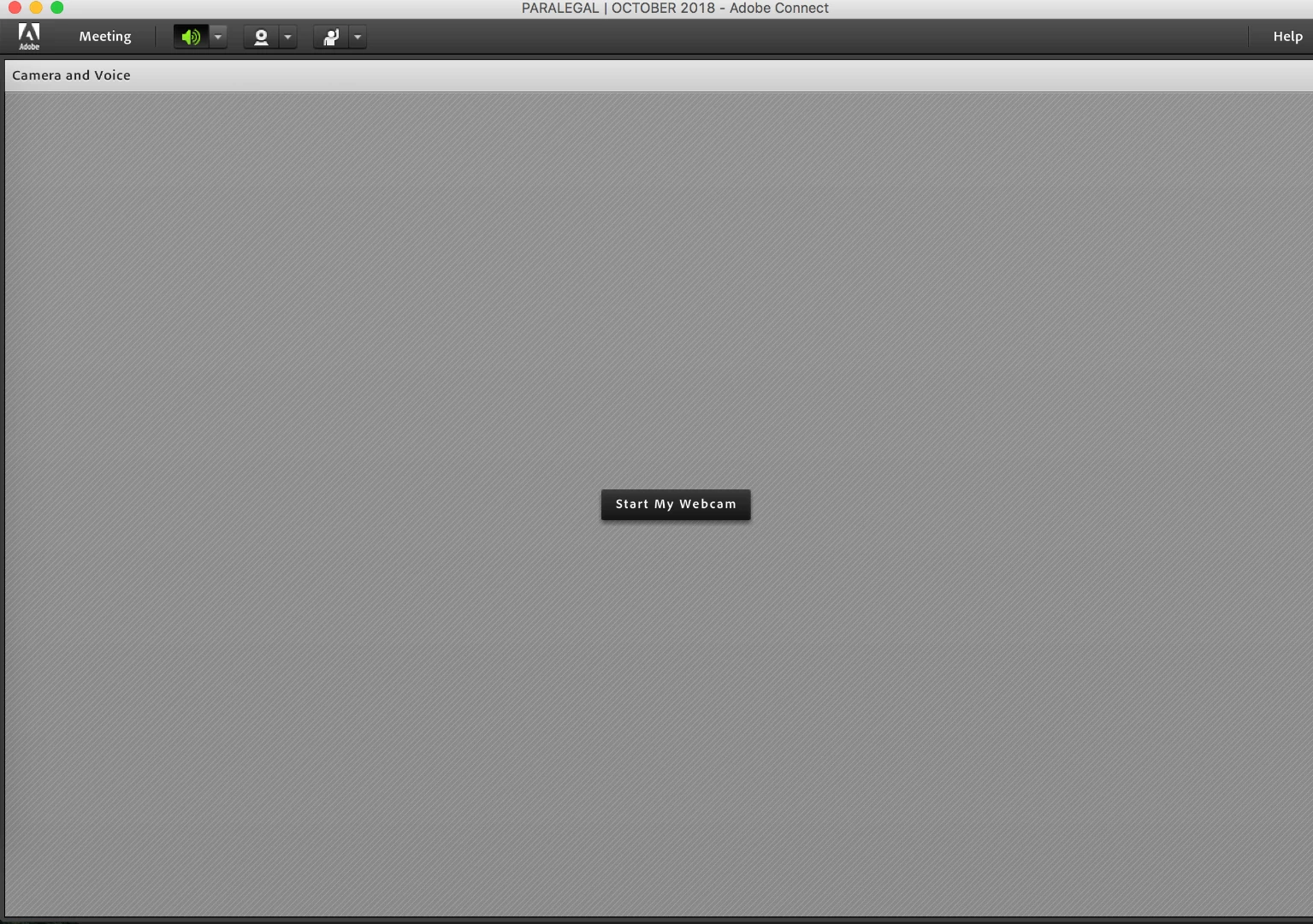
I only can see full screen "Camera and Voice" screen.  At some point during a meeting the slides and chat box was covered and the "Camera and Voice" screen was enlarged.  I have tried to reinstall the add on.  I have tried restarting the computer.  I have tired using a different browser.  And I don't see any other options on the screen that it is in.  This is the view that I have now.  Please help!
    This topic has been closed for replies.

    1 reply

    Jorma_at_Knox
    Legend
    November 2, 2018

    It looks like the Camera and Voice pod was Maximized. Look for the pod options menu at the top right corner of the pod and see if it says "Restore". The other cause could be the Full Screen button. If the arrows for it are pointing out, then it is not in full screen mode. If they are pointing in then it is full screen mode. This button would be next to the pod options menu.

    It looks like this side of the pod may be off the right side of the screen, so you may need to move or resize the Connect application to the left.

    Participant
    November 2, 2018

    This is what it looks like when I minimize the pod. I do not see the pod options to restore.

    E_slinger
    Known Participant
    November 2, 2018

    Are you a host for that room?

    It looks like you only have the Meeting menu in your top bar...a host should have layouts, pods and audio.

    A participant wont be able to resize the window.

    Check the permissions on the room in central or go to meeting and see if you can switch back to Host.

    - Slinger