
Question
Connect: Faulty image rendering since Windows 10 update
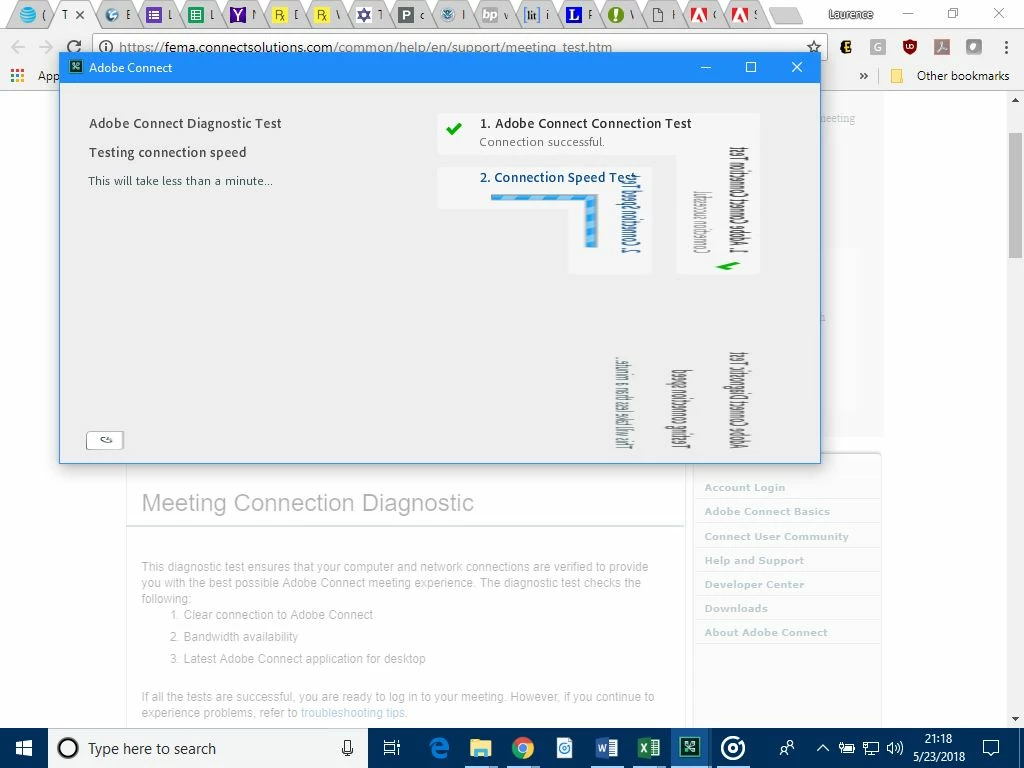
Since the Windows 10 update May 11, 2018, Adobe Connect renders images incorrectly. Consider a rectangular image. The upper-left part is rendered correctly. The part below a diagonal line from top-right to bottom-left is rendered as a mirror image of the top part.
What is the best way to resolve this?


 AdChoices