


Question
does not load because of flash player
I cant load my adobe connect sessions because the flash player has been blocked from 21 december 2020.
I have problems with loading through both browser and application on Mac os ver 12.0.1.
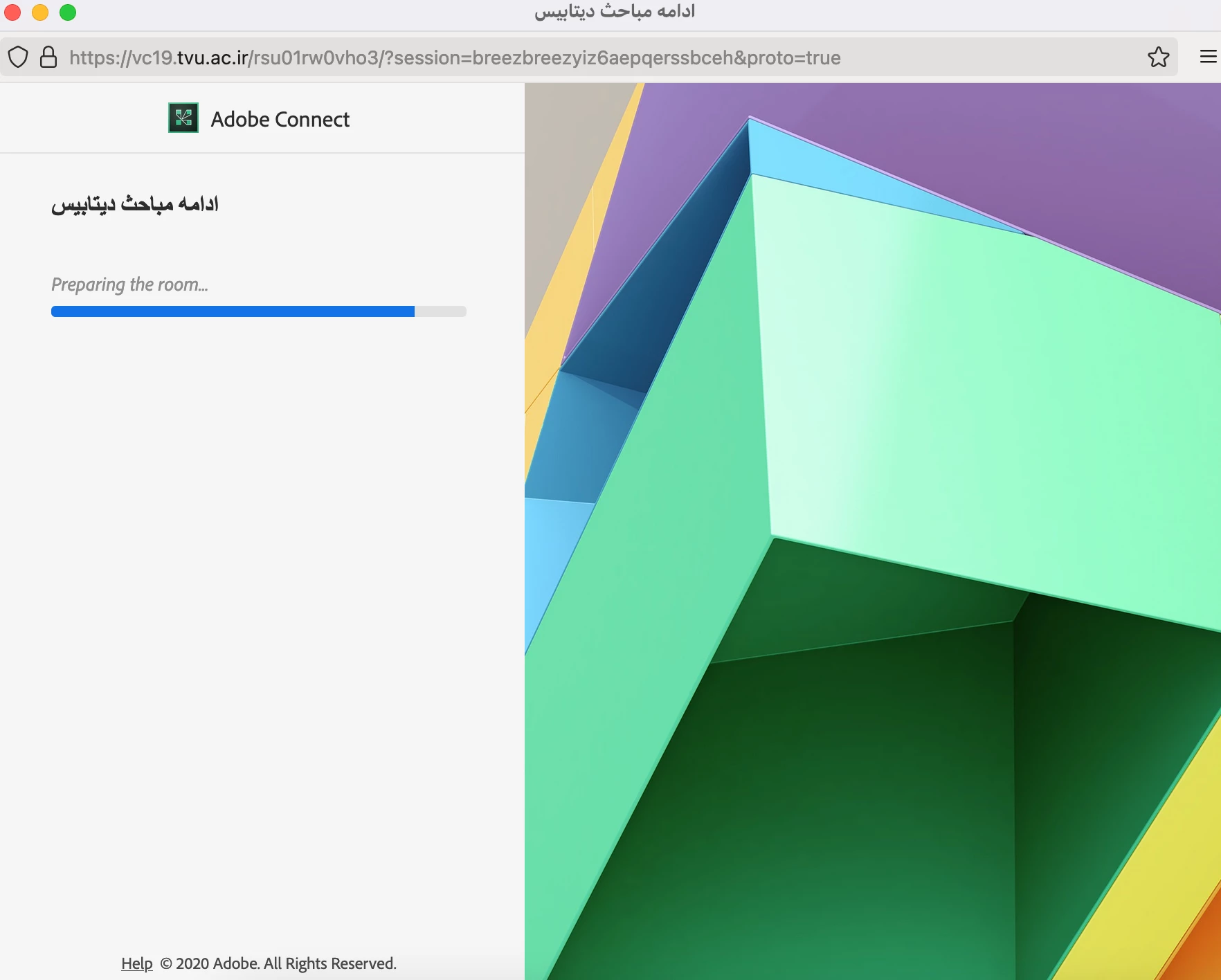
As you can see in the first screenshot , the session gets freezed on that progressive bar, when I want to open my session via browser.
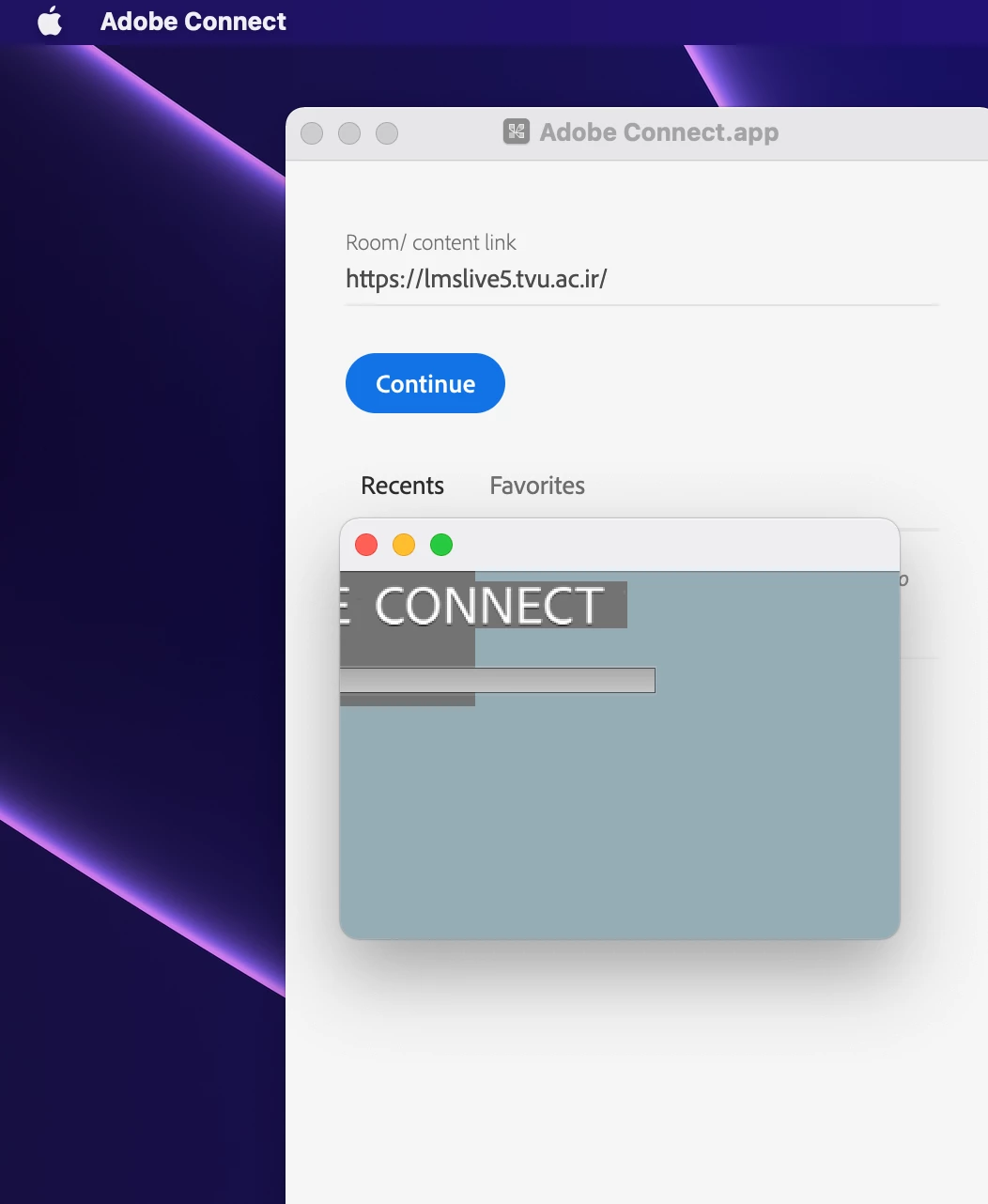
In the second screenshot, the window does not open correctly and remain in a minimum size without any thing to be happened.
how can i manage this issue and continue to my online sessions?
 AdChoices