
mattb68955680
Participant
April 15, 2015
Answered

How can I capture a video that is on Adobe Connect 6?

  • April 15, 2015
  • 1 reply
  • 742 views


I have some old training (a vide) that I need to capture and re upload to a new server.  Our new server is like the lateast and greatest by the old server was Adobe Connect Version 6.

I remember doing this one using like a zippy share thingie.  Where you send the video to a url and it captures it for you so I can upload it to the new server.

Can anyone help me with this?
    This topic has been closed for replies.
    Correct answer Jorma_at_CoSo

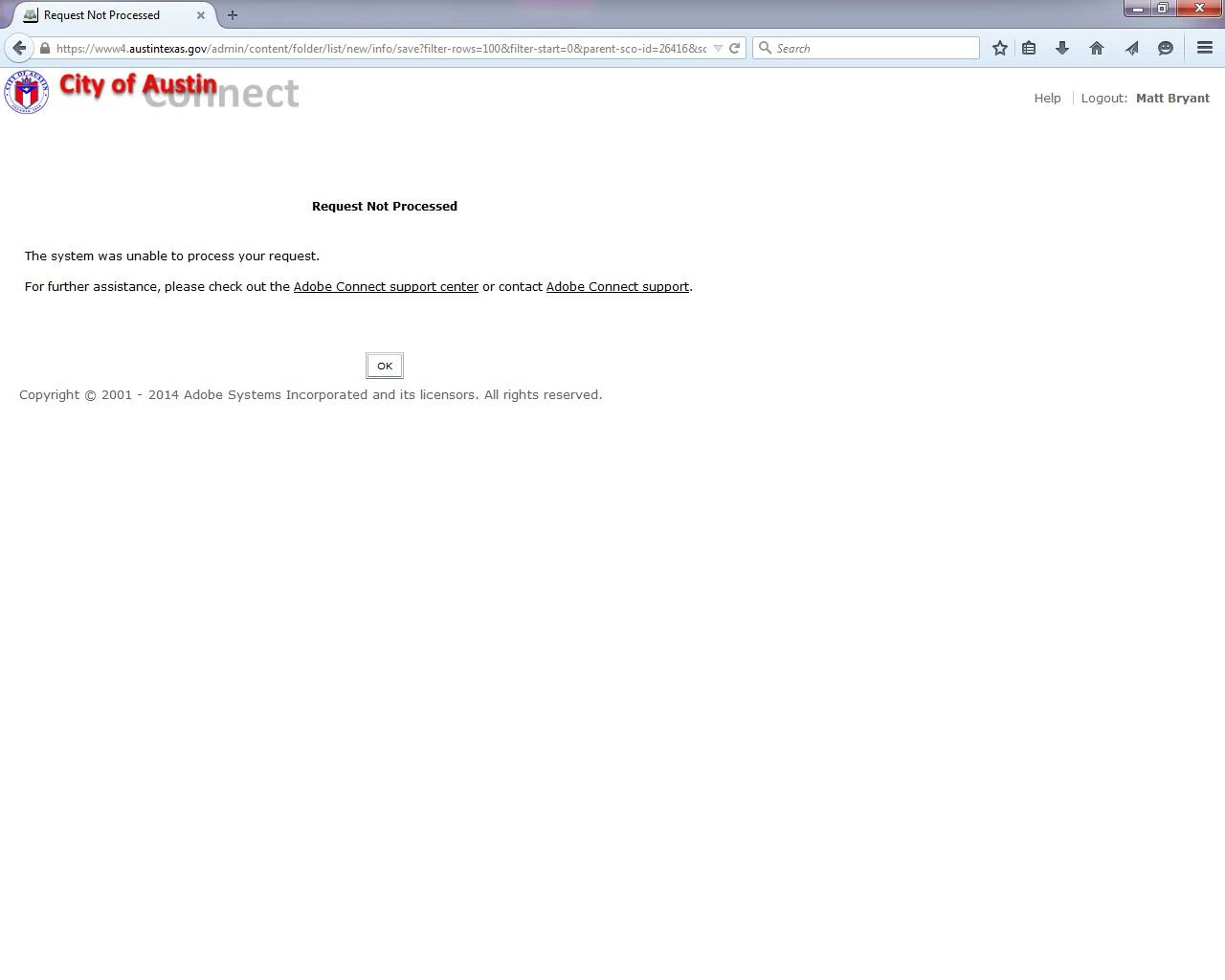
    Well I am  uploading as content onto the Adobe Connect Server.  It just says request not processed.  


    Hmm, not a very helpful message it is?

    It may very well be that the formatting of the source files changed between now and Connect 6 so the current server doesn't recognize the contents. I would say you have two reasonable solutions.

    1. If the old server is going to remain online, just provide the link to the recording from the old server and deal with any tracking/reporting there.
    2. Use a screen capture application (Camtasia or something similar) and make a video of the recording. Then place the video (MP4 or FLV) on the new Connect server.

    1 reply

    Jorma_at_CoSo
    Legend
    April 15, 2015

    You can try adding /output/yourNameHere.zip?download=zip to the url for the recording and you will get a zip file with the recording source files. You can then upload the source files to the new server as a new Content object. However, if the recording has a shared presentation or other item in the share pod (other than screen sharing or white boarding) that portion of the recording will likely not work, as the objects are called by the recording instead of being in the recording.

    mattb68955680
    Participant
    April 15, 2015

    Thank you for the response.  I do remenber that was kind of what I tried in the past and the using that command worked to pull down the file.  I have an output file .zip file.

    But the file still did not upload in the Adobe Connect Server which is version 9.3

    Does anyone know why this would be?

    Jorma_at_CoSo
    Legend
    April 15, 2015

    It could be because of the formatting of the source files (a lot has changed in Connect since version 6). Where are you trying to upload it to in Connect? What errors are you getting?