

Question
how can i undock a pod on Lenovo T450?
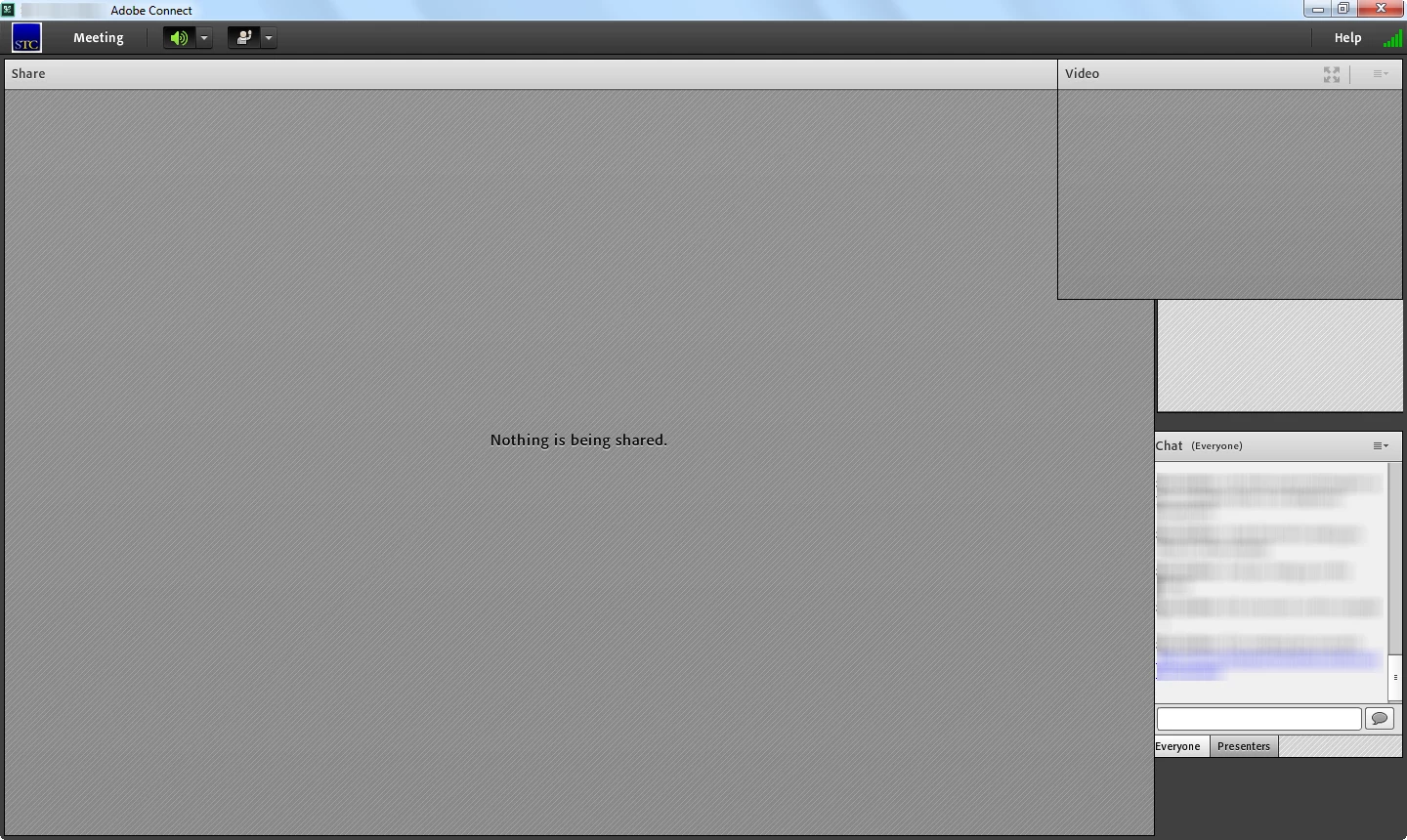
I just switched from a Dell laptop to a Lenovo T450. I was trying to lead an Adobe Connect meeting, and when I tried handing off to another presenter, i was blocked by a Video pod that would not undock, close, or move in any way. This video pod blocked the pod listing the attendees, as well as the control menu for the Share pod. And I could not dock, undock, or move the Chat pod. I did try clicking the maximize icon twice to resize the Connect window. Another meeting attendee had to set up a new meeting from another hosting site and send another meeting notice before we could proceed, b/c my meeting was unusable.


 AdChoices