
Question
Internet Explorer shows my slides in the screen top left
hello community,
I have following problem.
When I publish a finnished e-learning from captivate 5 with adobe connect sometimes are the slides in the screen top left and not in the centre. We use Internet Explorer 8.
I use the project size 1024 x 576 pixels in captivate
Is this a consciously problem? I don`t find anything about this problem.
Are there any settings I don`t know in connect/captivate ?
Thanks for support
stefaN
My settings
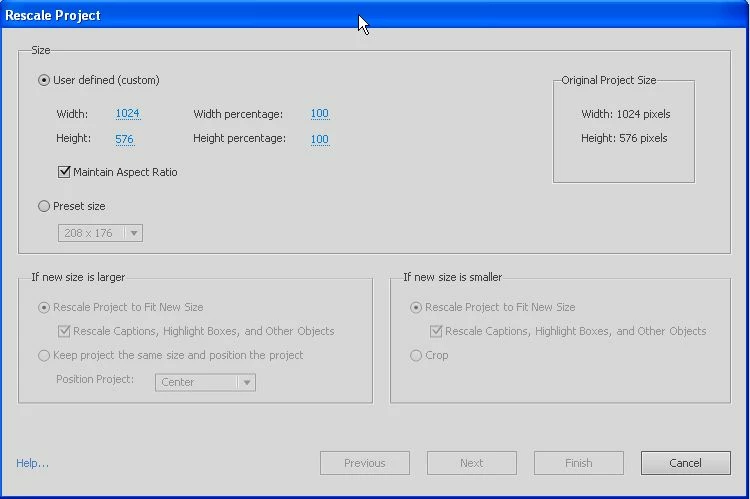
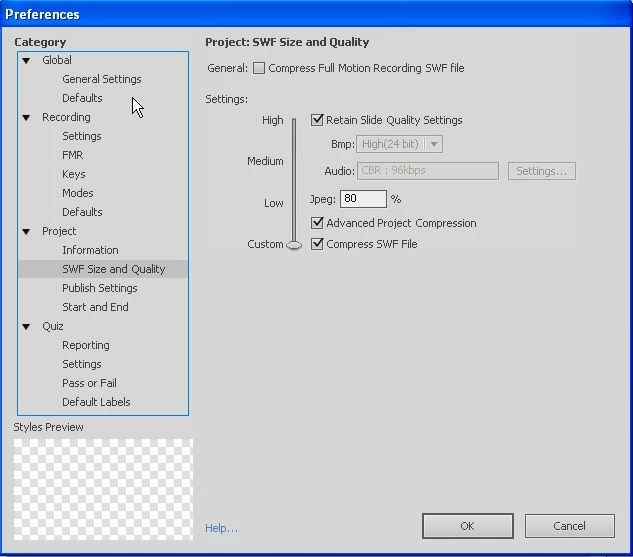
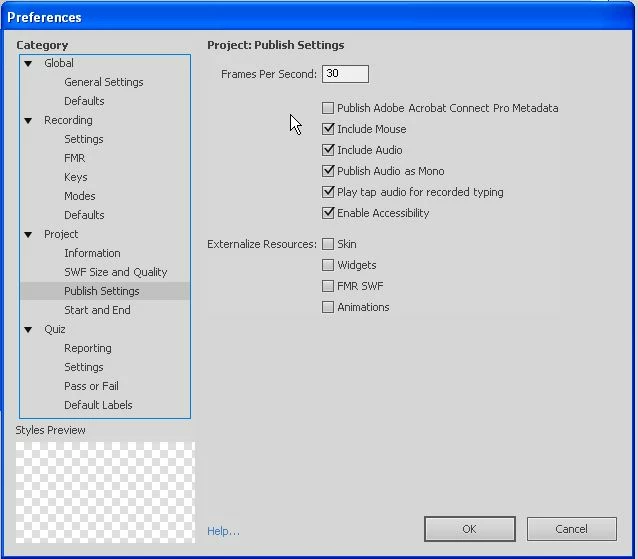
My problem:
Like
hello again, now I found the problem but I don`t know how I dissolve it. The problems are the widgets in my e-learning. With Widget the slide is in the screen top left, without Widget in the middle. But wh`? I am verry pleasure for answer stefaN


 AdChoices