
Question
PDF Version Warning - can I disable this?
Hi,
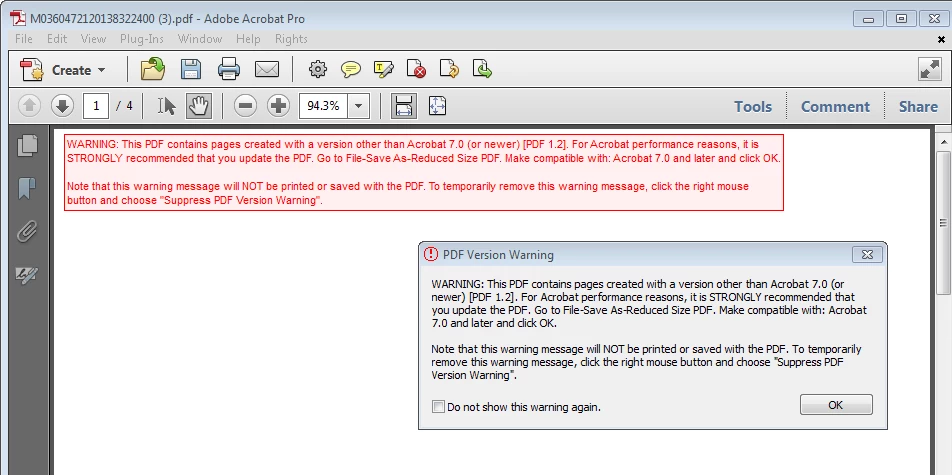
We have to open a lot of individual PDF documents in my office. Almost all of them open up with this warning: "WARNING: This PDF contains pages created with a version other than Acrobat 7.0..."
It would be great if we could disable this message from popping up when we open PDF files. Does anyone know how to disable it? The red warning up top says you can "Suppress PDF Version Warning" by right clicking and selecting that option, but the warning still comes up every time we open a new document. Can we permanently disable this warning? I have attached a screen shot below. Please let me know, thanks for your help!
Johnny


 AdChoices