Participant
April 1, 2021
Question

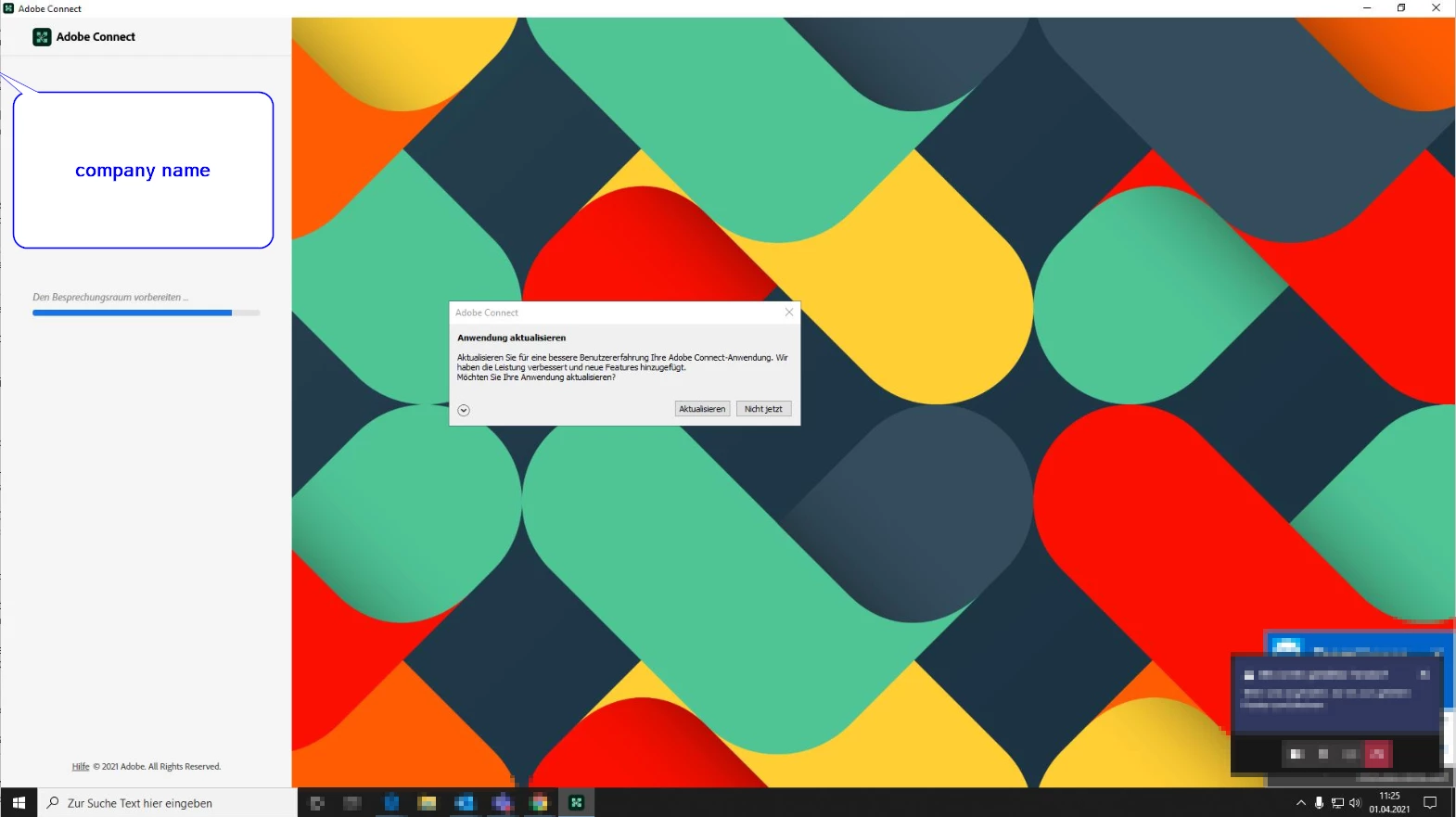
prepare the meeting room freezing in adobe Connect desktop app

  • April 1, 2021
  • 2 replies
  • 458 views

Prepare the meeting room desktop application freezes and hangs endlessly. It started happening since applying the latest update to Adobe Connect application.

    This topic has been closed for replies.

    2 replies

    Jorma_at_CoSo
    Legend
    April 1, 2021

    A hang at that point in the meeting load screen is usually due to the connection to the meeting's media stream being blocked. Are you on a VPN? 

    If you are joining in the App (which is what you have pictured), then it will be attempting an RTMP or RTMPS connection over ports 1935 or 443. The browser version will try a WS or WSS connection over ports 80 or 443, so you have the information for your IT team.

    If you are on a VPN, you may need to work with your IT department to white list the connection to the Adobe Connect account or join after disconnecting from the VPN. This tends to be more of an issue with the App than the browser. 

    FWIW, when using the App it is browser agnostic. Chaning your browser won't make any difference. The App is Chromium based, so it is going to behave like Google Chrome.

    Chris Zabriskie
    Known Participant
    April 1, 2021

    A few things you may want to try are 1) a different browser, 2) opening the meeting in the browser.


    I agree it SHOULD work without extra measures.  But these are a few things that I've found to work when this does happen.