
Saving a PDF document from a website
When a bank has a document for you on its website, when you click the link a PDF document appears on the screen. There isn’t a menubar on the document, however when you hover the mouse cursor over the document, this toolbar appears
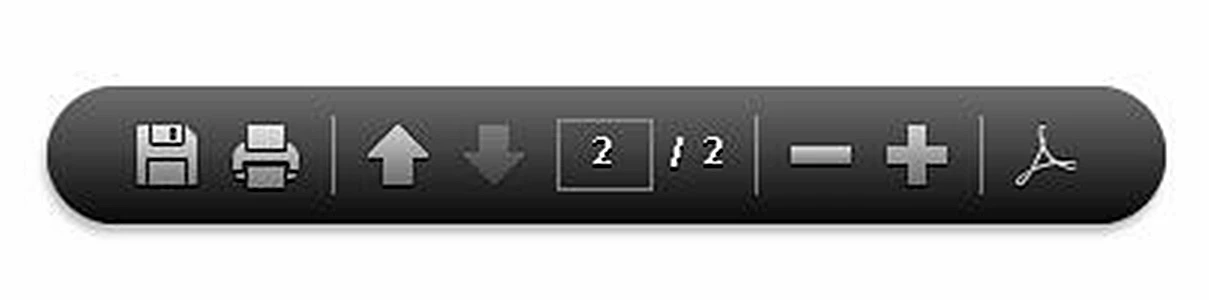
It’s obviously supposed to allow you to save, print, scroll, or adjust the magnification of the document, but nothing I do to this toolbar does anything. I’ve tried right and left clicking on the toolbar, ALT clicking, CTRL clicking, and SHIFT clicking and nothing has any effect. I end up right-clicking somewhere else on the document and printing it to a printer connected to my computer when I’d prefer to save it as a PDF document. Do you know how to use this toolbar? If you know the answer, please feel free to email me a kfieldscpa@gmail.com. Thanks for your help.


 AdChoices