
January 14, 2013
Question

SSO and Guest Access

  • January 14, 2013
  • 2 replies
  • 2832 views

What options do I have for configuring single sign-on (SSO) with Adobe Connect v9?

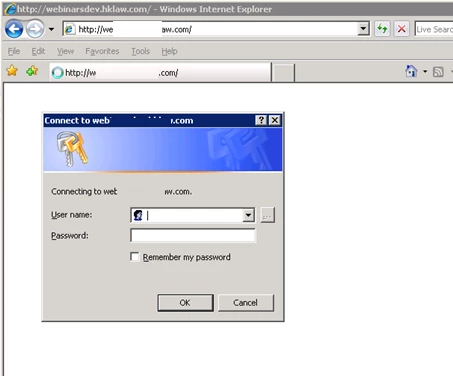
I have conferences that are for employees only or for both guests and employees. When employees are logged into our domain SSO works as expected. For guests and employees not logged into our domain they are prompted to login, they will fail login (which I expect) and then are redirected to the Adobe Connect login page. How do I bypass authentication and get them directly to the Adobe login page?
 

This topic has been closed for replies.

2 replies

Adobe Employee
May 10, 2013

Hi Lee, Have you considered using the LDAP BSA (now I believe called CSA) tool? It authenticates against your AD/LDAP service so is not exactly true single sign on, but the advantage of this is that you can fall back against Connect's internal authentication:

http://helpx.adobe.com/adobe-connect/kb/configure-ldap-authenticator-connect.html

vamp_davis
Participating Frequently
January 25, 2013

Hey there!

Try this document deploy and install on Connect 8 (it will be same or close to 9)

http://help.adobe.com/en_US/connect/8.0/installconfigure/connect_8_install.pdf

Hope it helps.

Well have the v9 here too:

http://help.adobe.com/en_US/connect/9.0/installconfigure/connect_9_install.pdf

Good luck

Message was edited by: vamp_davis

January 25, 2013

Thank you. I believe I need a reverse proxy (like Shibboleth) in order for it to work the way we need it to. I don't know if there are other solutions.

Participant
May 10, 2013

Running into the same issue now, did you find a workable solution?