
Question
Unable to share application in Connect desktop app on Mac
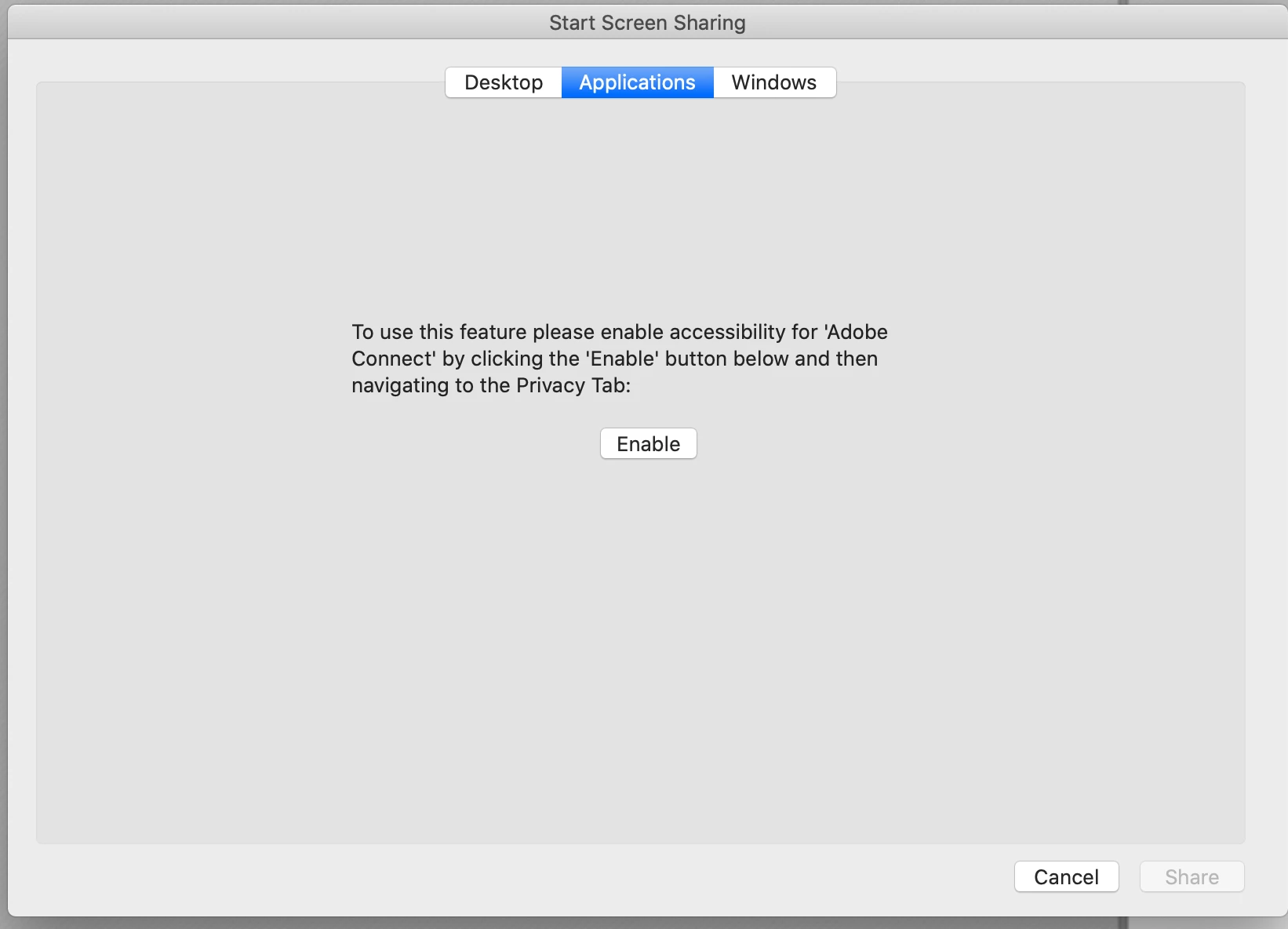
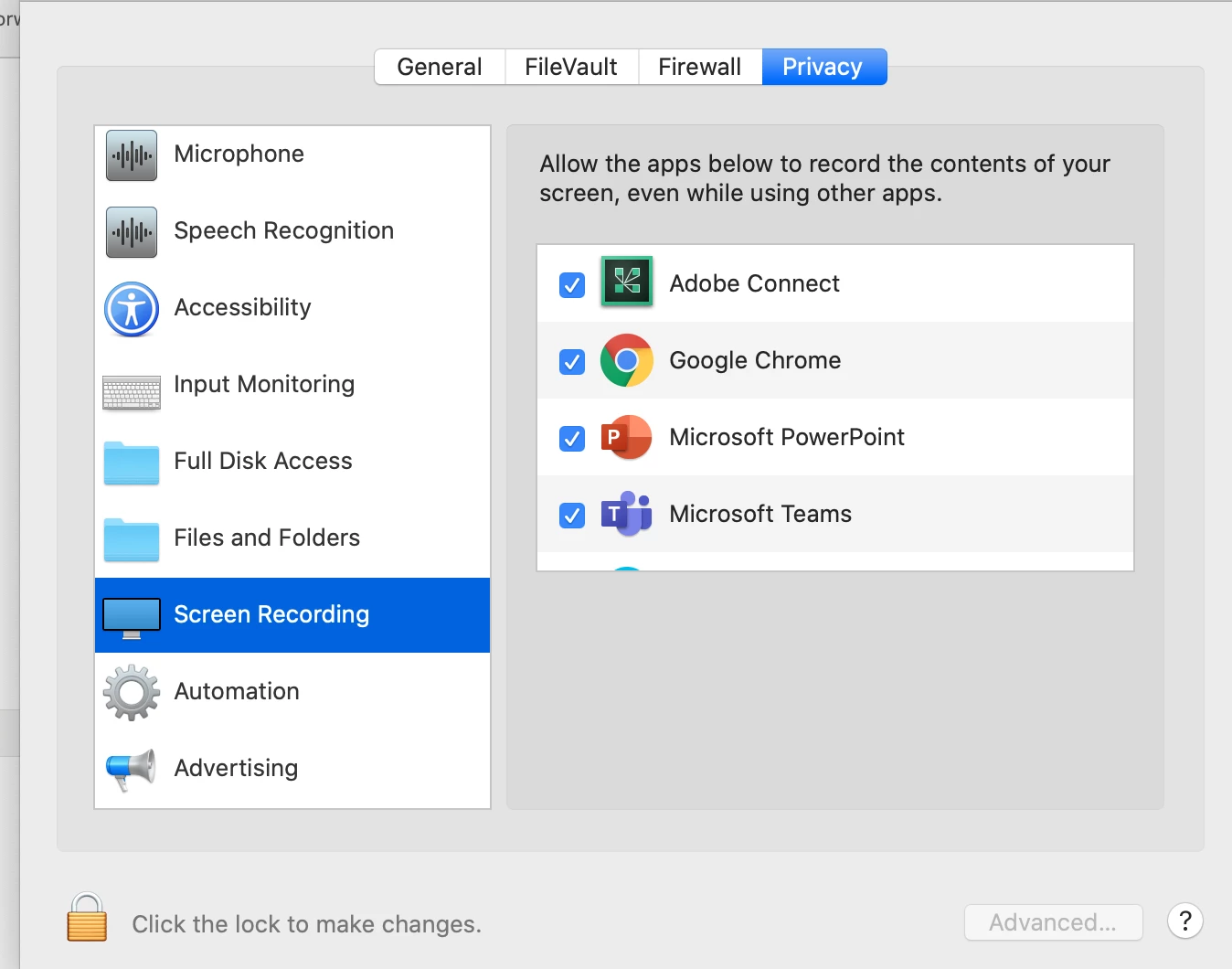
I'm on a MacBook Air running macOS Catalina 10.15.4. I've downloaded the Adobe Connect desktop application and am testing it out. I want to share an application, not the entire desktop, but I get the message to grant rights to Screen Recording for the Adobe Connect app in Security & Privacy. I've done this multiple times. I've closed the desktop app. I've rebooted. I've turned the setting off and then back on. I've rebooted again. I continue to get the message and can only share my entire desktop. (The "Windows" option gives the same message.) I won't use Adobe Connect if I can't get this fixed. Ideas?


 AdChoices