



Answered
2D and 3D views don't match
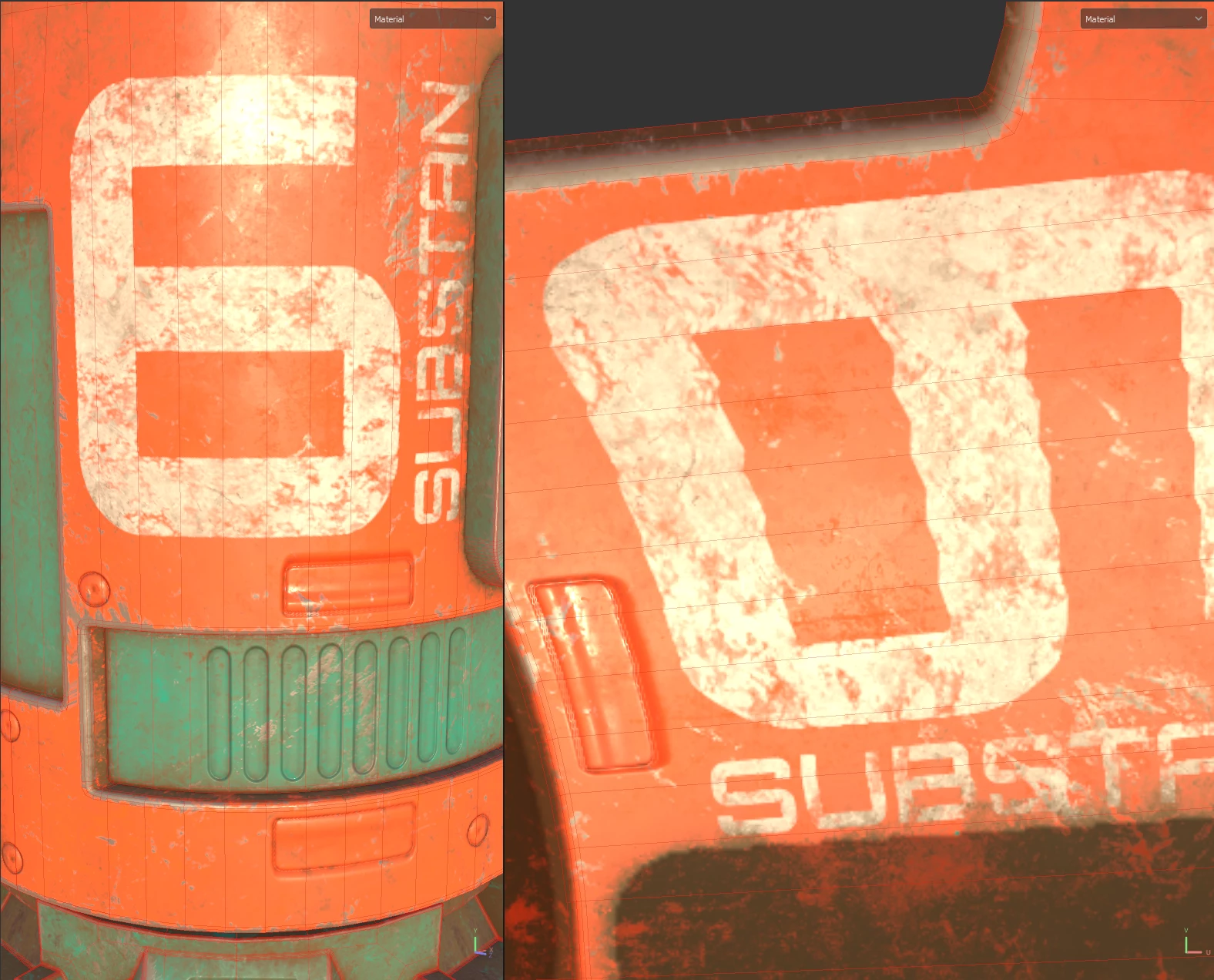
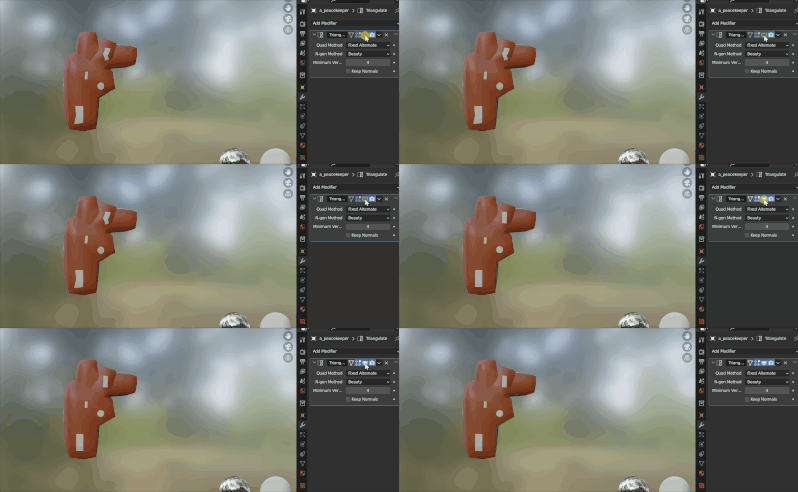
I just went through one of the tutorials Adobe has on their website for Substance Painter (https://www.youtube.com/watch?v=_j27AS0VQOw) and I got to the end when I noticed something weird on mine. In Blender, the textures were all wavy. When I looked in Substance Painter, the 3D view looks straight, but the 2D view looks wavy! It affects all the maps from what I can see.
I'm not sure what I can do to fix this. Because the maps themselves are wavy throughout it, any software I bring it into looks wavy. But in SP it looks straight in the 3D view. I thought maybe there was some sort of smoothing on, or the map was misaligned, but I can't seem to find the culprit.

 AdChoices