Lucia.
Known Participant
November 5, 2024
Question

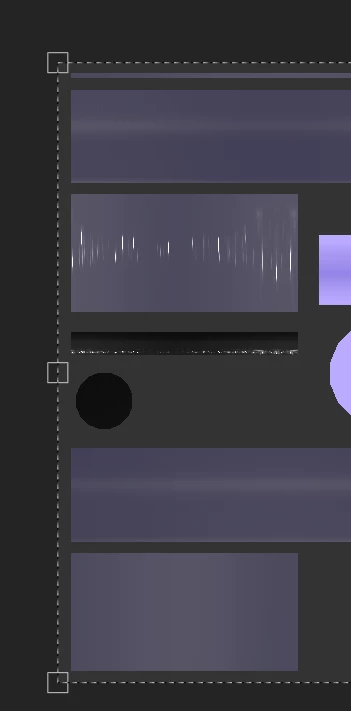
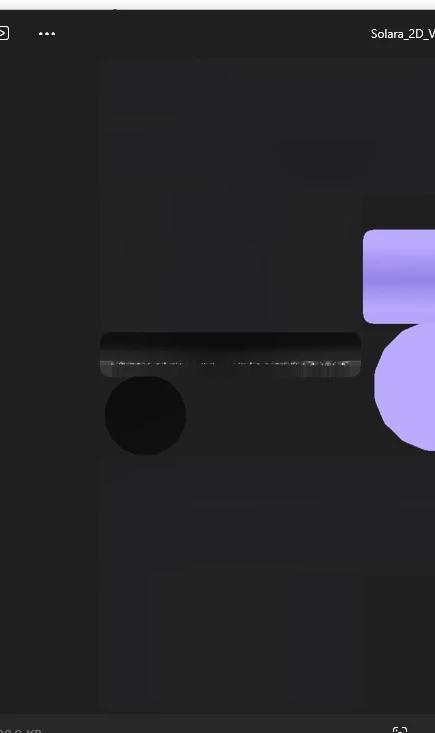
2D viewport exporting transparent part of texture with more transparency then shown in the program?

  • November 5, 2024
  • 3 replies
  • 208 views

In Painter:


Exported version:


Idk how to fix this?

This topic has been closed for replies.

3 replies

Cyril Dellenbach
Community Manager
Community Manager
November 25, 2024

Hello @Lucia.,


Thank you for the message, and sorry we missed it back when it was sent.


That's more or less the expected behavior. The Opacity channel, even when exporting the 2D view is set in the Alpha channel of the map. Therefore, the background will have an influence on how those parts are displayed.


If you strickly want the same look as your Painter view, you'll have to add a background with the same color value as the background of Painter's 2D View.


Best regards,

Cyril Dellenbach (Micro) | QA Support Artist | Adobe
Lucia.
Lucia.Author
Known Participant
November 26, 2024

That's the thing though. I tested this out, and it was still way more dimmer and pale, even with the same background when exported.

Lucia.
Lucia.Author
Known Participant
November 25, 2024

Bump

Lucia.
Lucia.Author
Known Participant
November 6, 2024

BUMP

I'd also like to add that anything under 100% opacity seems to export with less brightness and vividness than shown in the 2D viewport.