



A shading solution to get more accurate roughness between Substance Painter and Unreal Engine 5
Hey there, I am making a Sci-Fi gun model that I want to showcase in Unreal Engine 5. I have decided to create the textures in Substance Painter and am having issues getting it to be consistent between the two.
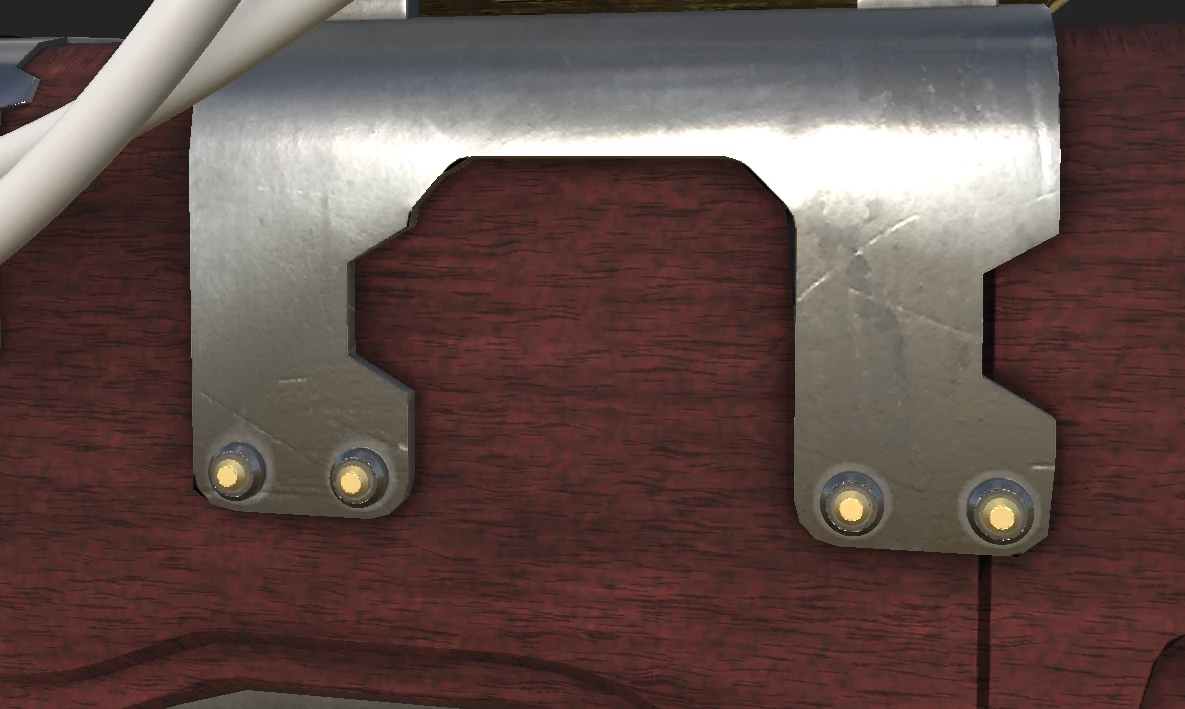
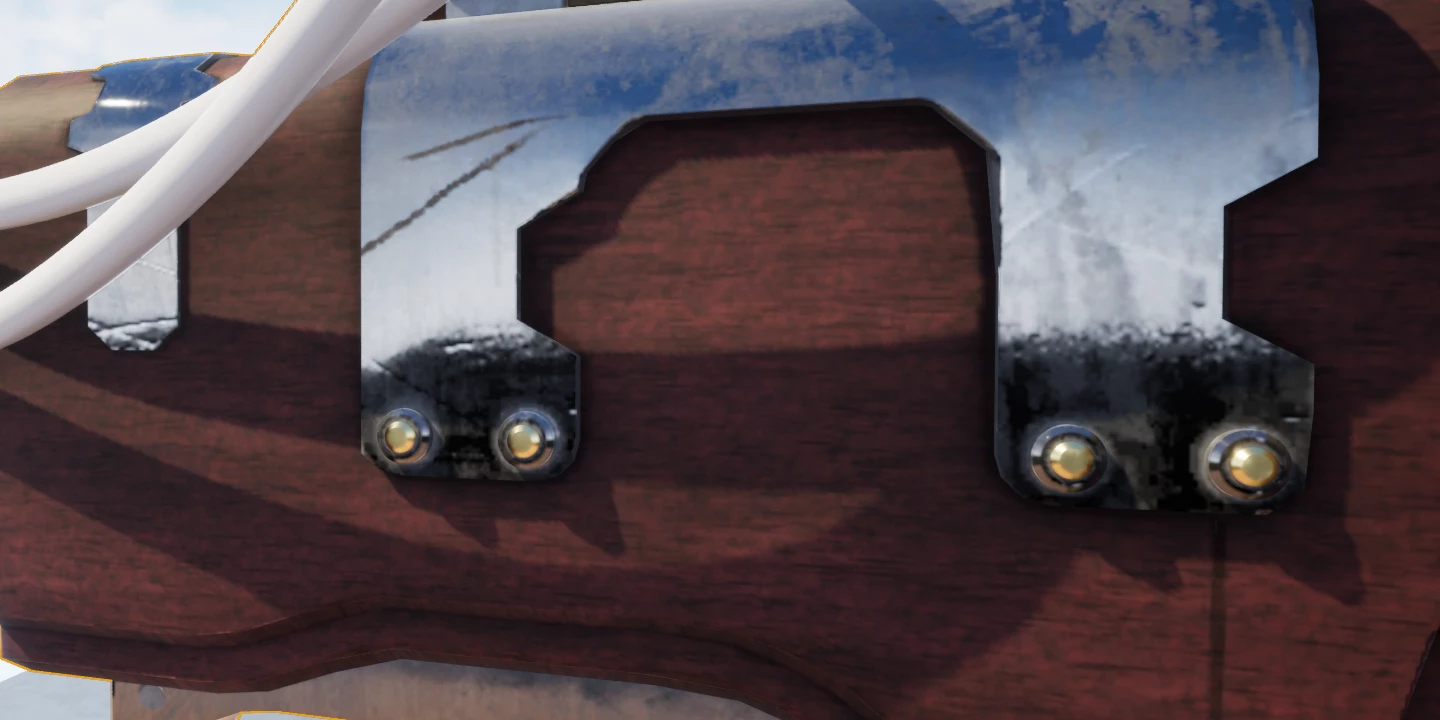
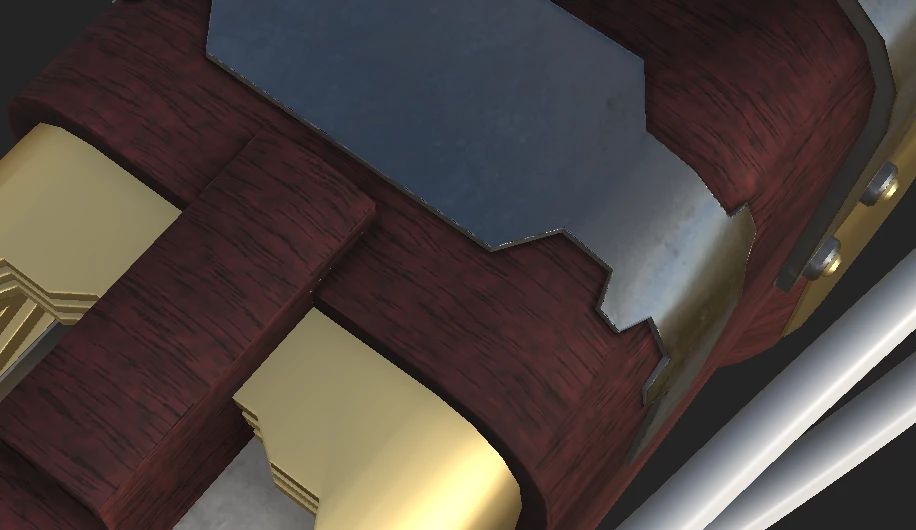
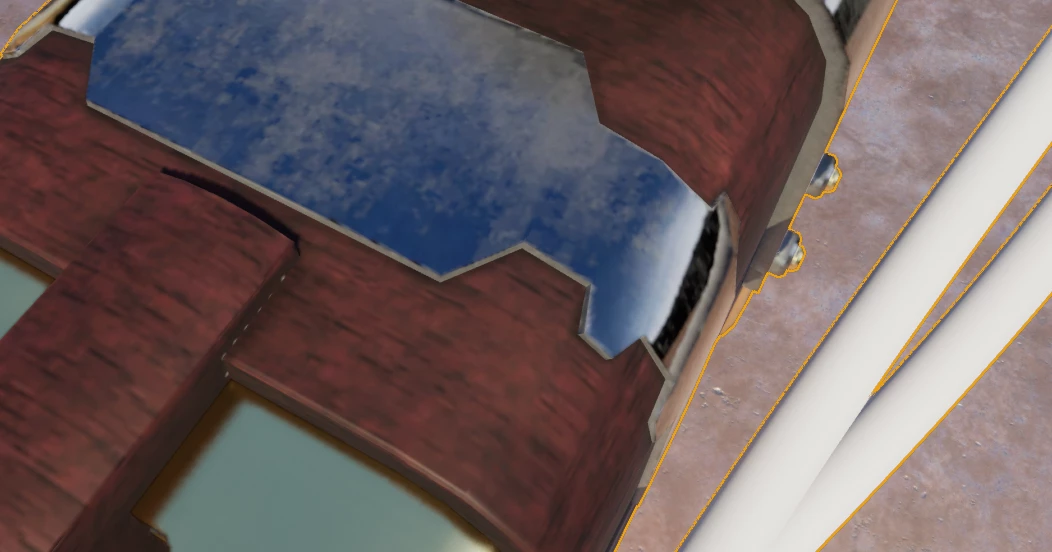
Posted below are examples of the shading differences between the applications. UE5 seems much more reflective then Substance at the same roughness level. I am using the UE4 packed template in Substance.
Is there a way I could get Substance to have shading more like UE5 that way I could work on the textures knowing they will look accurate in UE5?
I don’t have much experience working between UE5 and Substance so perhaps I missed something.
Any feedback would be greatly appreciated!
I also posted this on the Unreal Forums I'll update this if I find a solution
Thanks a bunch!
-Elliot
Substance Painter
UE5
Substance painter
UE5
 AdChoices