


Participating Frequently
Apr 19, 2024 3:46 PM UTC
Question

About exporting normal maps

Hi everyone,


I have unwrapped a model following the automated process.

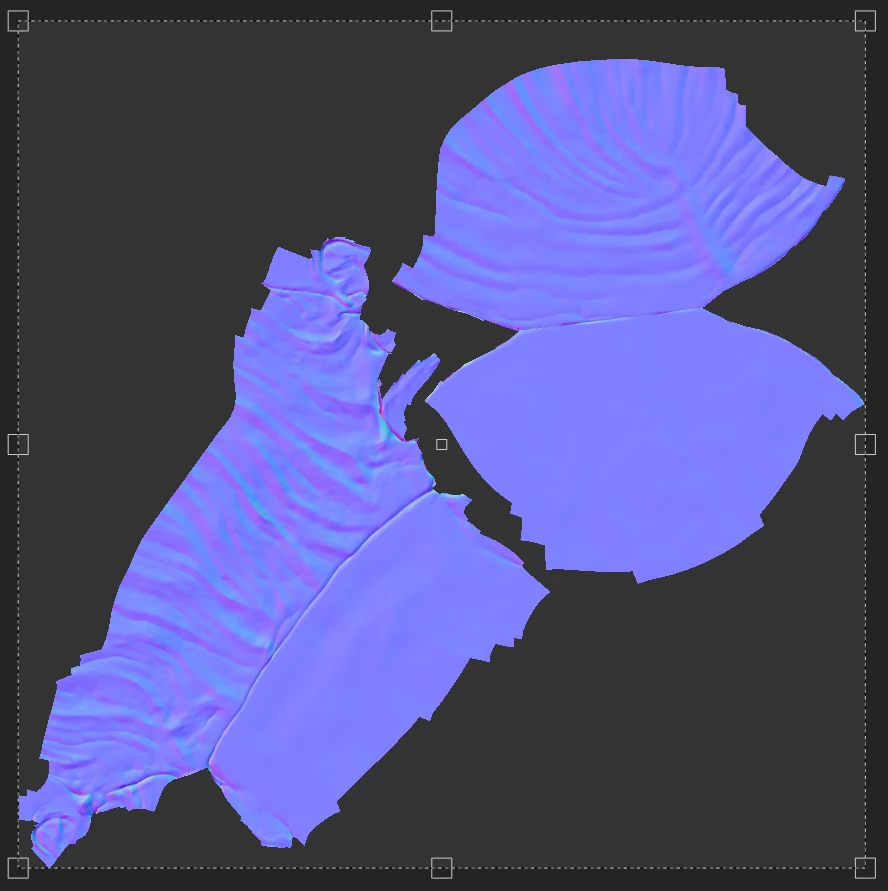
I have checked the normal map in S3DP: it looks good and has black background between the islands.

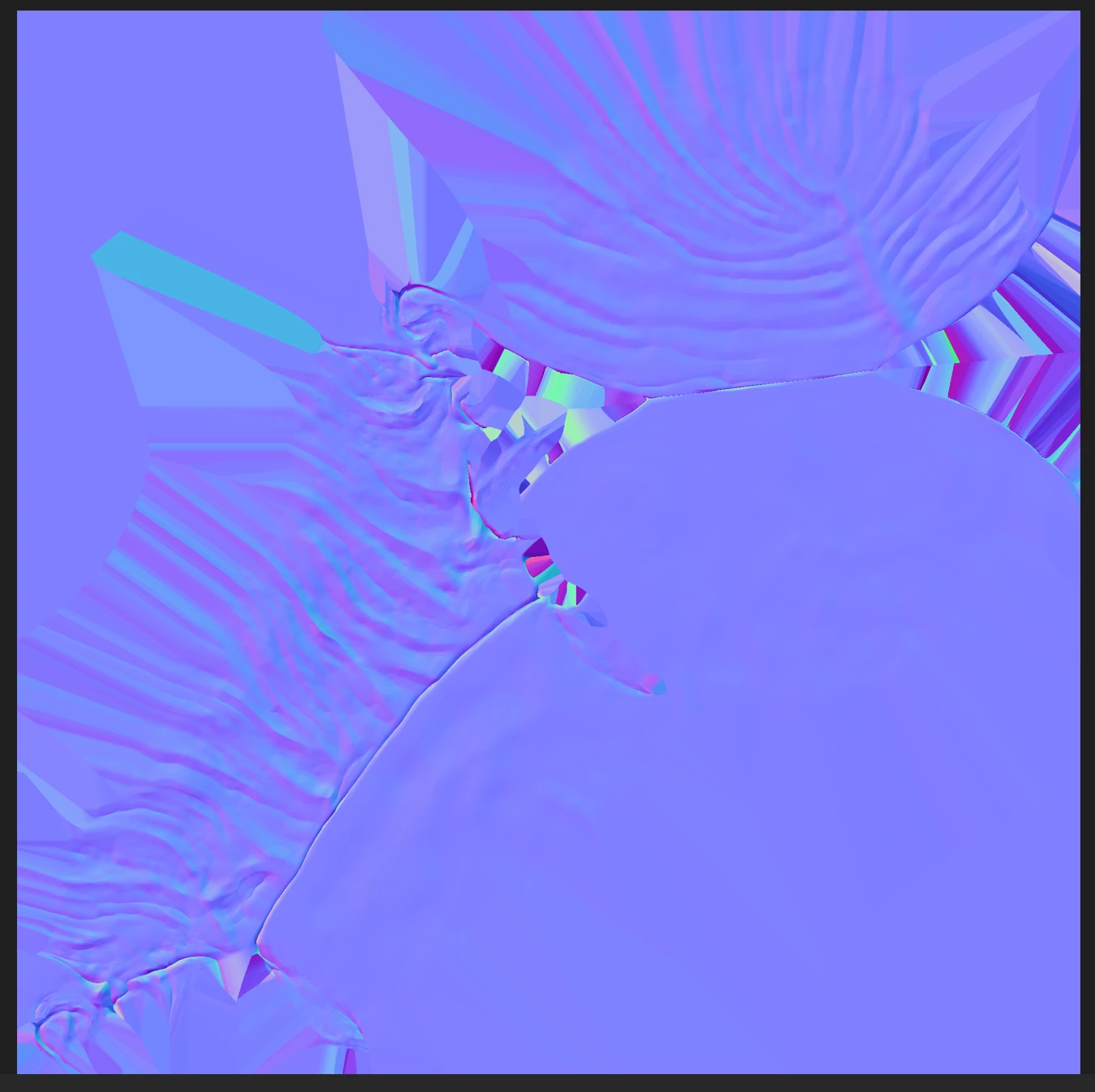
After exporting it, I've got a different map having purple/blue color for background with artefacts.


The question is: is there any setting allowing to get black background between islands, like in S3DP, after export?

I think it would be better for visualization.


Thanks a lot!
This topic is closed to new replies. Start a new post to keep the conversation going.

8 replies

Participating Frequently
Apr 23, 2024 8:28 PM UTC

Any idea maybe? Thanks.

Translate
davescm
Community Expert
Community Expert
Apr 24, 2024 8:34 PM UTC

Check your padding settings in Export >Settings> Global (and by individual texture set if overridden). The screenshot you show is expected when padding is set to dilation infinite.


Dave

Translate
Participating Frequently
May 3, 2024 12:38 PM UTC

Hi,

Thanks for reply.

Unfortunately it doesn't solve the issue.

I tried first "Dilation + Transparent" and then the other options.

Translate