Known Participant
October 6, 2026
Question

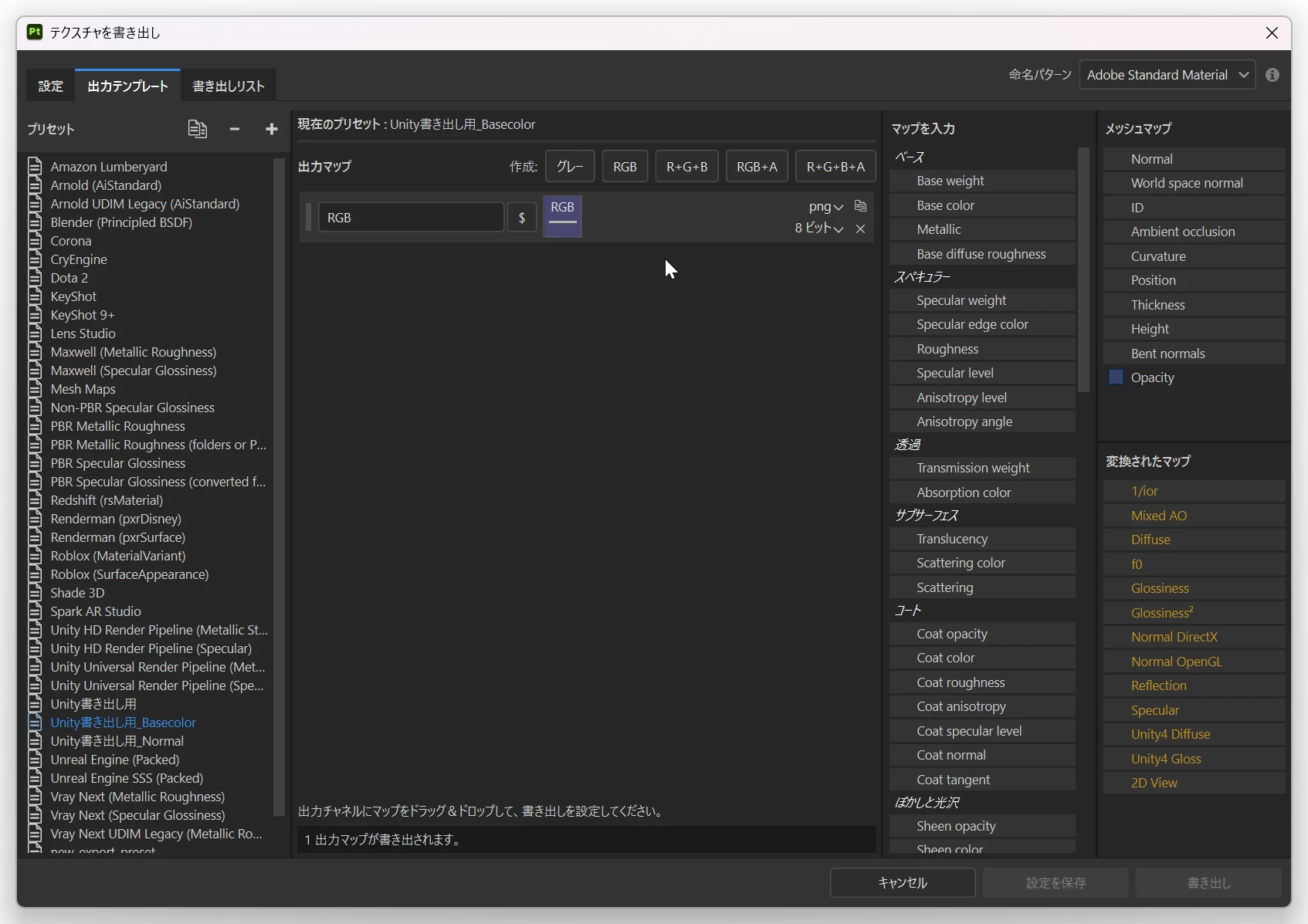
Alpha付きのテクスチャを書き出ししたい

I want to export a base color with transparency.

When I select RGB in the output template settings and drag and drop Opacity to export, I get an error.

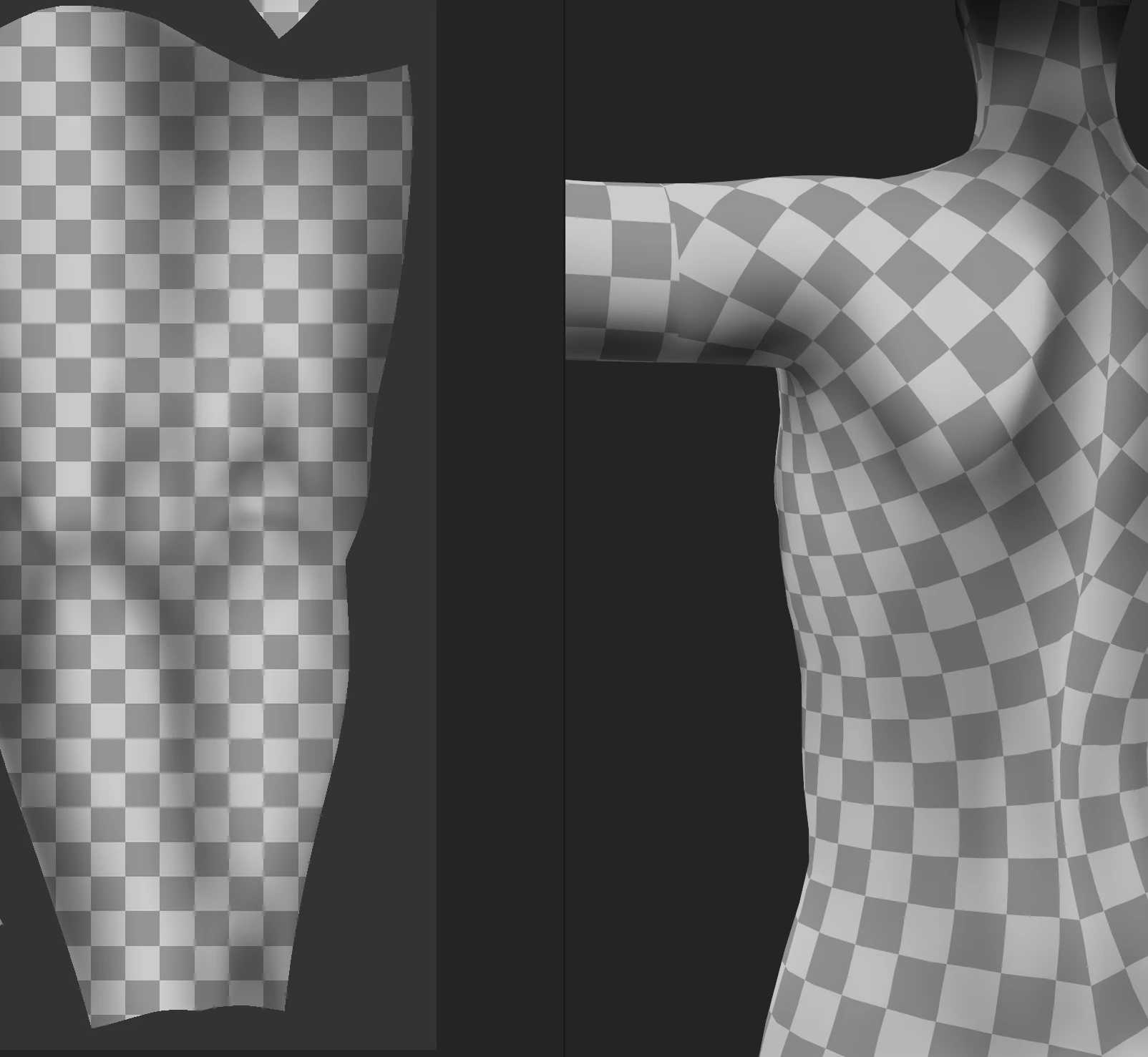
I would like to know how to export a texture with a transparent background.

Thank you in advance.
 

    2 replies

    CORCTON34033231
    Community Expert
    Community Expert
    October 6, 2026

    RGB 形式の出力マップに Opacity をそのまま入れると形式が合わずエラーになります。出力マップのフォーマットを RGBA に変更し、ドロップ時に表示されるメニューで「Alpha」を選択して Opacity を追加してください。ファイル形式は PNG などアルファ対応のものを選べば、透明度付きのベースカラーを書き出せます。参考: https://experienceleague.adobe.com/en/docs/substance-3d-painter/using/export/output-templates/creating-export-presets

    Translate
    Known Participant
    October 6, 2026

    迅速なお返事ありがとうございます。

    ドロップ時に表示されるメニューに「Alpha」がないのですが、どうのようにすればよいでしょうか?

    RGBチャンネルにベースカラー、AチャンネルにOpacityを追加しましたが、「Opacityから」や「チャンネル」を選択してドロップしても透過画像になりませんでした。


    Translate