



Answered
Anti-aliasing on masks
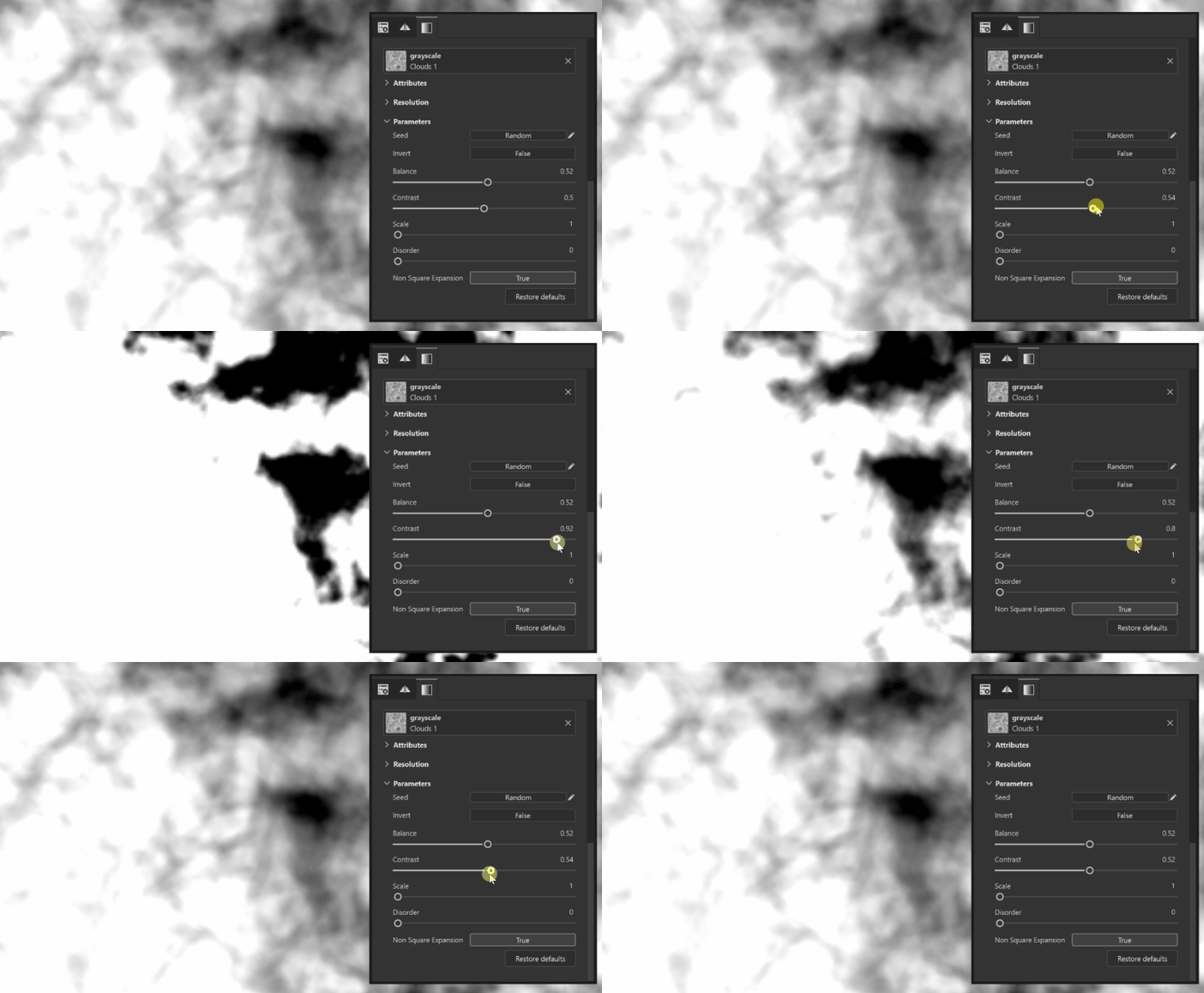
When I set the Balance and Contrast value to 1 for any grayscale mask, a slight gradient forms at the edges of the mask, creating gray pixels on the metallic map. How can I avoid this?
For example, for optimization purposes in some projects, the Metallic map should be made two-toned—either pure white (RGB 255,255,255) or pure black (RGB 0,0,0)—and no gray shades are allowed on the metallic texture.
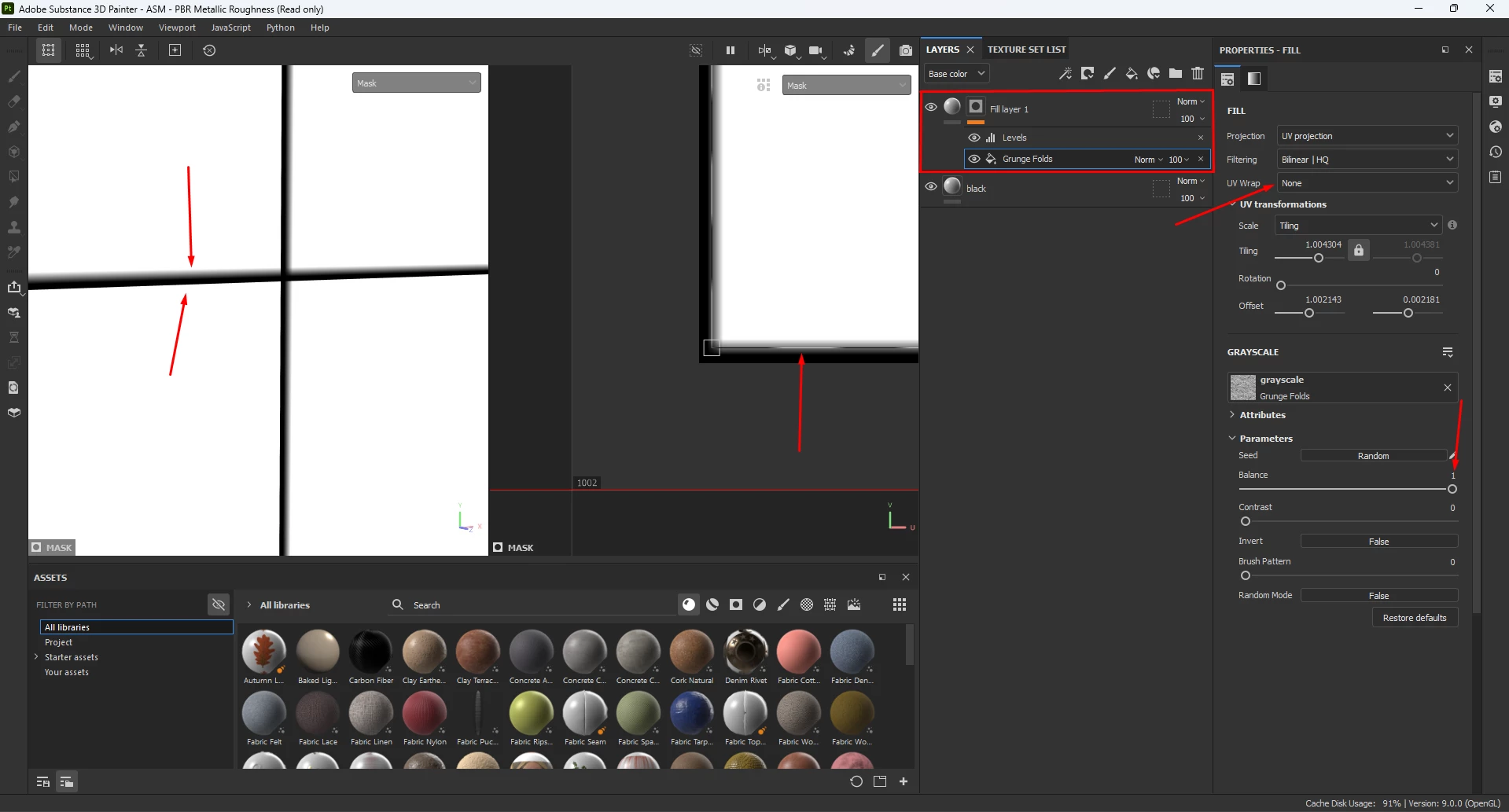
Regarding the example in the screenshot ^
These are 9 rectangular polygons. in the UV map, they all overlap into a single one.
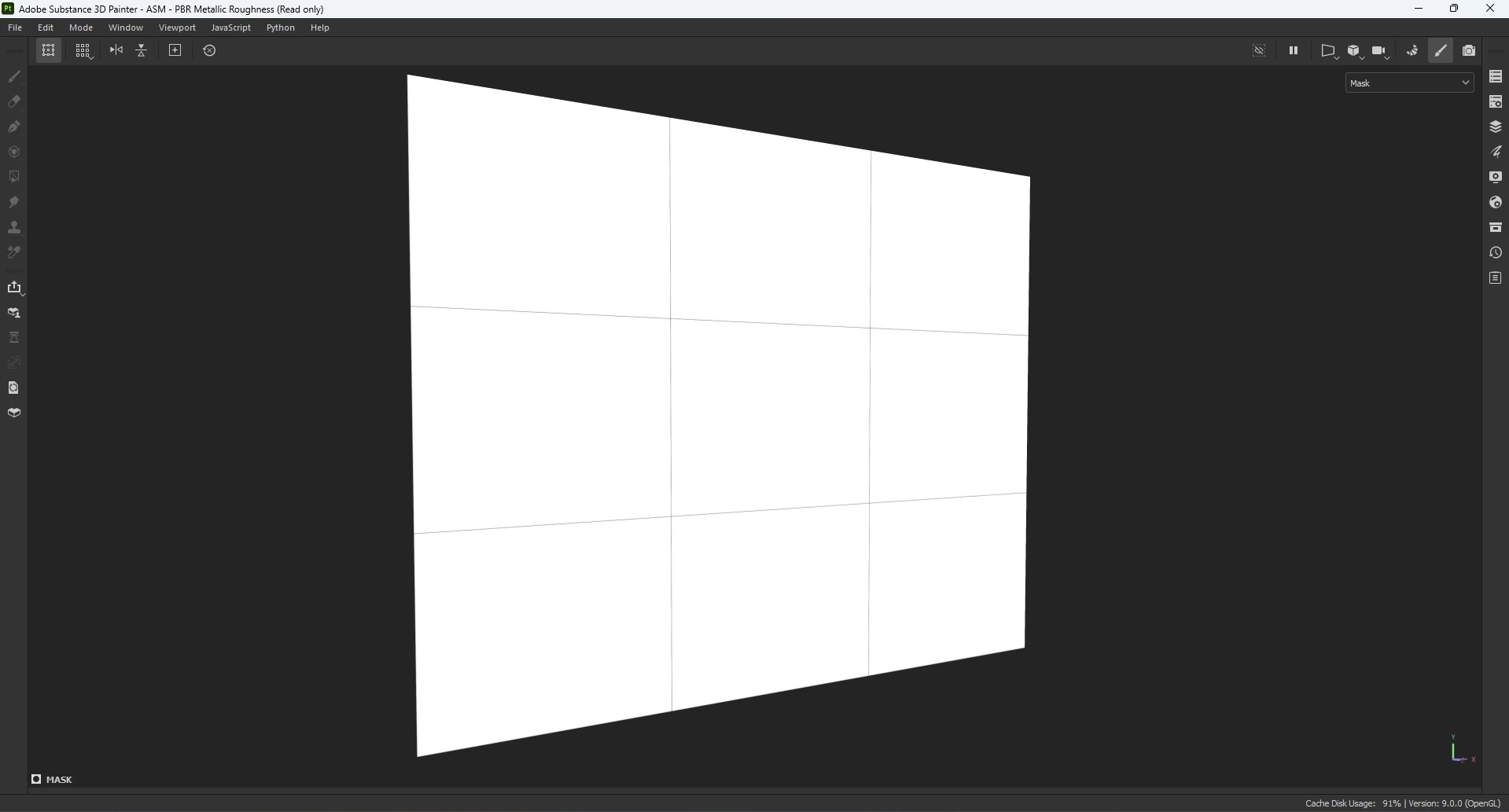
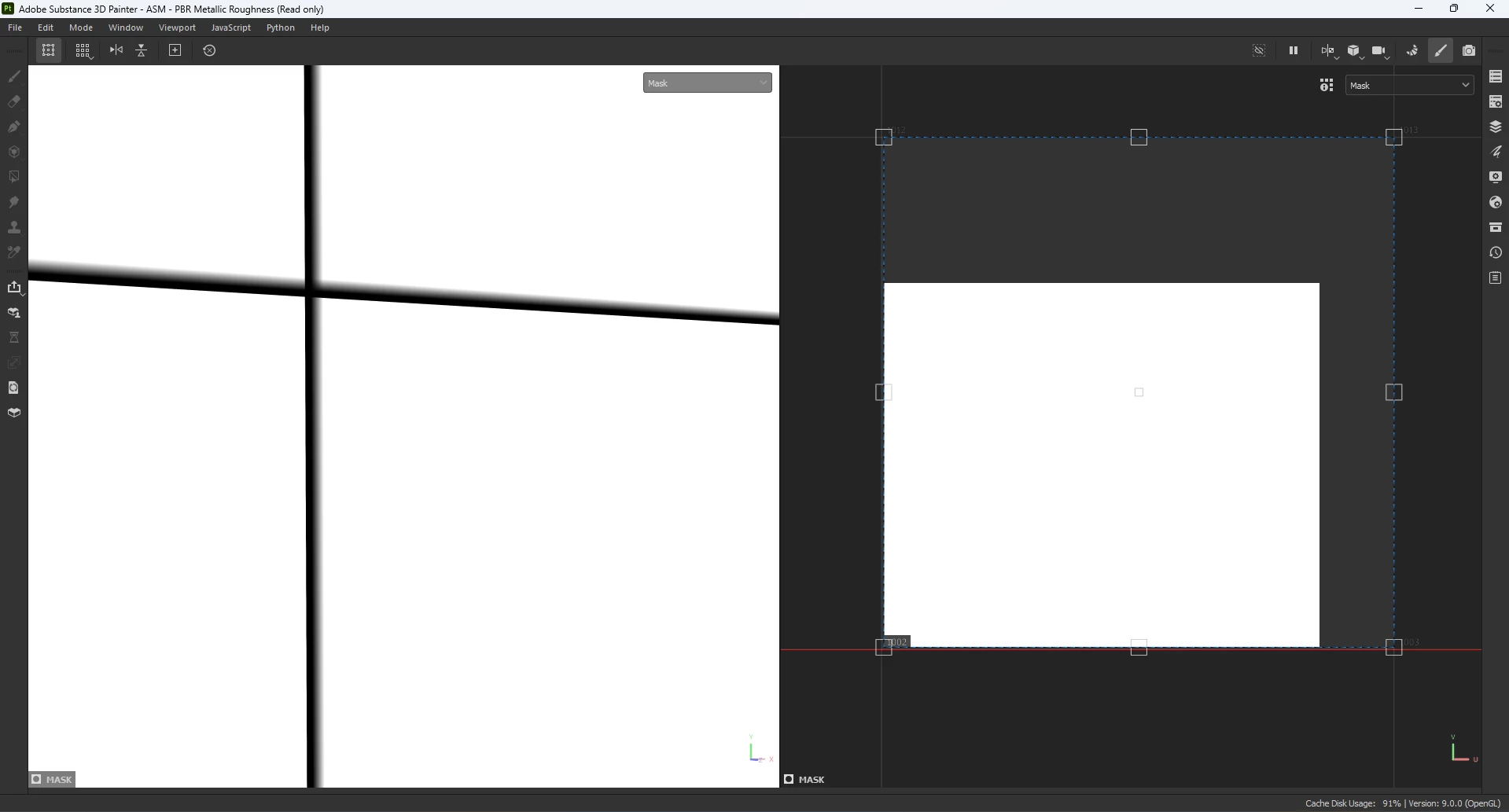
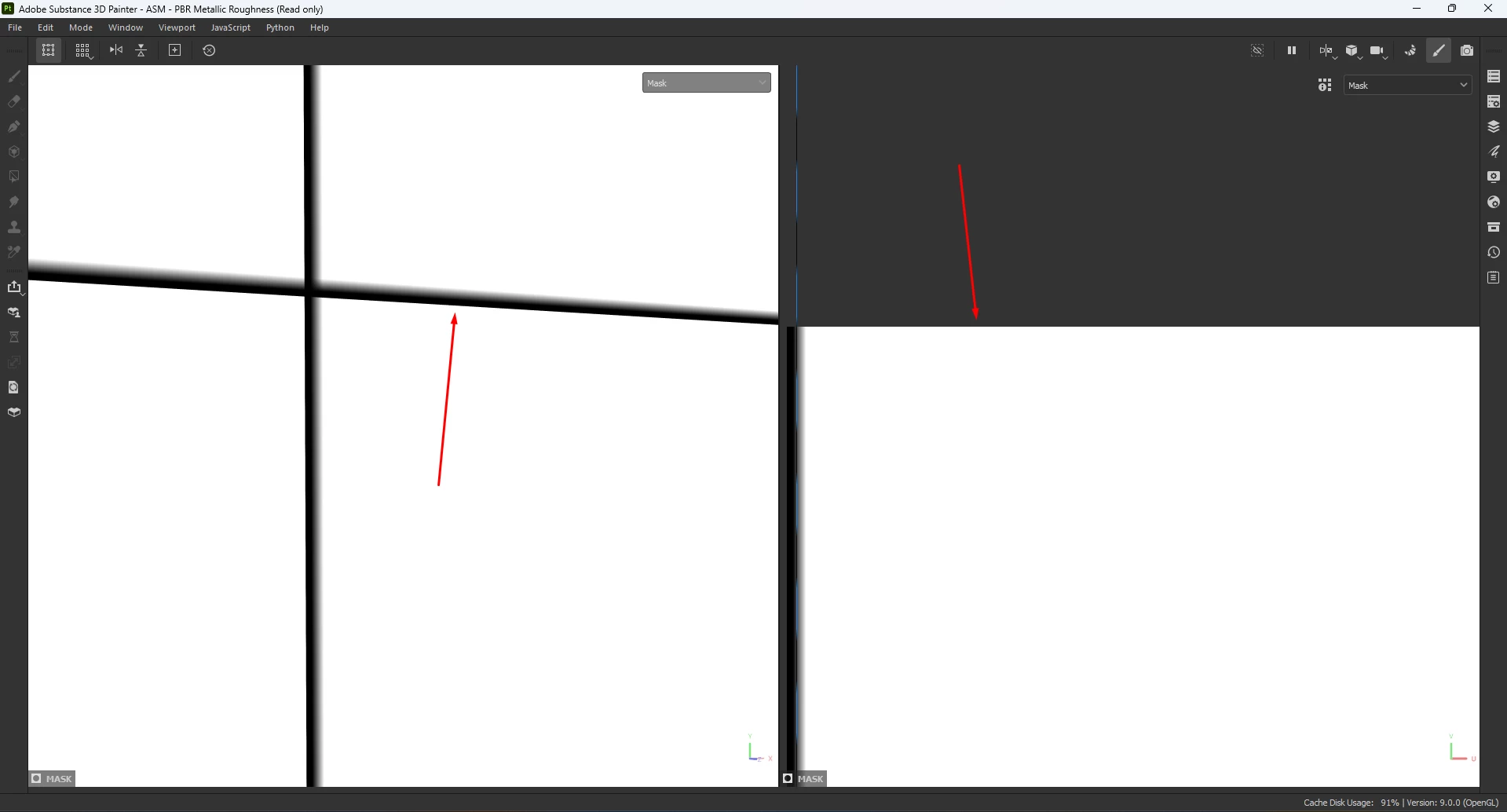
I couldn't find anything in the Substance Painter settings, and various Google searches didn't turn up any answers.
Are there any scripts or plugins that can remove this gradient?

 AdChoices