
Question
Applying the baked mesh map normal back into a layer
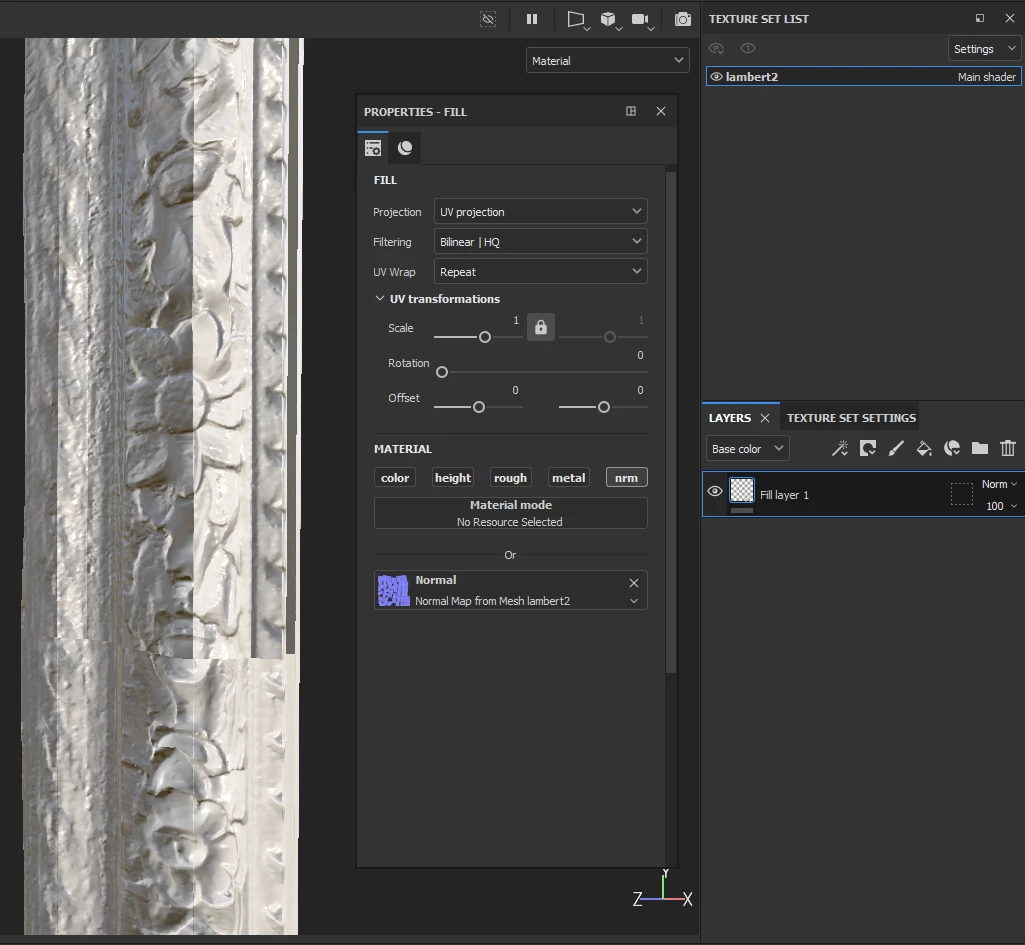
I just created a decent normal map using a high polygon model projected onto my low poly mesh and I'd like to clean it up a little and do some cloning, so I figured I need to assign the generated normal map onto a new fill layer. Something went wrong and now my normals are showing obvious glitches at the texture seams. I've seen something like this happen when a normal map isn't interpreted as the correct color space (linear?), but I don't know if that's even related to what's happening to me.
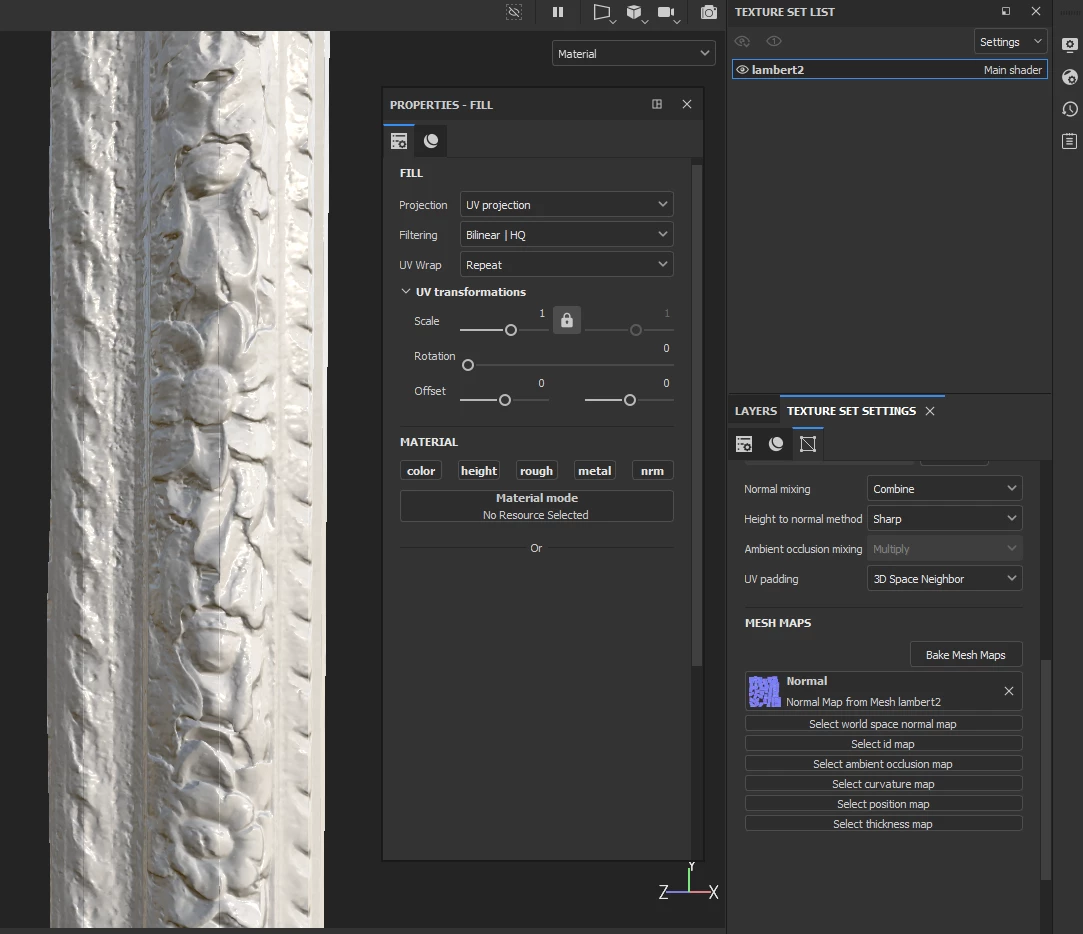
Here's the baked mesh normals:
And here's what it looks like when I tried applying that same normal map to a fill layer:
What am I doing wrong??


 AdChoices