


Bake each mesh's mesh maps separately (Overlapping Meshes)
I am a newbie to Substance Painter so tips and critiques of any kind are welcome. I am making a space ship interior kit for game development. I have many different meshes in one project so I can see the all the parts put together and to make the parts seamlessly connect.
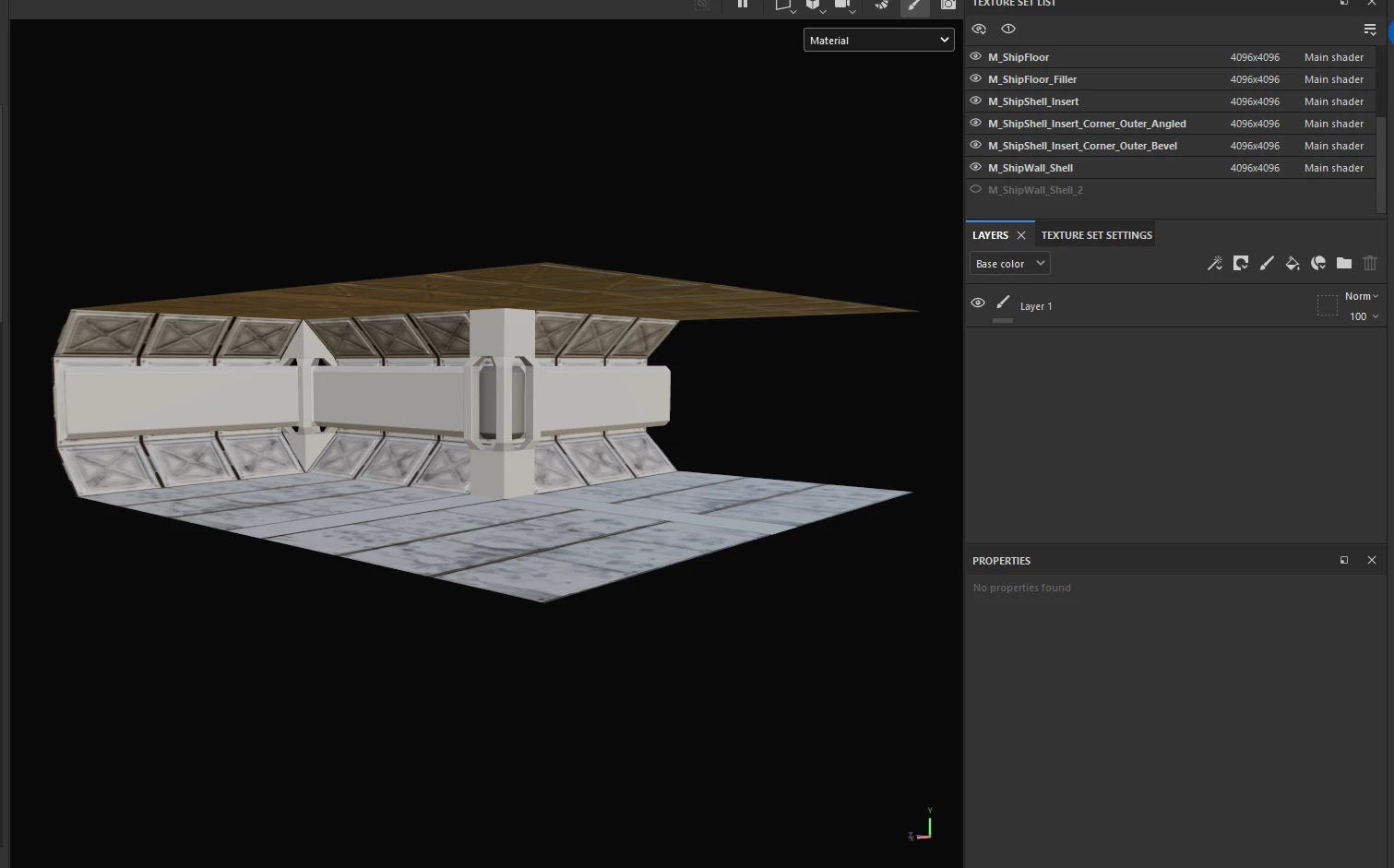
Side Question: Several of the parts (floors, ceilings, walls) are the same object in different spots. Is this okay to do? Will I encounter any problems having it like this?
I even have multiple variations of the same type of object that overlap. Specifically the corner inserts (one is angled one is "beveled" or flat).
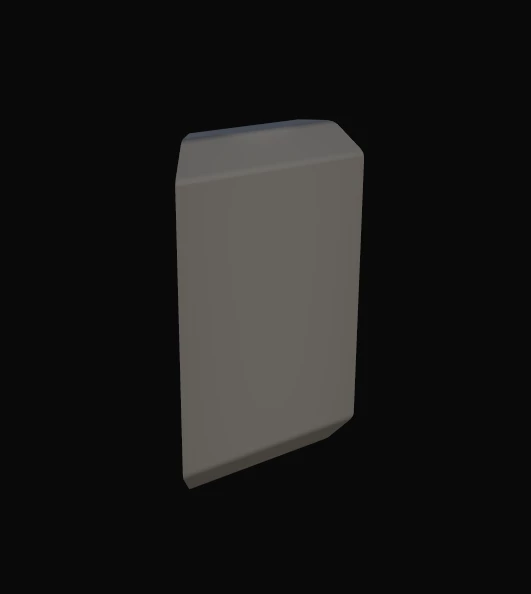
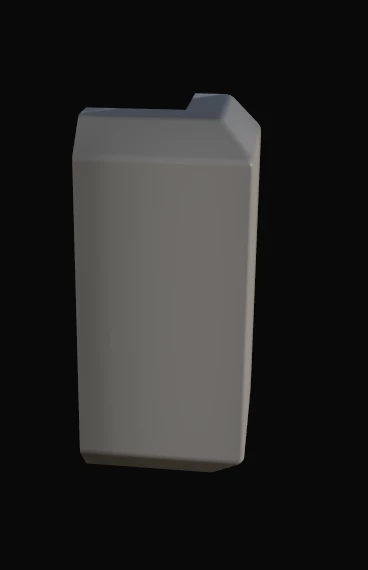
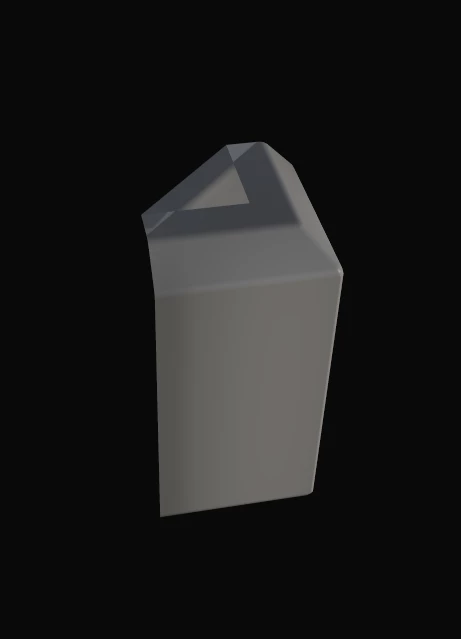
As you can see they overlap which is causing problems with baking the mesh maps.
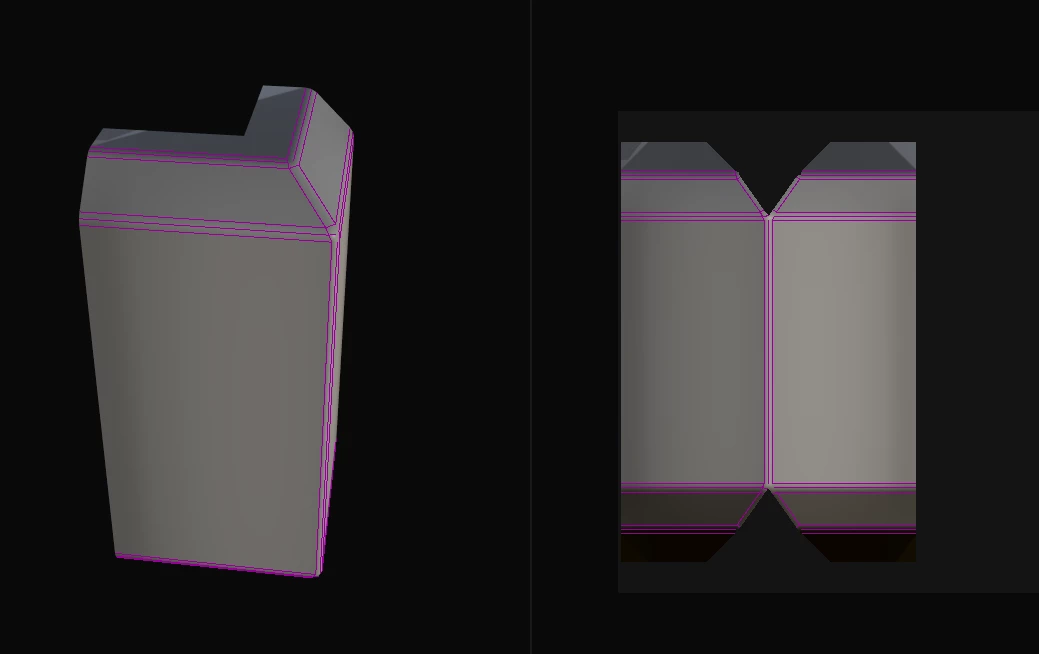
It doesn't matter what settings I have, there is always a problem with the mesh maps (this is the result of having only this one object checked and having self occlusion set to "always" or only "same mesh name" does not change anything).
Is there a way to bake each mesh's mesh maps separately while they are all in the same project? Or do I need to bake each one in their own project and import those mesh maps? Or am I approaching this all wrong?
 AdChoices