Inspiring
October 22, 2021
Answered

Baked Lighting Filter?

  • October 22, 2021
  • 1 reply
  • 5744 views

I found this old video, with the baked lighting filter

https://www.youtube.com/watch?v=OwNwygk4LQo


It looks like that feature is not available anymore?

Any updated video tutorials on that or documentation how to do the same with the latest version?


Thx
This topic has been closed for replies.
Correct answer GeoffroySC

Hi,

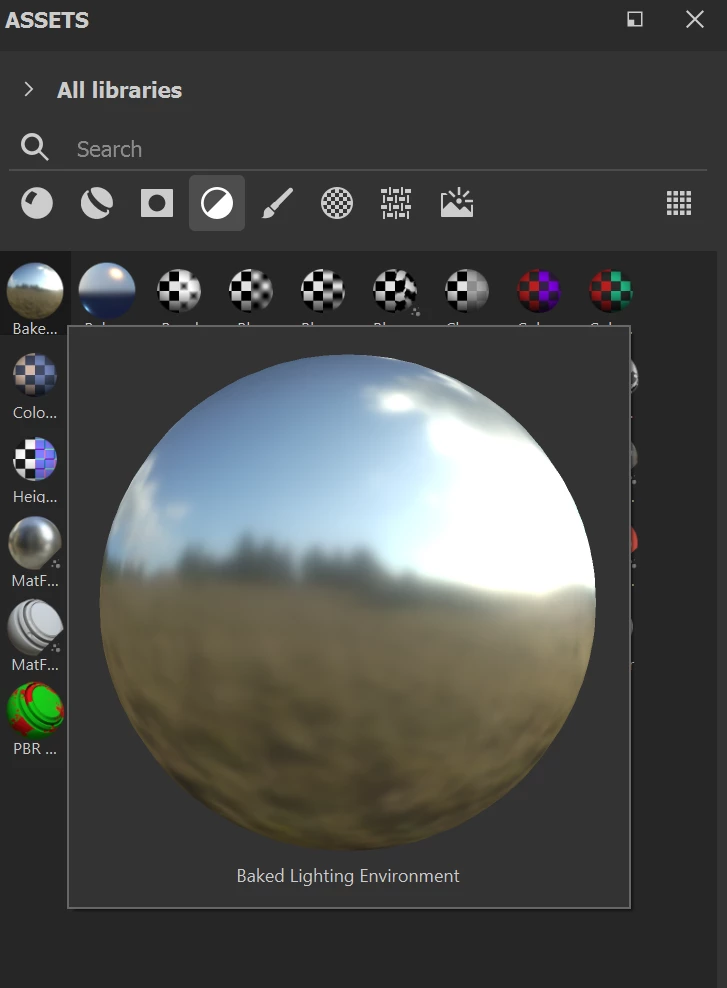
The filer is still there: 

It stopped working properly in the 7.3.0 version of Painter, and this has been fixed in versions 7.3.1 and 7.4.0. 

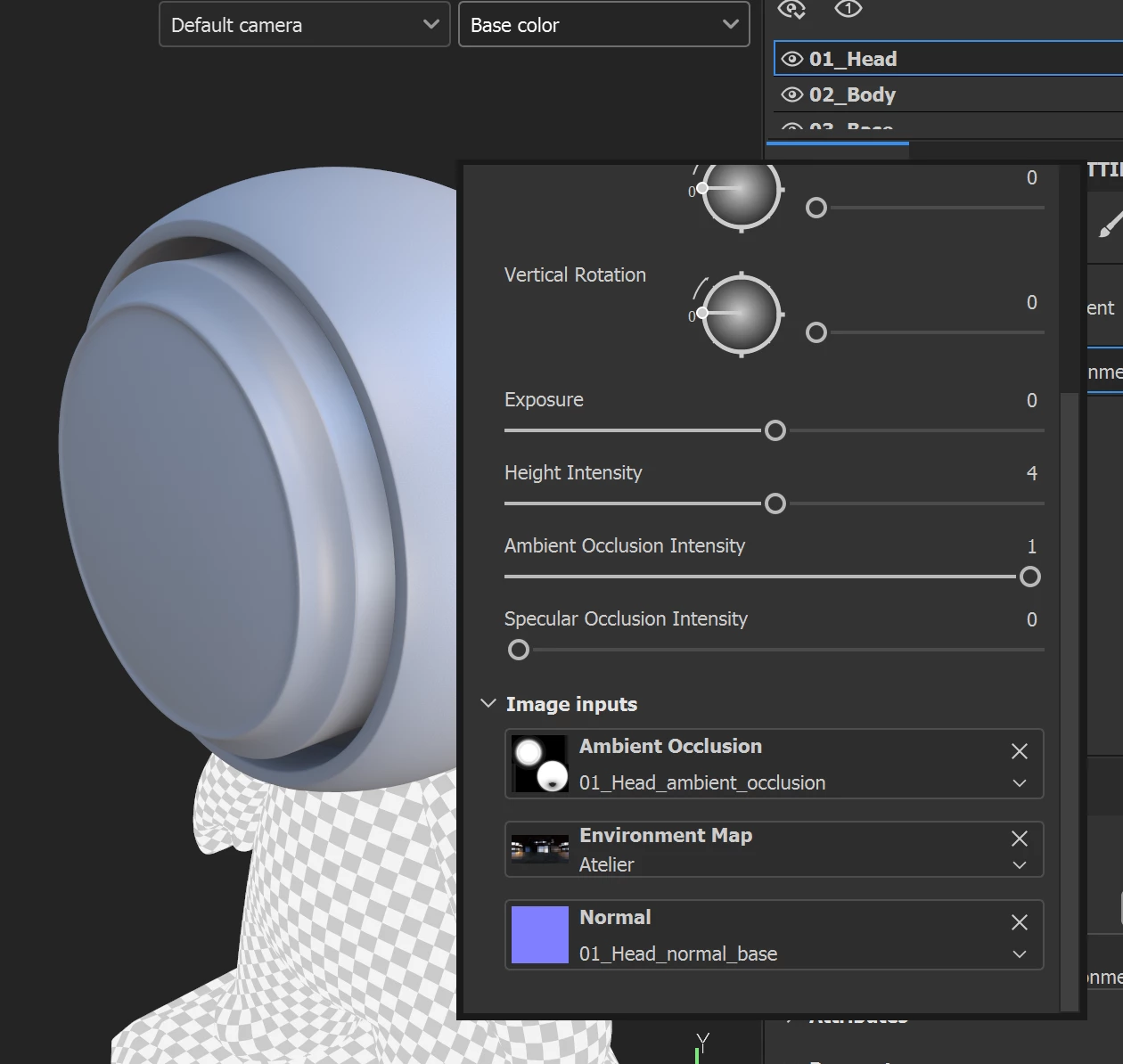
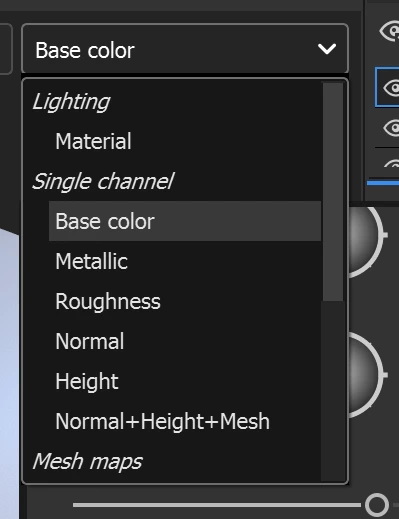
To make this filter works, you have to input an environment texture in the correct input. You should be aware that this filer bakes all the lighting reactions of your material on your basecolor. Therefore the preferred method to work with this filer would be to look mainly at your base color channel.

Feel free to ask any questions,

Kind regards

1 reply

Cedric Marchessoux
Community Manager
Community Manager
November 25, 2021

There was a regression with the bake lighting feature with the release 7.3.0 but fixed in 7.3.1 and 7.4.0, but the filter was never removed.

PixelFunAuthor
Inspiring
November 30, 2021

What does this mean?

Is it working or not?


And if it's working, can Adobe provide a Video how to use it?

GeoffroySC
Community Manager
GeoffroySCCommunity ManagerCorrect answer
Community Manager
November 30, 2021

Hi,

The filer is still there: 

It stopped working properly in the 7.3.0 version of Painter, and this has been fixed in versions 7.3.1 and 7.4.0. 

To make this filter works, you have to input an environment texture in the correct input. You should be aware that this filer bakes all the lighting reactions of your material on your basecolor. Therefore the preferred method to work with this filer would be to look mainly at your base color channel.

Feel free to ask any questions,

Kind regards