January 1, 2026
Question

Baking issues--can't see results

  • January 1, 2026
  • 1 reply
  • 148 views

Hello fellow creatives.


I'm new to Substance Painter (like, very new) and have recently begun experimenting with texture baking models, which I typically create in Maya.


The issue that I can't seem to overcome involves the high-to-low poly baking process in Substance Painter: the texture maps don't seem to be getting applied to my low poly model; no matter which settings I use, or solutions I've tried to implement upon watching YouTube tutorials, nothing seems to change my results.


I'm at my wit's end and not sure what could be the problem beyond a possible issue with my PC specs?


Would love to get some pointers on how to resolve this issue. Thanks in advance!

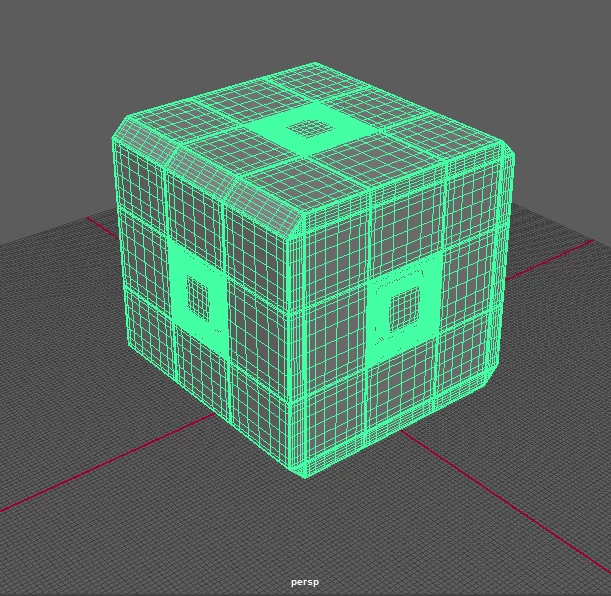
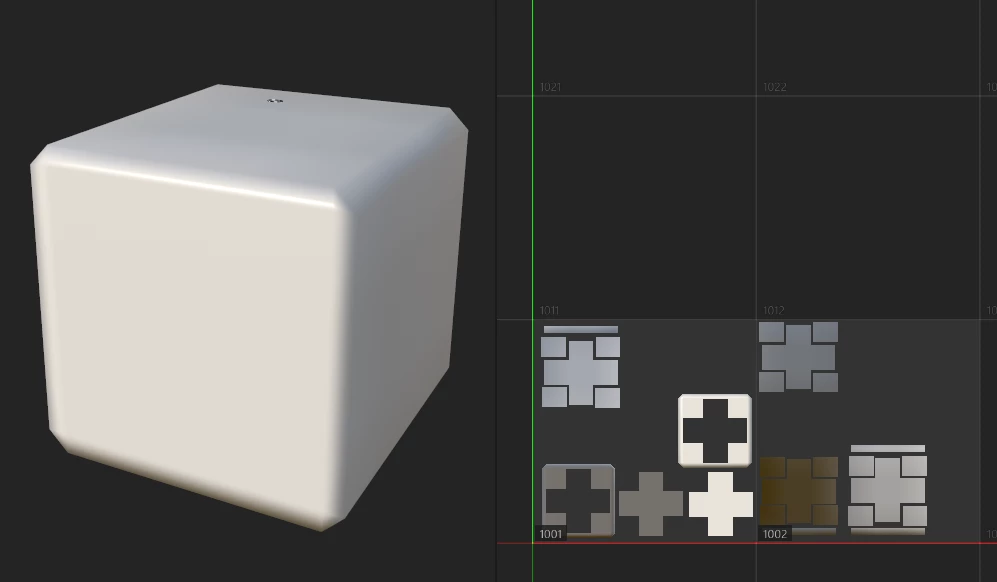
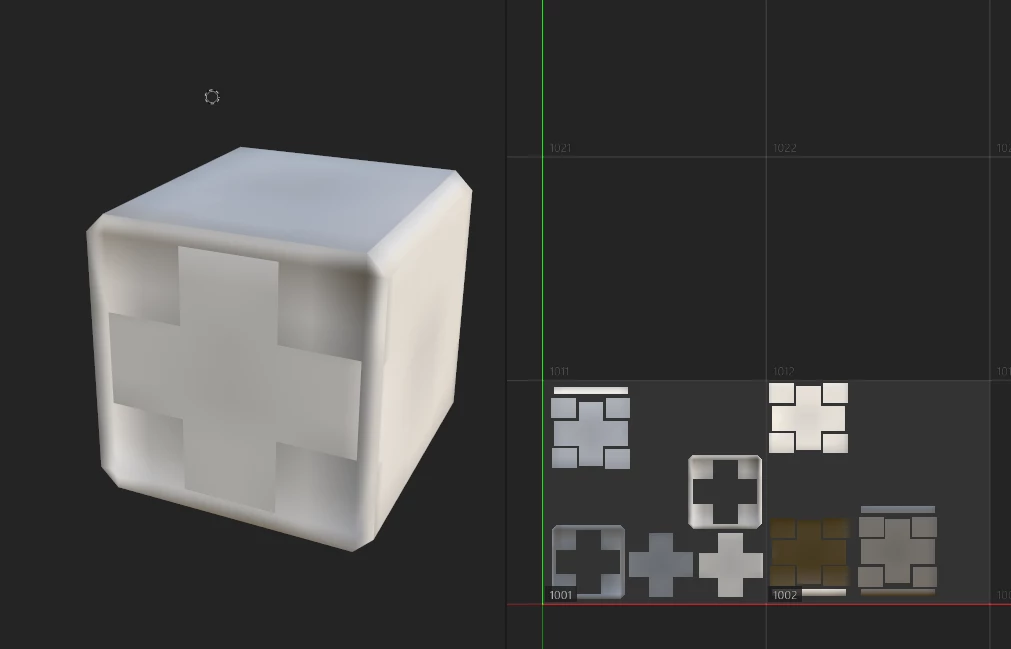
(I've included some screenshots of my models in Maya and Substance Painter [pre/post-bake])
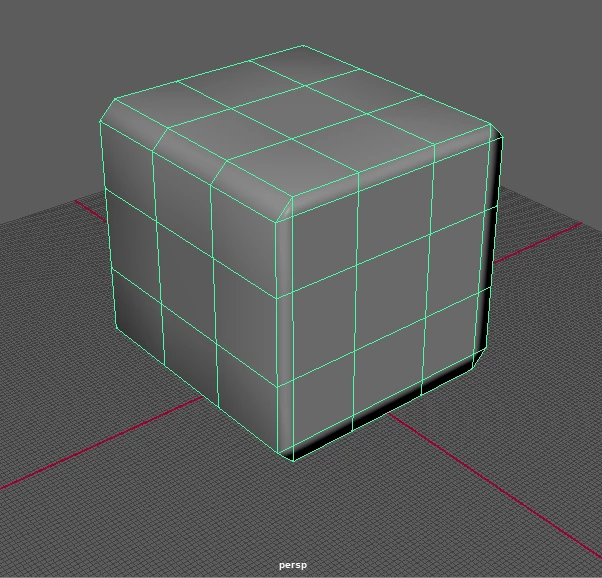
Maya low-poly.png

Maya high-poly.png

SubPt pre-bake.png

SubPt post-bake.png

SubPt post-bake_3D only.png

1 reply

Cyril Dellenbach
Community Manager
Community Manager
January 8, 2026

Hello @43375627,


The high poly model seems very similar to the the Low one. Can you share a screenshot of the HP without wireframe? Is this model the one you're working with or is it an example?

Cyril Dellenbach (Micro) | QA Support Artist | Adobe
January 16, 2026

Thanks for replying, @Cyril Dellenbach. Sorry for getting back to you so late!


So, to answer your question: yes; this is the model I'm working on, and was made for the sole purpose of figuring out how bake textures properly in Substance Painter.


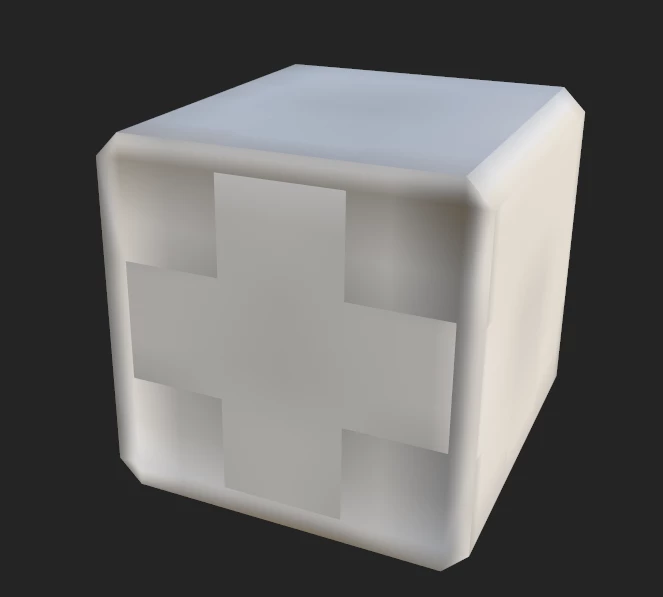
I've attached the screenshots of the low & high-poly models without wireframes below:

ChrissCamp_0-1768607011189.png

(low-poly)


ChrissCamp_1-1768607083688.png

(high-poly)