Participant
Feb 21, 2024 3:26 AM UTC
Answered

Baking leaves blank space on face

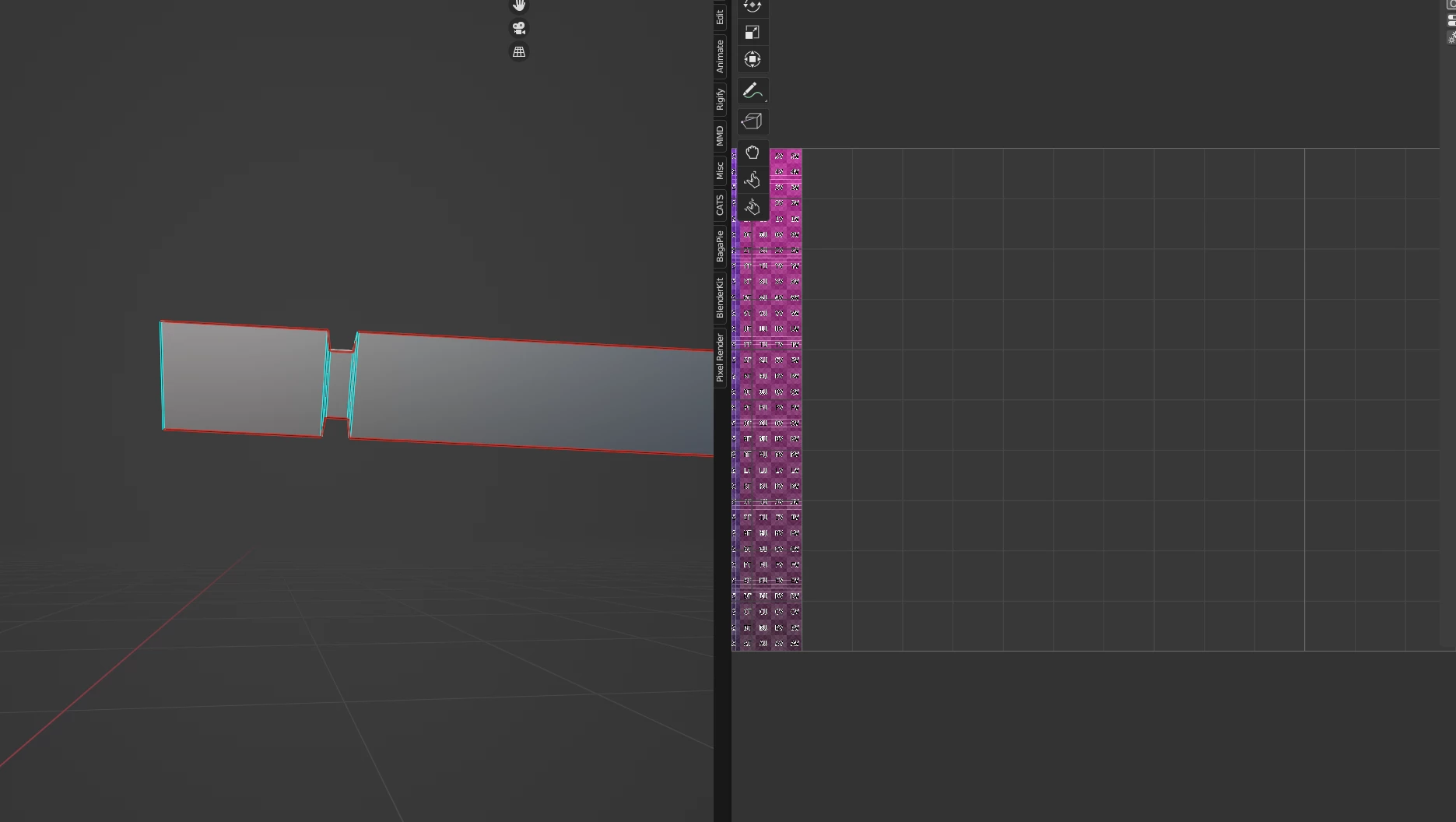
Hello. IM using substance painter 9.1 and im running into a weird issue with my bakeing. Im doing a somewhat complex model, and for some reason, on one particular part, the baker is treating it as if there's a massive square in the middle of a flat face. Ive looked over the UV's, normals, face orientation, made sure to mark sharps and everything, and the bug is still there.
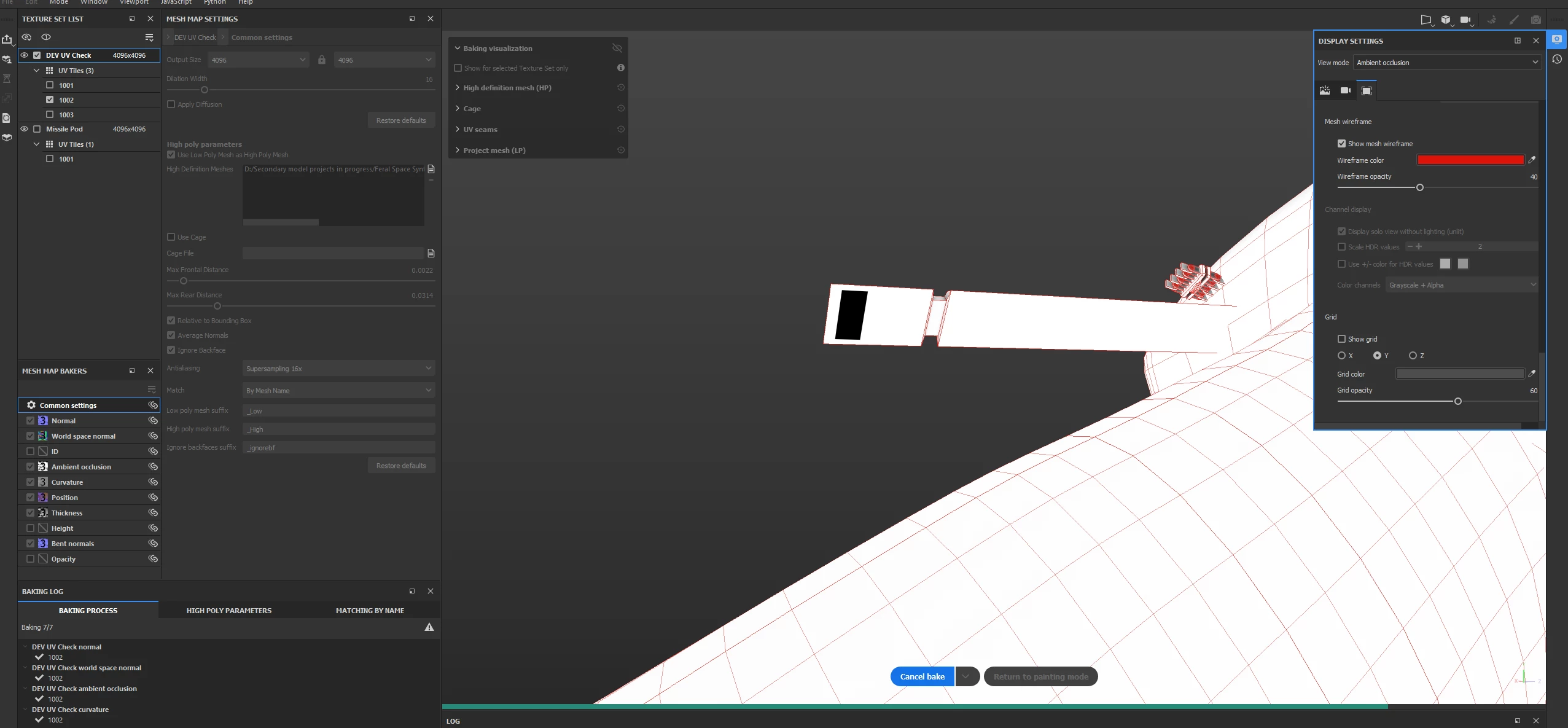
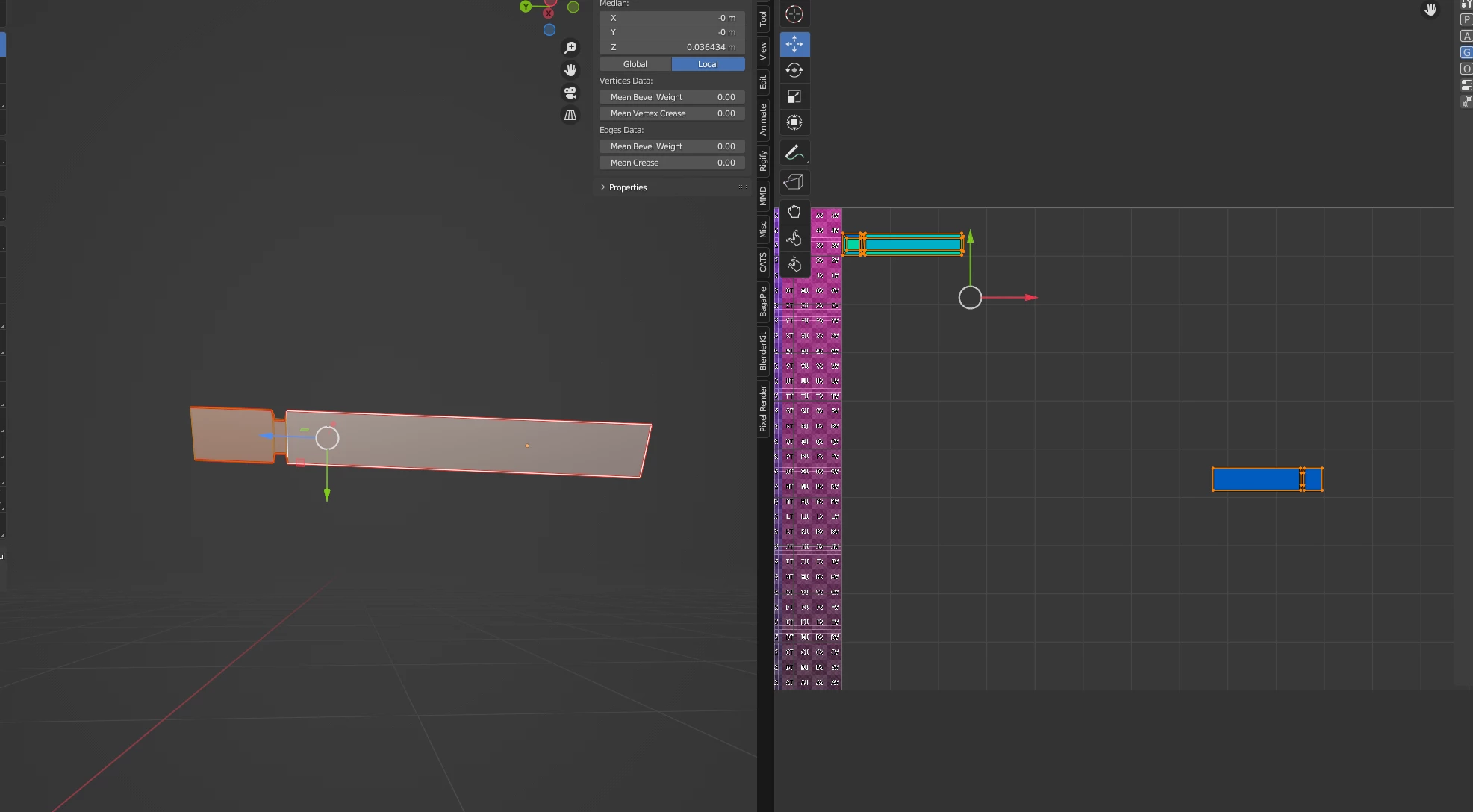
Any ideas on what could be the cause would be appreciated. Its not a critical bug, but more of an annoyance than anything. Thank you for your time. 

This topic is closed to new replies. Start a new post to keep the conversation going.
Zephyr_DrakeCorrect answer
Participant
Feb 28, 2024 12:28 PM UTC

Found the issue. Average normals was set to true and was causing the normals around that face to intersect. 

4 replies

Zephyr_DrakeAuthorCorrect answer
Participant
Feb 28, 2024 12:28 PM UTC

Found the issue. Average normals was set to true and was causing the normals around that face to intersect. 

Translate
Cyril Dellenbach
Community Manager
Community Manager
Feb 21, 2024 10:14 AM UTC

Hello @Zephyr_Drake,


Could you display the Baking visualization and send another screenshot?


Let me know.

Translate
Cyril Dellenbach (Micro) | Product Manager | Substance Painter
Participant
Feb 21, 2024 11:26 AM UTC

Im assuming this view is what you mean. Please let me know if there's more information in can provide as well.


Translate
Cyril Dellenbach
Community Manager
Community Manager
Feb 21, 2024 12:47 PM UTC

It's a bit hard to tell, but the issue could come from the Max Rear Distance. Could you try to reduce it and see if the issue persists?

If this doesn't change anything, could you send at cdellenbach@adobe.com your .SPP file, the High Poly and a link to this thread? This way I could investigate on my end.


Let me know.

Translate
Cyril Dellenbach (Micro) | Product Manager | Substance Painter