


Participant
February 23, 2025
Question

Baking Not Working/Updating

  • February 23, 2025
  • 1 reply
  • 241 views

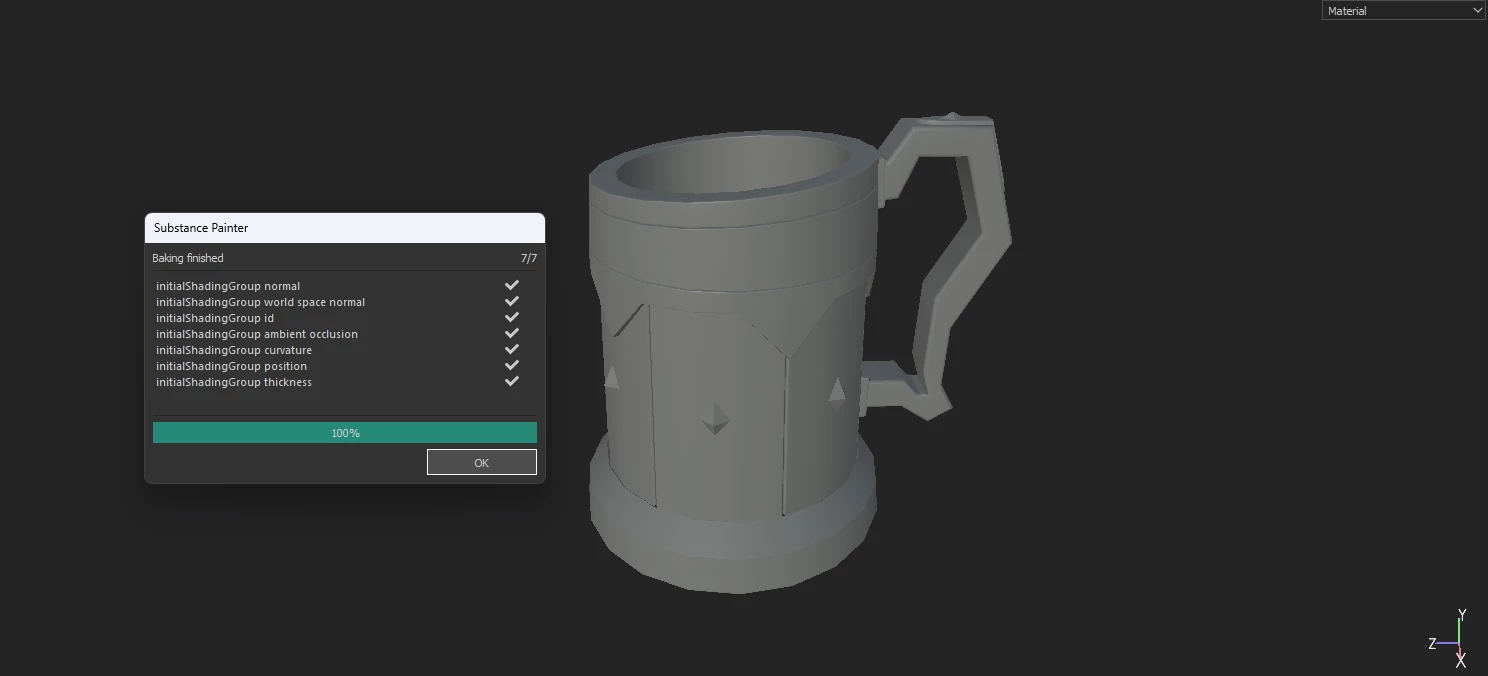
After Importing the .fbx file into the substance painter, when i am hitting the bake mesh i am getting the output like this even tough i have a clean mesh and properly unwrapped UV's. Any kind of solution is really appreciated, Thank You.
1 reply

Cyril Dellenbach
Community Manager
Community Manager
February 24, 2025

Hi @pencilthing,


Could you be a little bit more specific? What are the issues with the outputs? Is it the aliasing? If so, this is probably due to Painter's 3D view and not your mesh or textures.


Try enabling the Anti-Aliasing parameter in Display Settings or increasing its value.


Best regards,


Cyril Dellenbach (Micro) | QA Support Artist | Adobe
Participant
February 24, 2025

Even after enabling the anti-aliasing also my issue is not solved, after baking i am not getting the AO shades on geometry, my geometry is totally grey.

Participant
February 24, 2025

The Issue has been resolved after i have updated the display drivers, Thank You