Known Participant
November 24, 2023
Answered

Basic Baking Question to ask

  • November 24, 2023
  • 1 reply
  • 299 views

So this might just be something that is baking 101 or something you wanted to do but I appreciate if i could get direct feedback to make sure i'm on the same page so it help to keep it  simple to build it up.  So i got these two cube. One that is just normal cube as shown here.
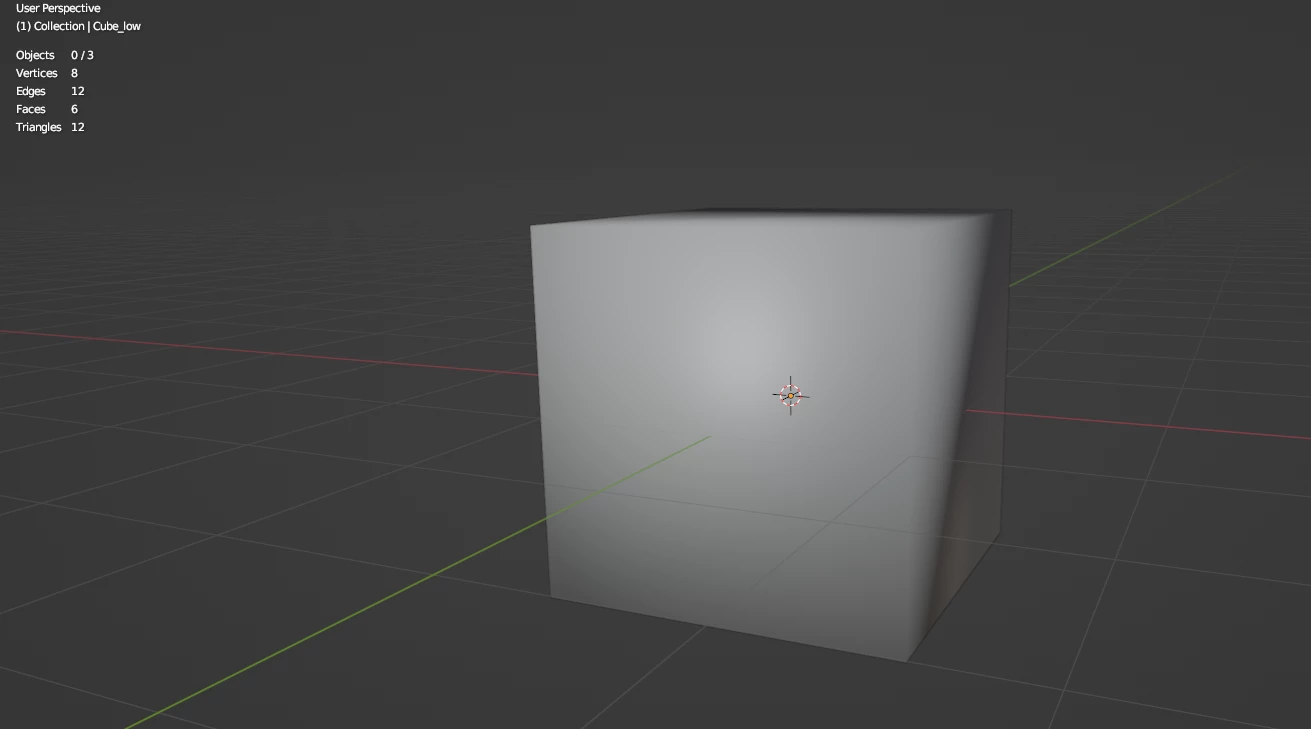
We can see how it shade smooth and how many tris it has.  Now i have a this cube with a small push that I like to bake on to the first cube. Here is the high poly one and it tri number
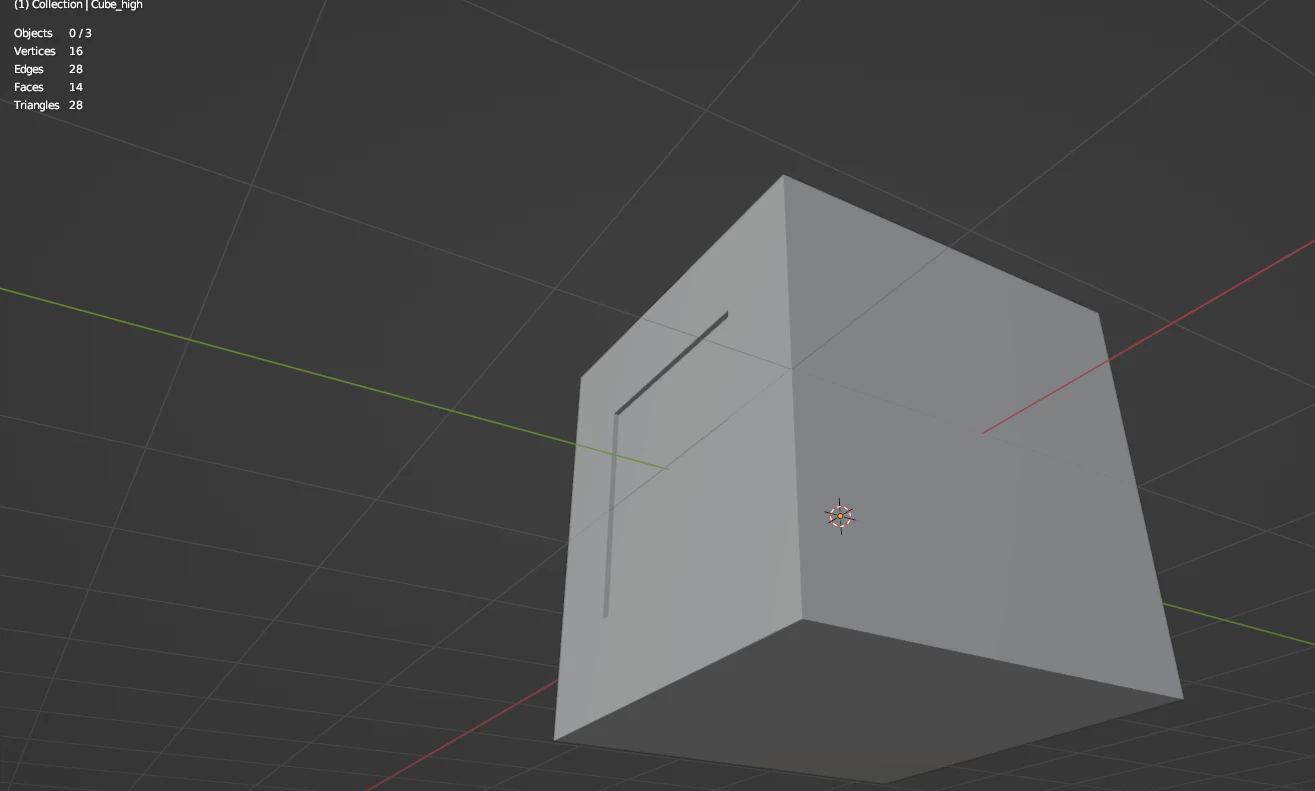
now when i go to bake it, here is how it turns out in substance painter with the normal picture.
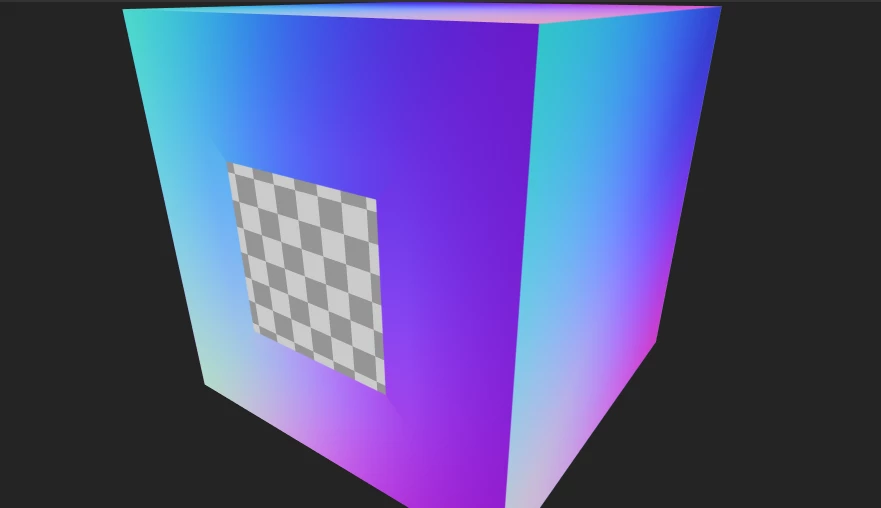
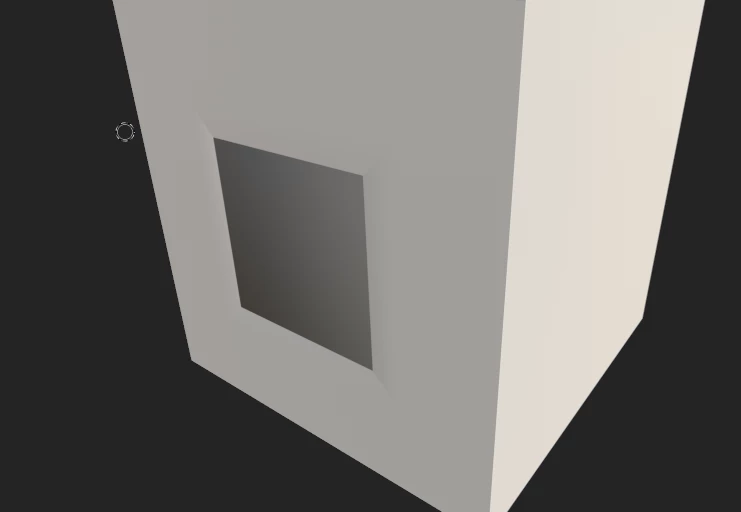
Now it doesn't turn out to have the detail of making the push in my high poly one be shown in my low poly one. Is the reason this doesn't happen is because when you are baking something, the high poly should have extra tri to it as in give it extra subdivision and bevel so it help it show more detail for it to be baked on to a model.  Trying to understand baking and it helps if i can understand simple on a cube as other objects with a ton of detail confuse me so curious on understanding baking.



This topic has been closed for replies.
Correct answer Cyril Dellenbach

Hello @Wolfer123,


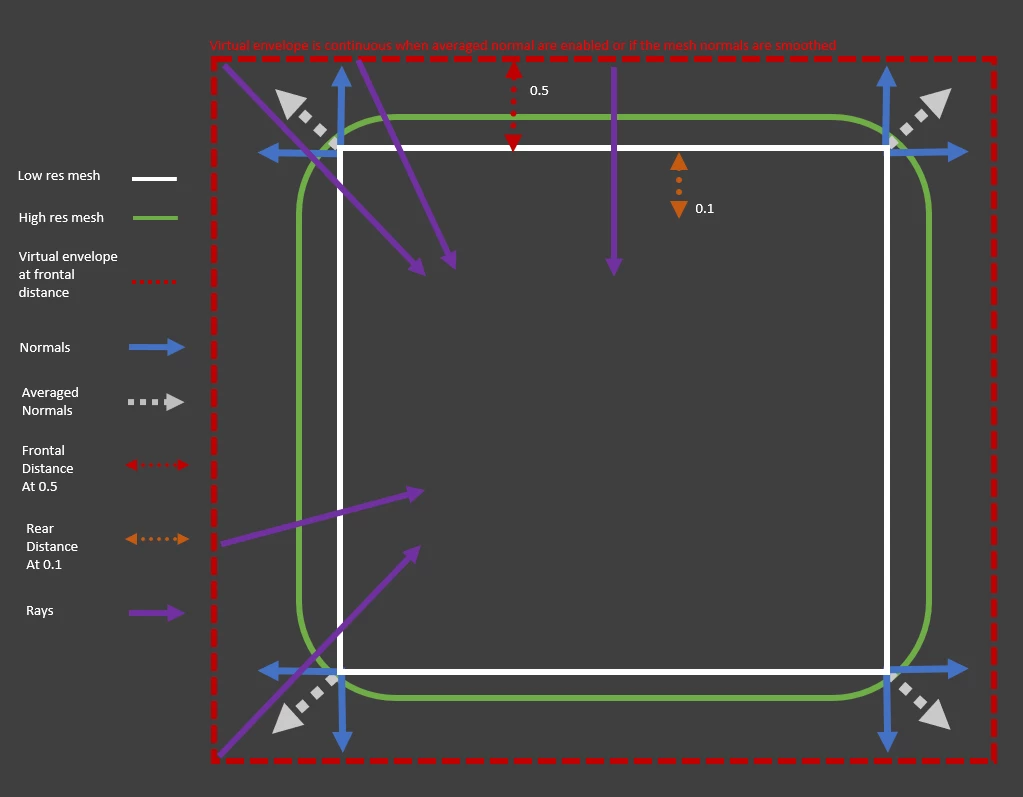
That's an interesting case you showing us here. The Baking doesn't work on the "pushed" geometry, because the Max Rear Distance value is too low, so it doesn't detect any geomtry. The frontal distance is for detecting geometry outside the LP and the rear distance is for the inside geometry. Here's an in depth explanation if you want to learn more on the subject.


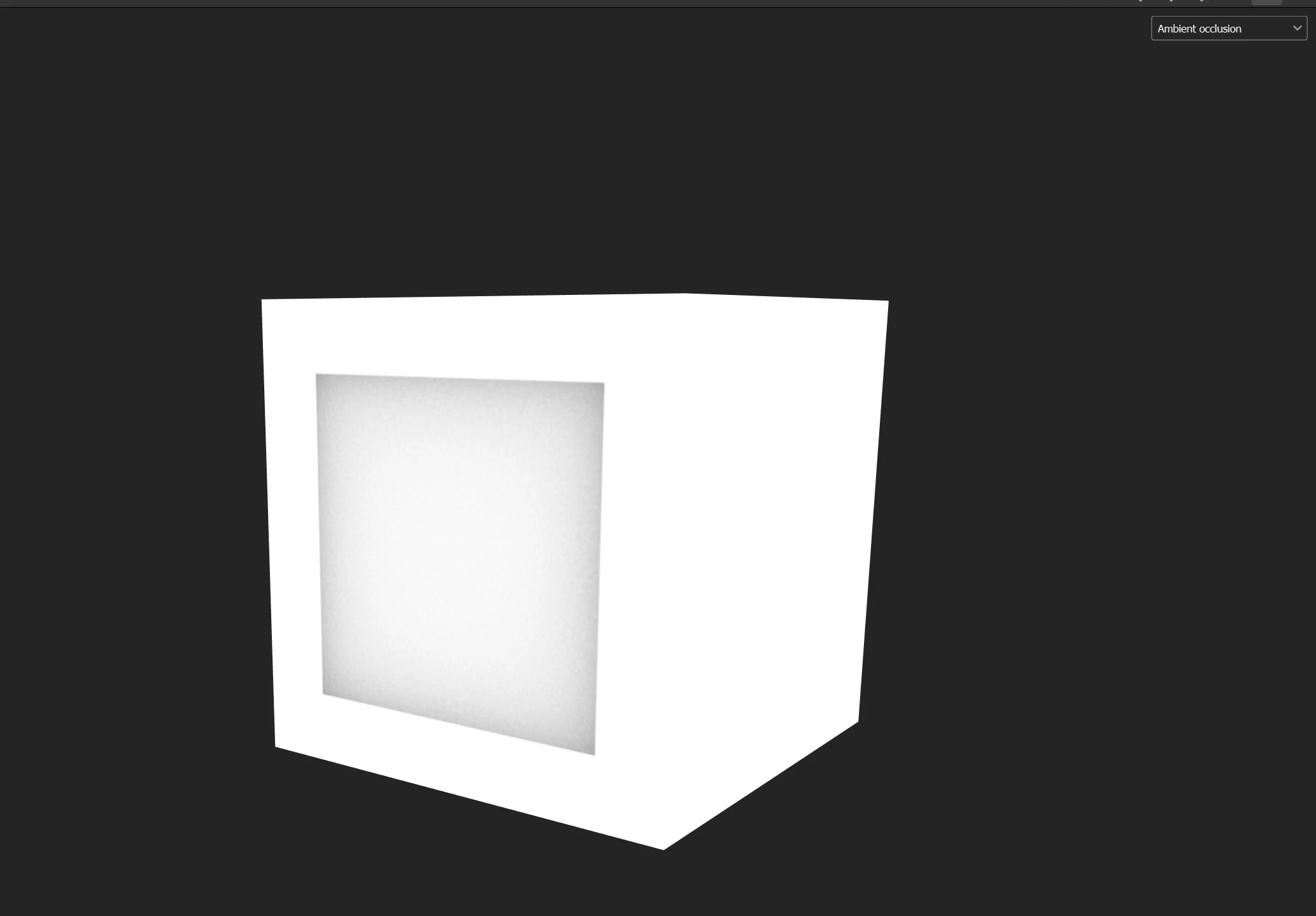
Also, for this specific case, the Normal map will probably not be that different, but you'll clearly see the difference in the AO.


Best regards,


1 reply

Cyril Dellenbach
Community Manager
Cyril DellenbachCommunity ManagerCorrect answer
Community Manager
November 24, 2023

Hello @Wolfer123,


That's an interesting case you showing us here. The Baking doesn't work on the "pushed" geometry, because the Max Rear Distance value is too low, so it doesn't detect any geomtry. The frontal distance is for detecting geometry outside the LP and the rear distance is for the inside geometry. Here's an in depth explanation if you want to learn more on the subject.


Also, for this specific case, the Normal map will probably not be that different, but you'll clearly see the difference in the AO.


Best regards,


Cyril Dellenbach (Micro) | QA Support Artist | Adobe
Wolfer123Author
Known Participant
November 24, 2023

Ahh thank you for this info 🙂