



Best solution to paint object with file size in mind?
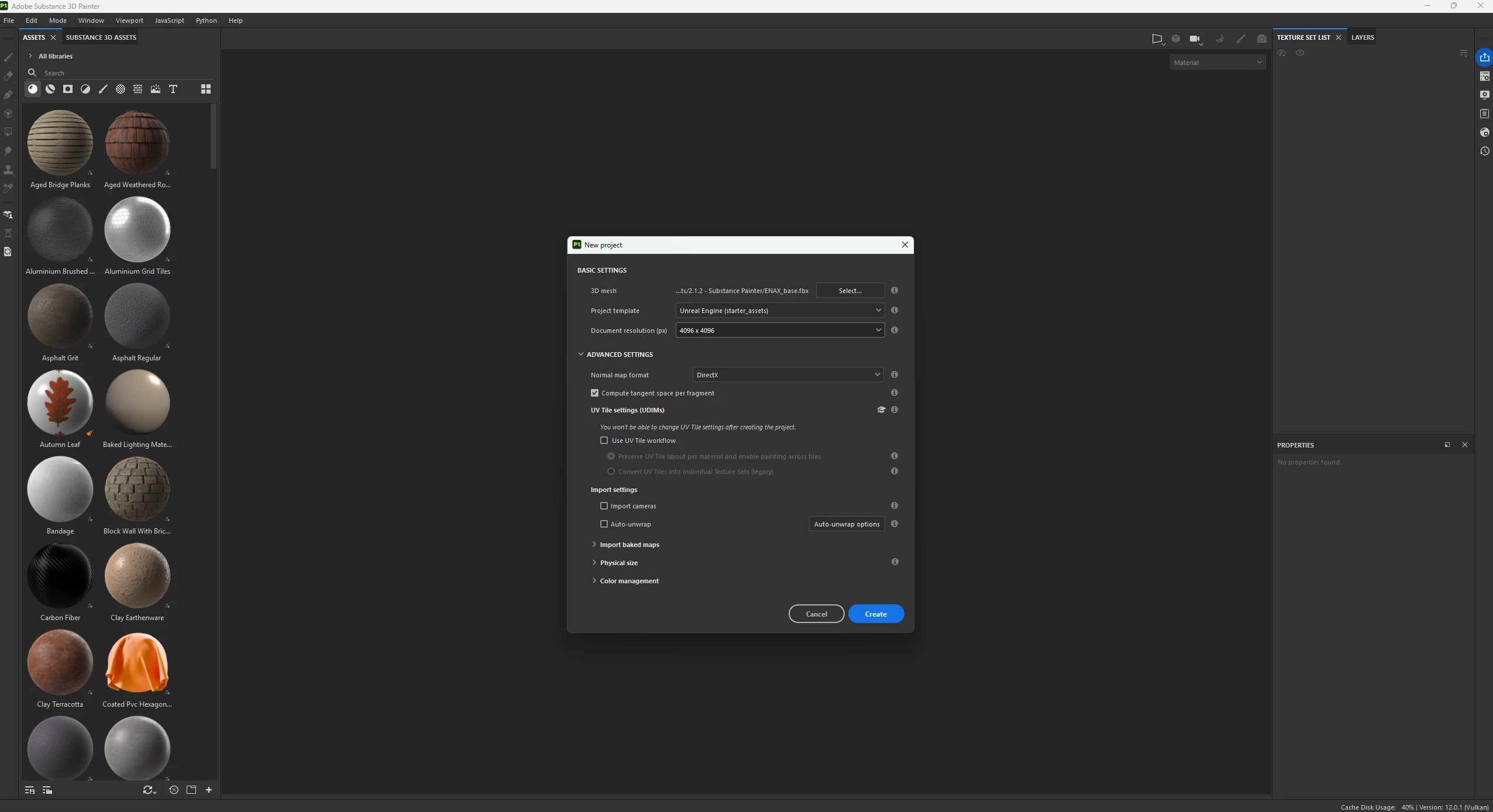
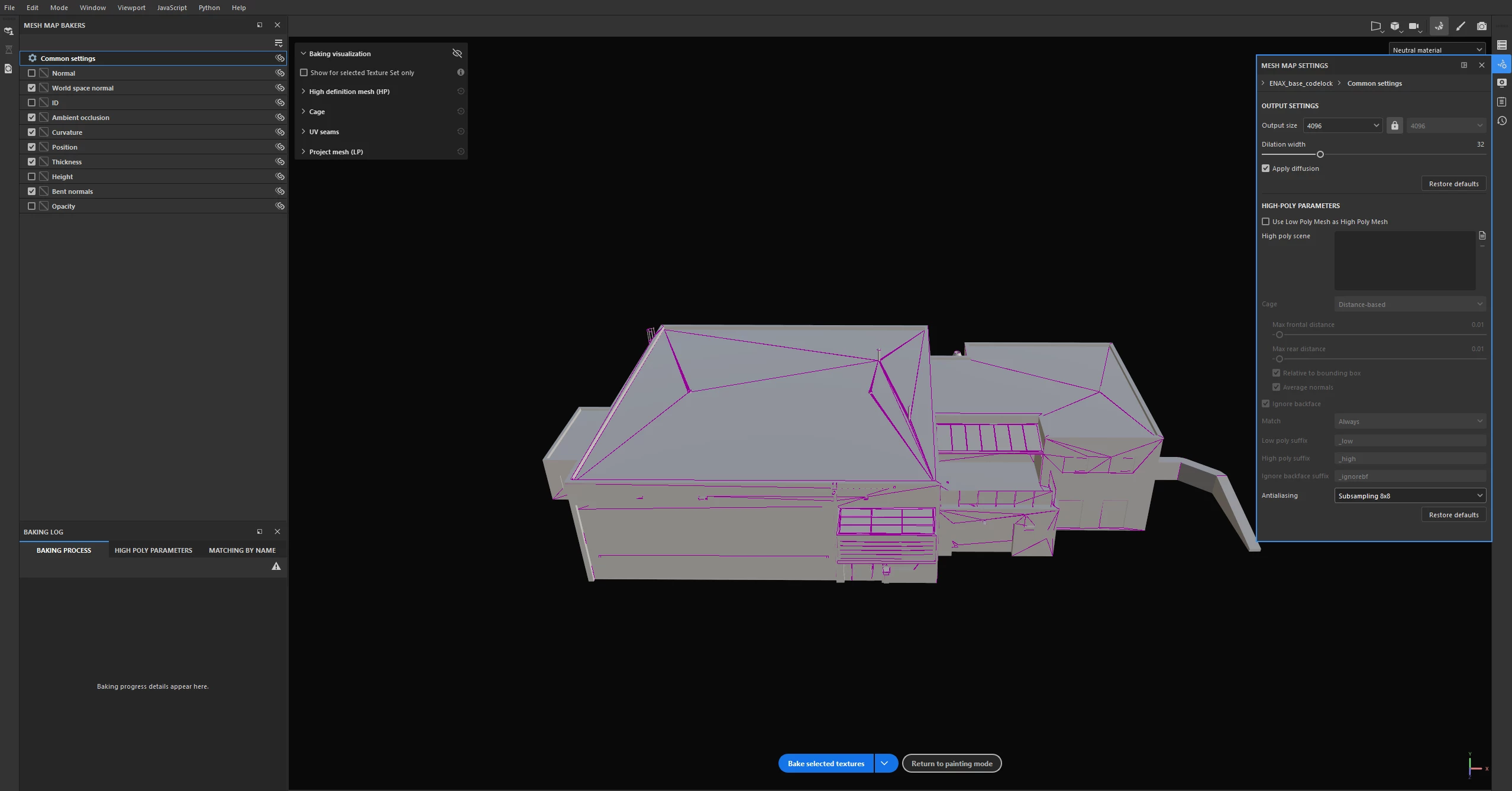
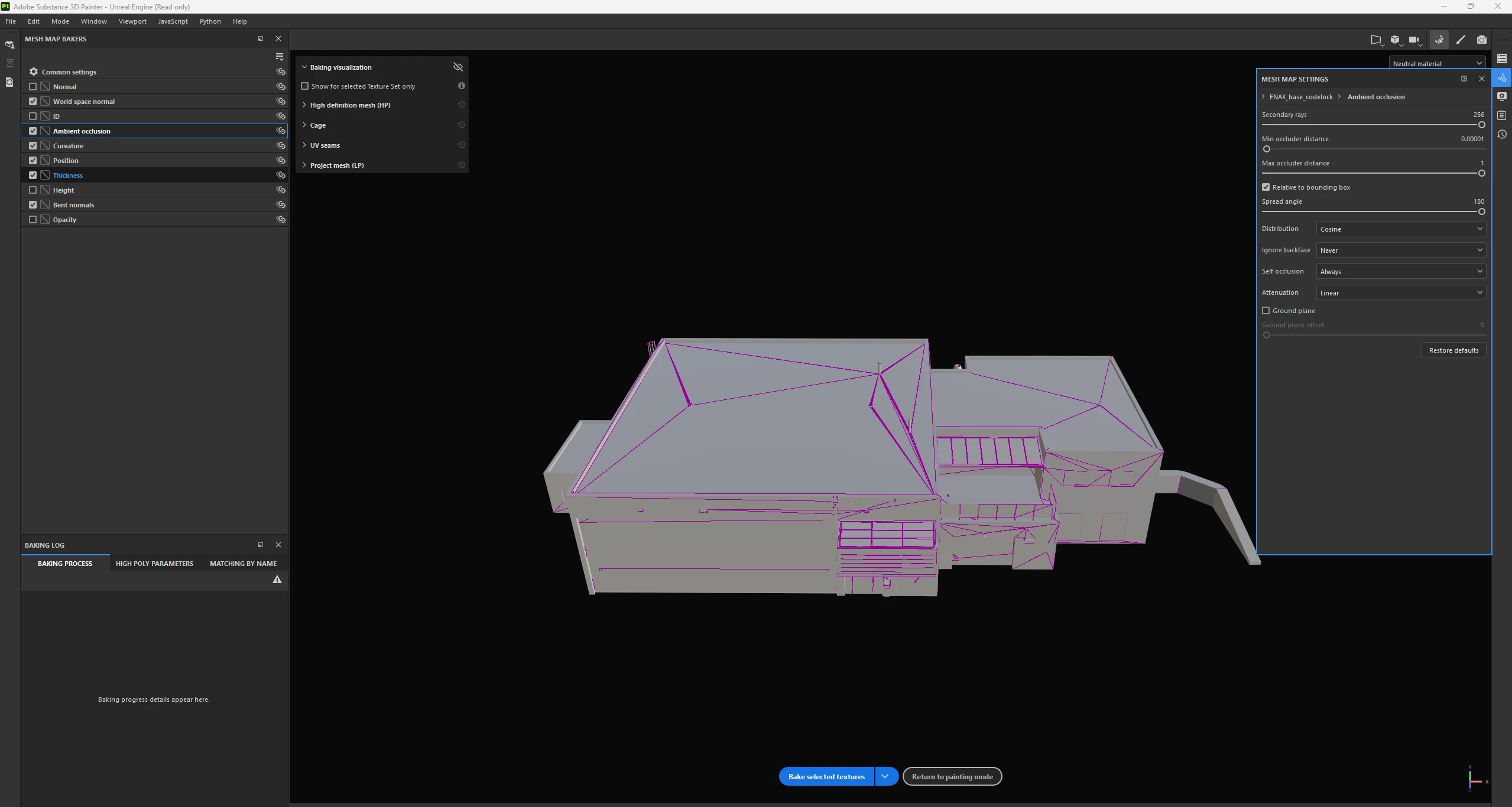
I am making a project for a helibase to be used within msfs2020/2024. The model is painted in SubstancePainter and I am using different layers. I start by baking the model (a building) using document resolution and output size to 4k. I am baking the world space normal, AO, curvature, position, thickness and bent normals. I am not including the opacity, height, ID and normal in the baking process.
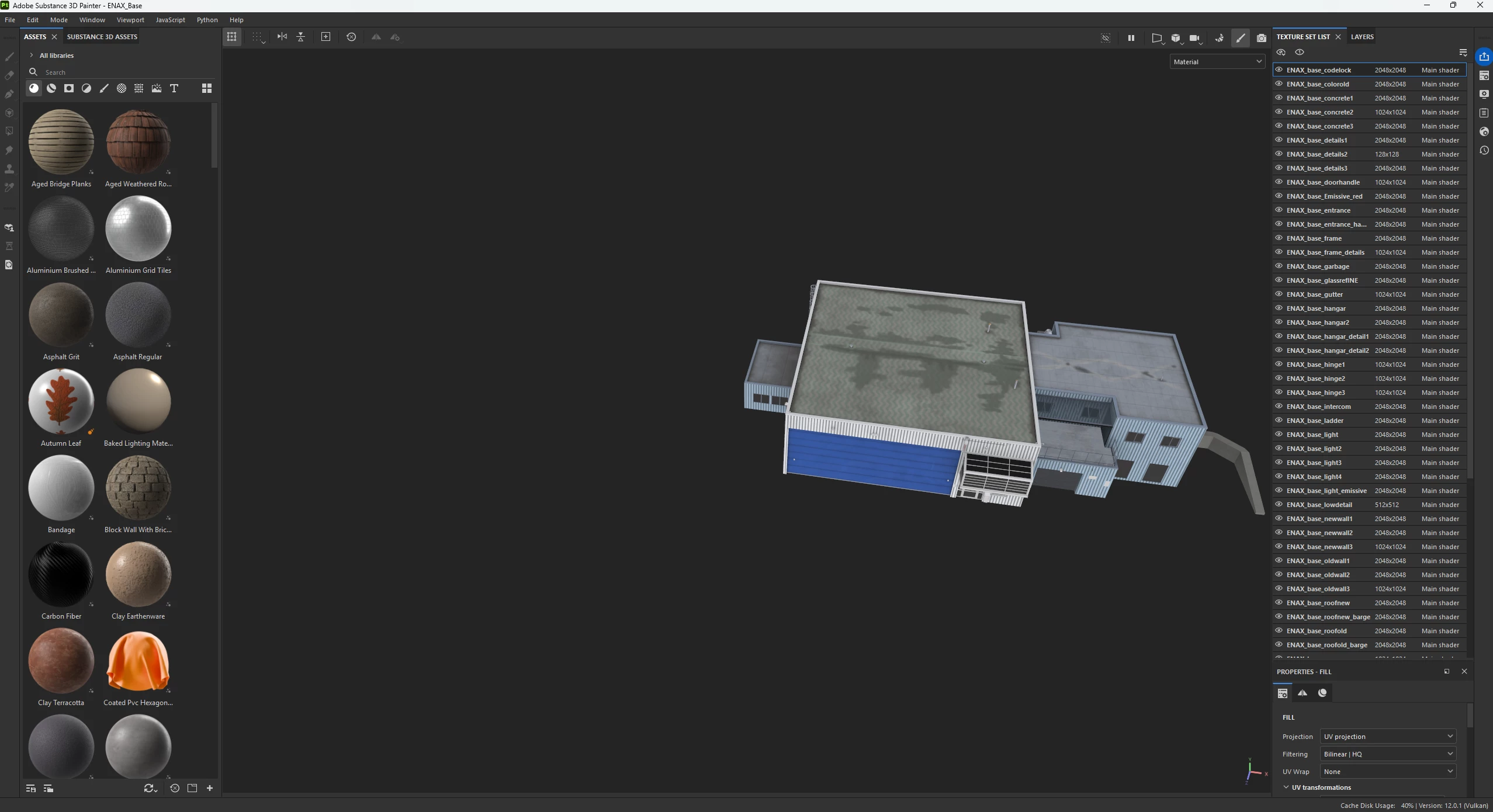
After baking is complete I paint my texture sets, and I adjust the texture set size to a maximum of 2k, but also down to 125x125, depending on it’s visibility on the building. I use multiple layers on faces such as walls and roof.
When the model is finished I export it as a .gltf file for final adjustments within Blender.
My issue is that when the project is complete and built within msfs2020 development mode, the texture files are very large in size and I need to reduce them.
- Is there something with my workflow above that I could do differently to reduce the texture size even more?
- Is there something with my workflow that I can/should leave out or is not necessary to do when painting building?
This is how a typical baking process starts:
 AdChoices