Participating Frequently
June 30, 2023
Question

Blender Exported Mesh Artifacts

  • June 30, 2023
  • 1 reply
  • 394 views

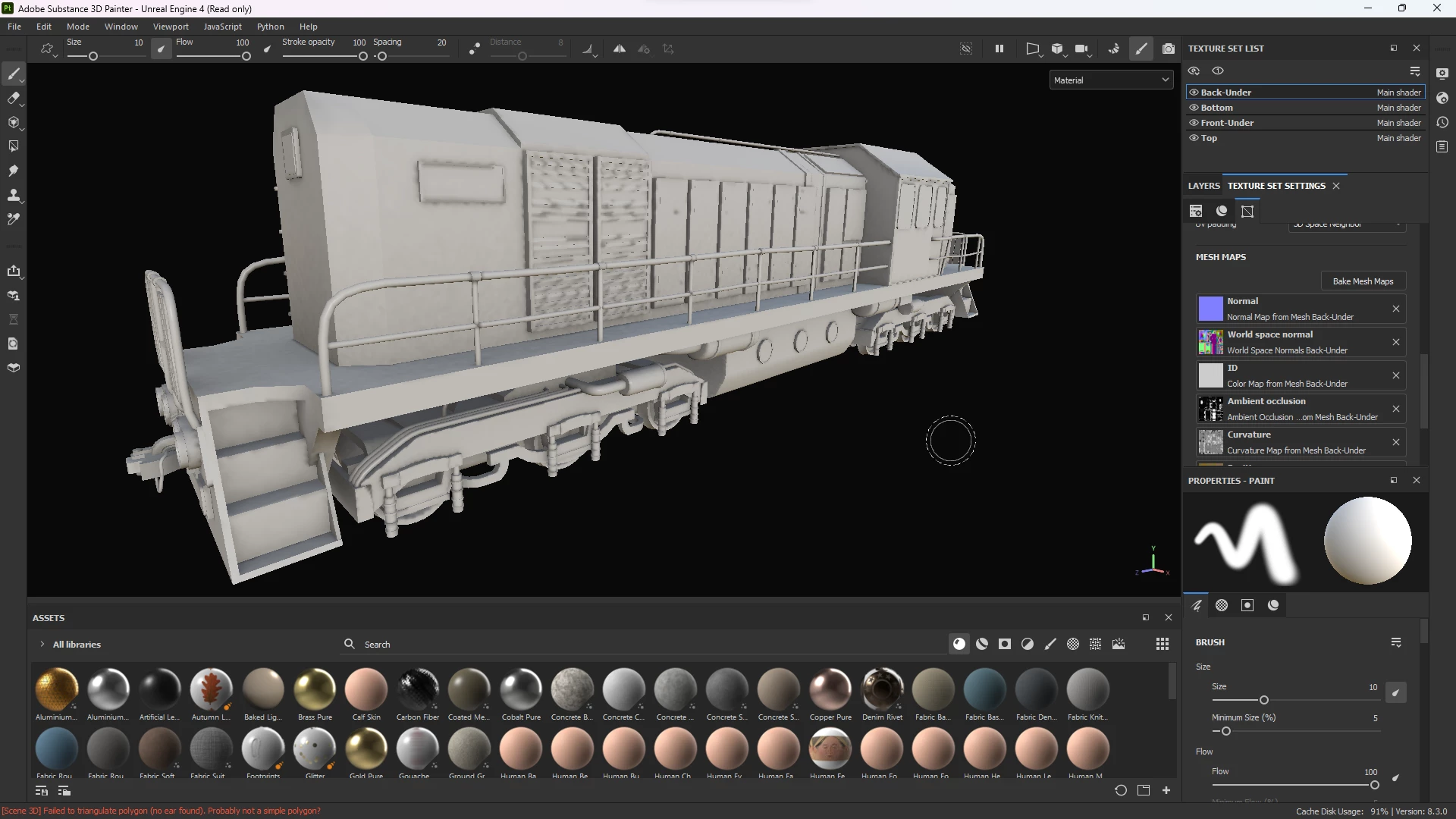
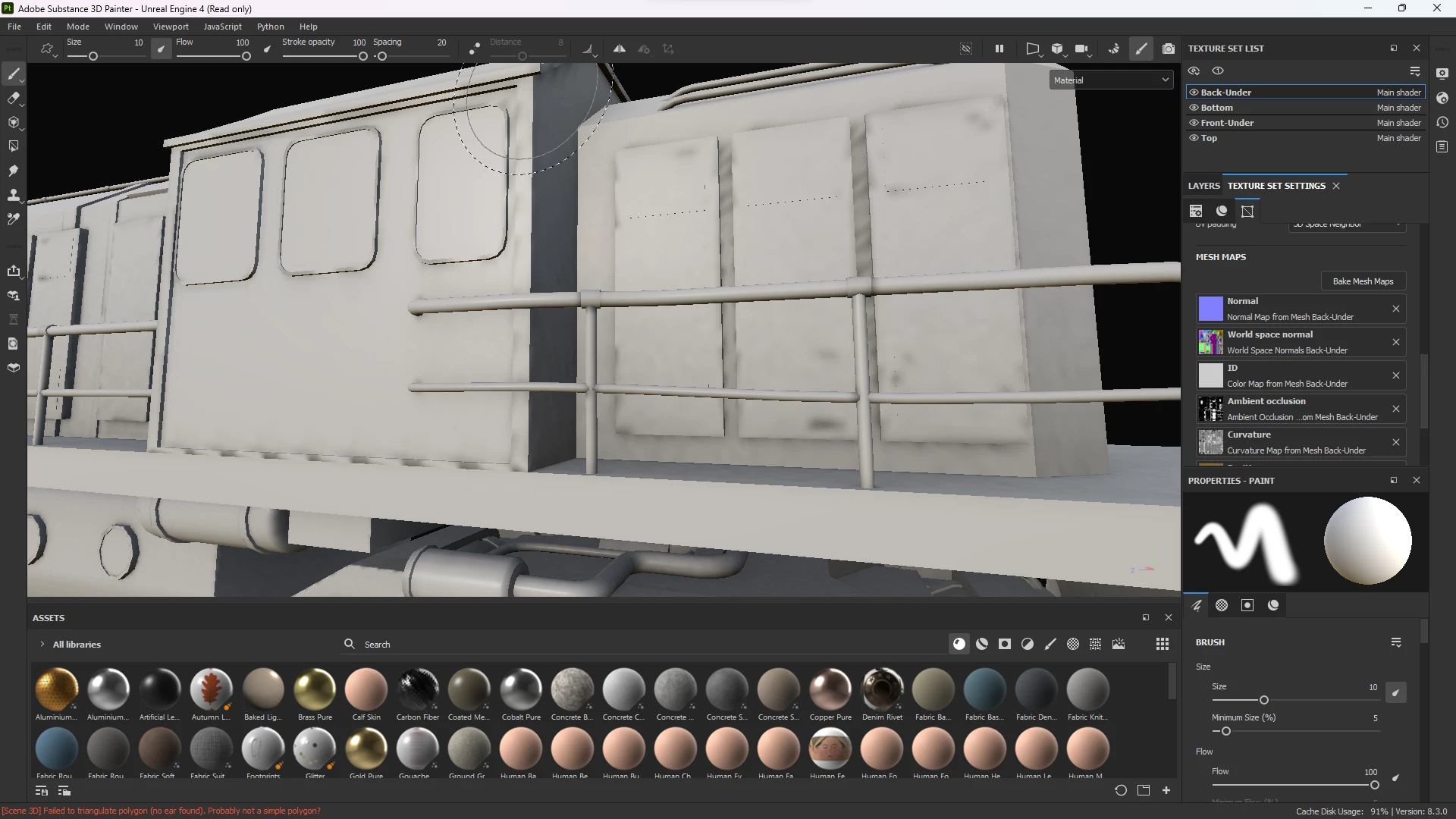
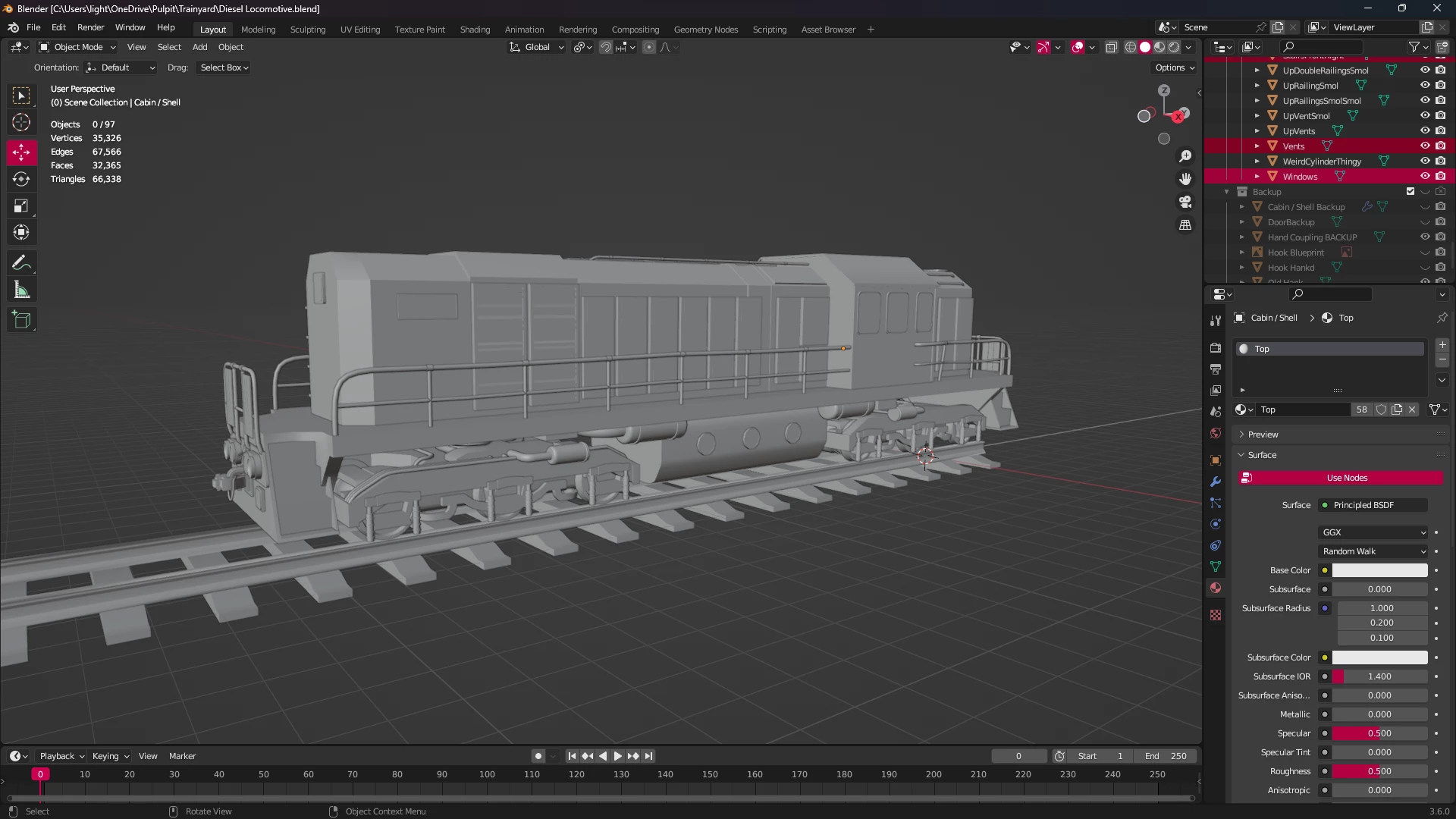
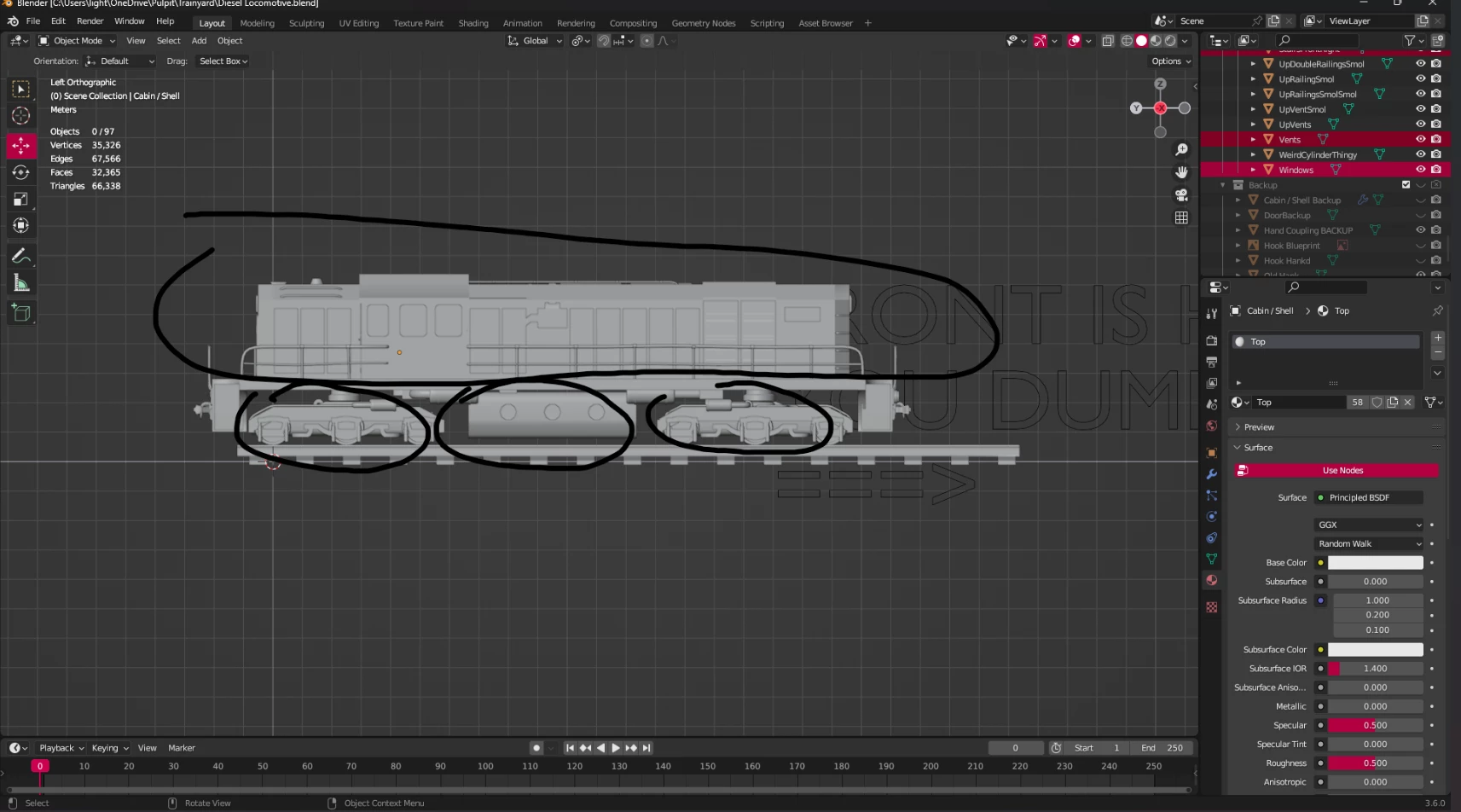
I've recently modelled this train, but when I export it these are the results. I have no idea how to fix this, as I think the UV maps are good. The model is seperated into seperate meshes and 5 UV textures. Any idea how to fix this?
 

This topic has been closed for replies.

1 reply

Cyril Dellenbach
Community Manager
Community Manager
June 30, 2023

Hi @TheAshi,


Nice looking model and thanks for the question.


This really seems like a UV issue. It's possible that some of the UVs are too small or too packed, creating these blurry artifacts.


Can I have a look at the UV maps?


Keep me posted.


Cyril Dellenbach (Micro) | QA Support Artist | Adobe
TheAshiAuthor
Participating Frequently
June 30, 2023

Hello, thank You for your response,

here are the UV maps and what they cover, the first one covers the front and back wheels, and the "shell" around it, and the second one covers the rest of the model, which is the top portion, the base and the small tanks undearneath the base. The second UV map has a texel density of 76,86% and the first one has 66,78%.


TheAshiAuthor
Participating Frequently
June 30, 2023

I was experimenting and sort-of fixed it, by getting some meshes into another material, didn't know why that didnt work earlier, but now most of the artifacts are gone, while some of them still remain.