Participant
June 5, 2023
Answered

Blocky artifacts when using a position map - Help!
  • June 5, 2023
  • 1 reply
  • 1306 views

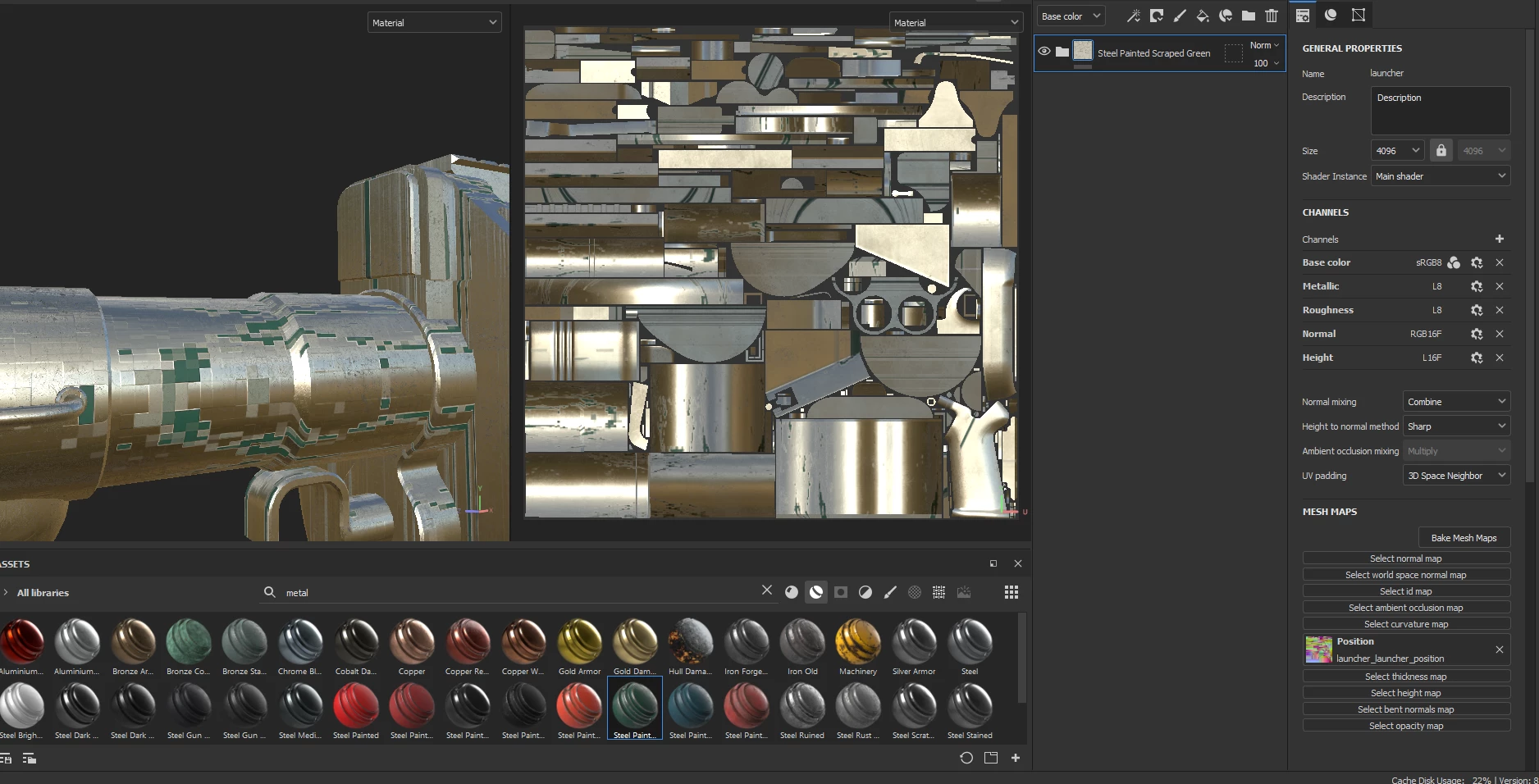
I'm having a strange issue with my position map, when applying a texture to my model that uses the map it creates these blocky artifacts all over the texture.


I'm baking my maps in Marmoset, and I've tried messing with the settings and nothing has worked. This is testing with only the position map applied, it makes no difference if I add all the other maps.


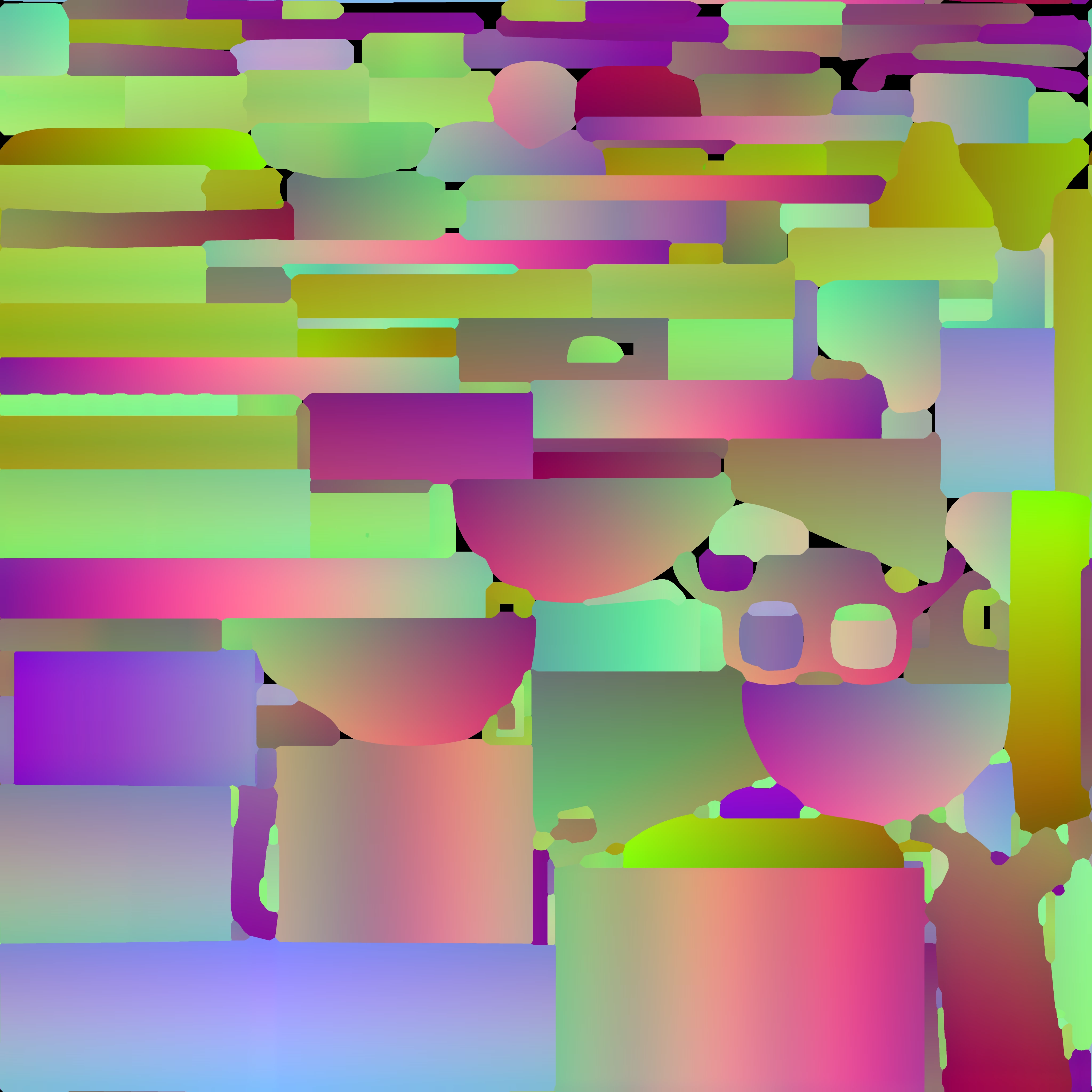
I've linked what the artifacts look like in the paint window and the position map that I am using from Marmoset.


Any help would be appreciated!

This topic has been closed for replies.
Correct answer Billy30285371kndh

Seems like it was an issue in Marmoset, I had samples set to x16 but bits/channel set to 4 or something.


Fixed it by setting the bits/channel to 16 as well.

1 reply

Cyril Dellenbach
Community Manager
Community Manager
June 5, 2023

Hi @Billy30285371kndh,


Thanks for the message.


The UV islands are really packed and it can result with various issues and this is probably one of them. Make sure to let a decent margin between the UVs and I'd also advise you to avoid to small UV islands.


Let me know if this doesn't work.


Cyril Dellenbach (Micro) | QA Support Artist | Adobe
Billy30285371kndhAuthorCorrect answer
Participant
June 5, 2023

Seems like it was an issue in Marmoset, I had samples set to x16 but bits/channel set to 4 or something.


Fixed it by setting the bits/channel to 16 as well.

davescm
Community Expert
Community Expert
June 5, 2023

Thanks for confirming - it may help others

Dave