Participant
January 31, 2022
Question

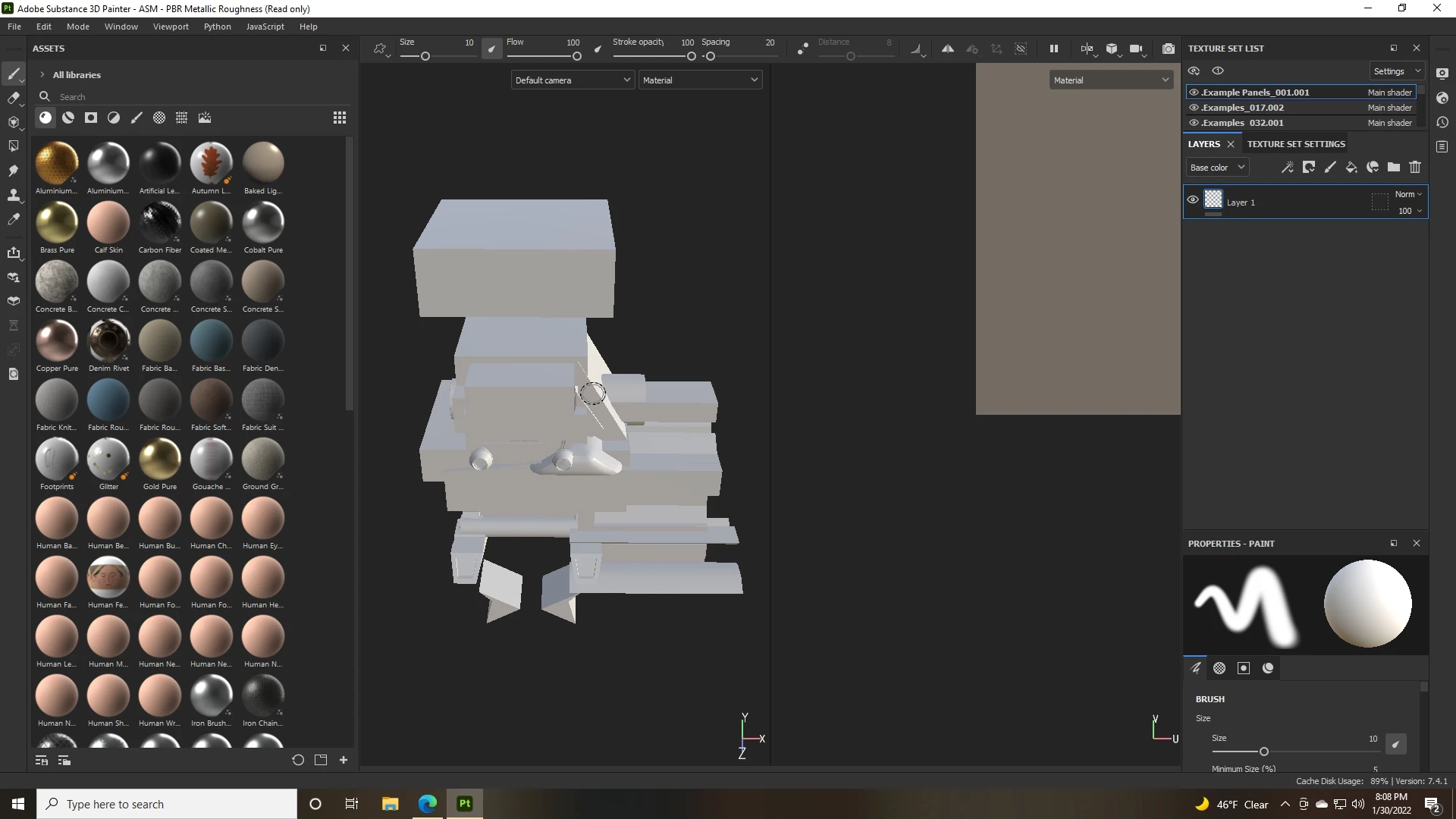
Brand new to substance painter, ffbx isn't importing properly. Please help!

  • January 31, 2022
  • 1 reply
  • 384 views

S I'm brand new to painter, I'm actually using the demo trying to figure out if it's for me.

My first impression is that it completely butchers my uv unwrapped mode.

What am I doing wrong?


Any help would be greatly appreciated.
This topic has been closed for replies.

1 reply

Cedric Marchessoux
Community Manager
Community Manager
January 31, 2022

Hi

If you do not have UVs in the fbx you generate in Blender. Use Auto UV unwrap in Painter
https://substance3d.adobe.com/documentation/spdoc/automatic-uv-unwrapping-188974350.html
In Painter check the option Auto UV unwrap in the new project window and in the options (click options), make sure to have Recompute all) and if you have UVs then use "Generate only missing data" then Auto UV unwrap will only compute what is missing.
In Blender, to generate UVs, go to "UV Editing" mode, then in Object Mode select the objet, "Select > all" then on the left UV viewport  you shoud see the UVs, other wise "UV > Unwrap", then save export in fbx. You can manually modifiy them, and if you want to export several to several Texture Sets, then Assign a different material to each part.

Hope this is useful

Participant
January 31, 2022

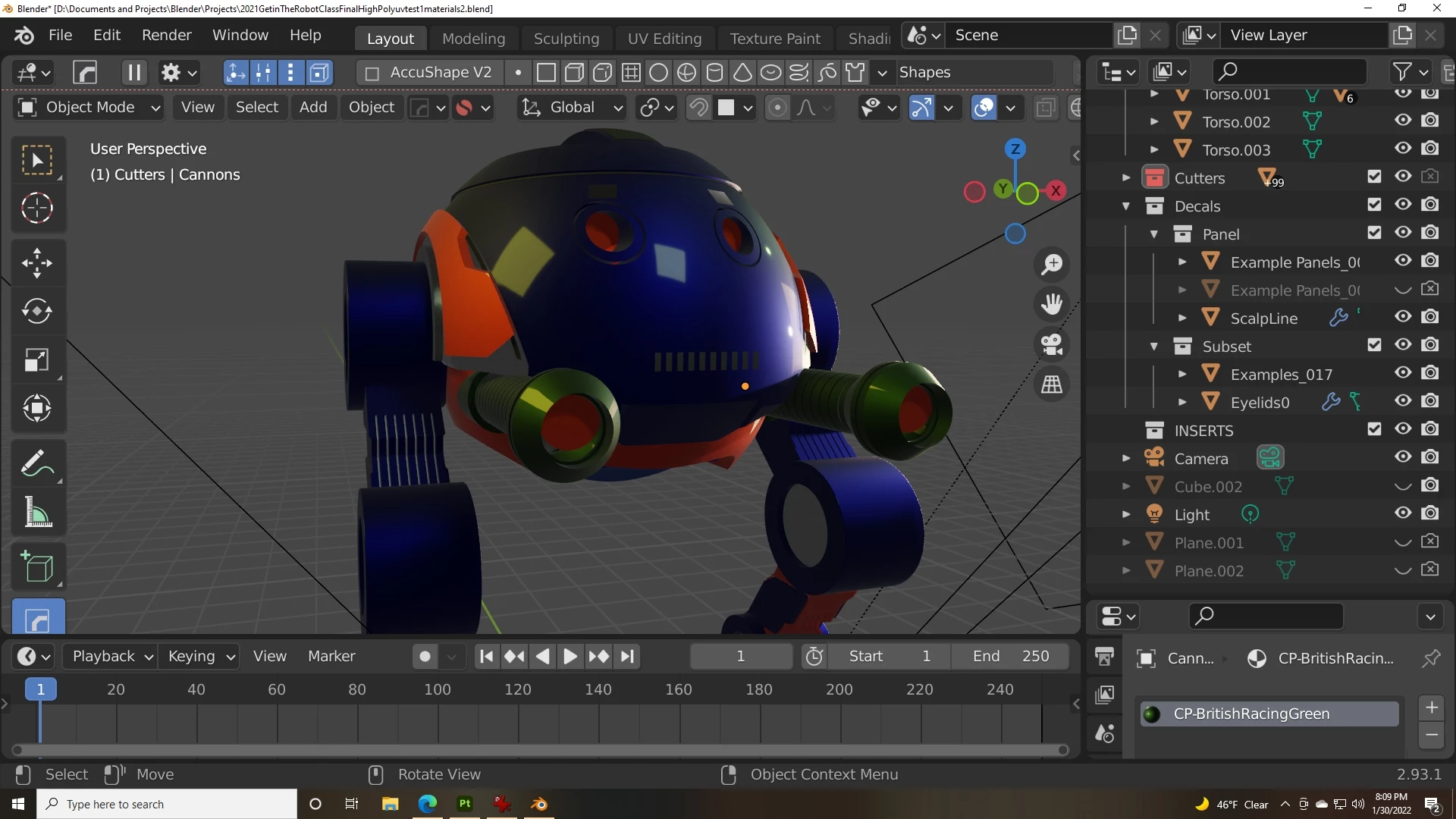
I used zen UV to generate the UVs and gave unique names to the UVs,  no luck.  😞   Thank you for trying