
Participant
October 19, 2021
Answered

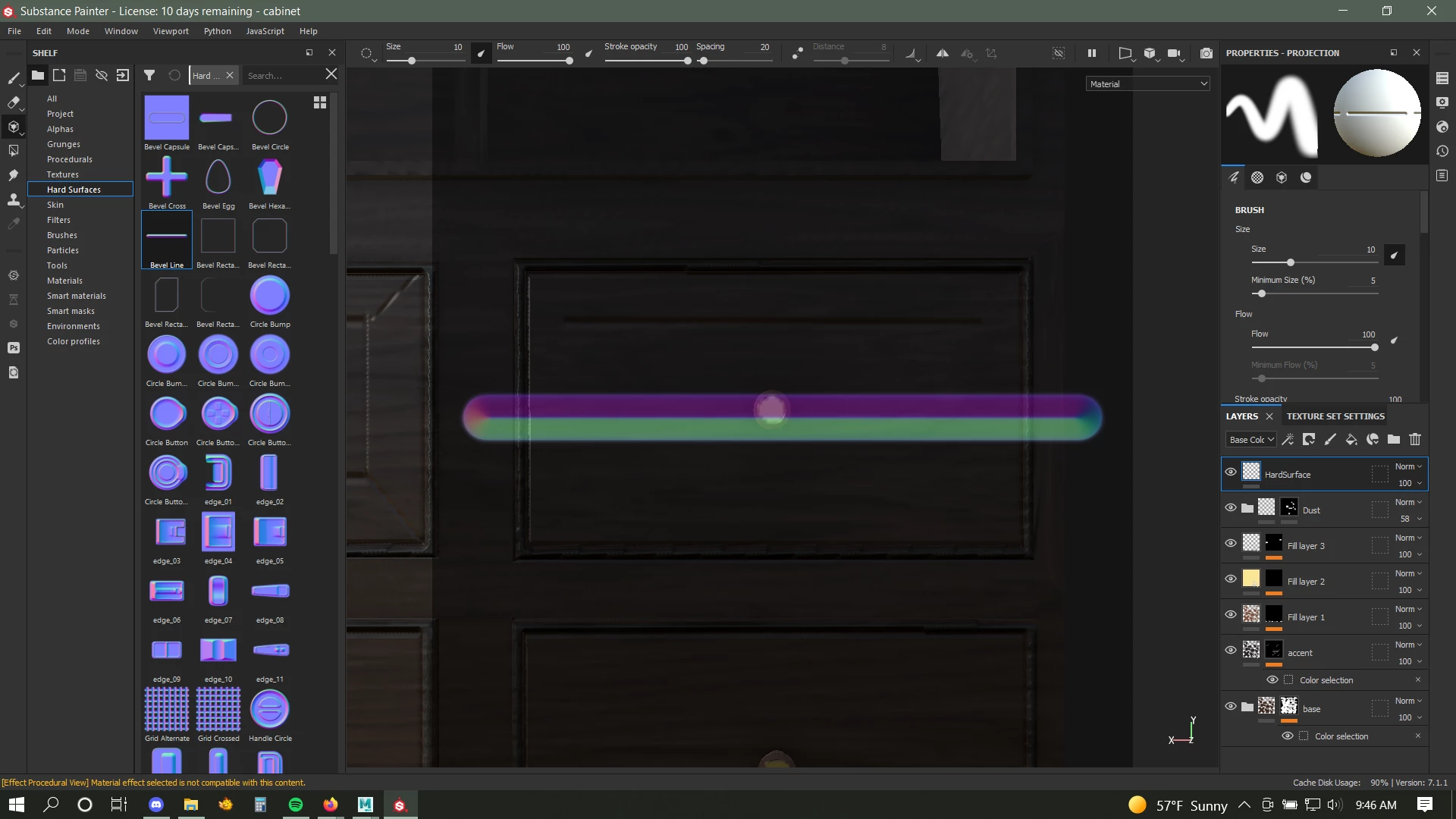
Brush overlayed on screen?

  • October 19, 2021
  • 1 reply
  • 208 views

I'm new to substance painter. I don't know what I did but after messing with some brush properties this brush preview kind of overlayed on the screen. Its on all paint layers, not any fill. I can only paint along the line. I need it to go away. Thanks!
This topic has been closed for replies.
Correct answer default3cuts9j412po

Figured it out, I had put the brush in the stencil option instead of the normal, lol.

1 reply

default3cuts9j412poAuthorCorrect answer
Participant
October 19, 2021

Figured it out, I had put the brush in the stencil option instead of the normal, lol.