AbdullahAlaskari
Participant
November 16, 2022
Answered

Cannot Create Shader Instances

  • November 16, 2022
  • 1 reply
  • 1845 views

Hi,
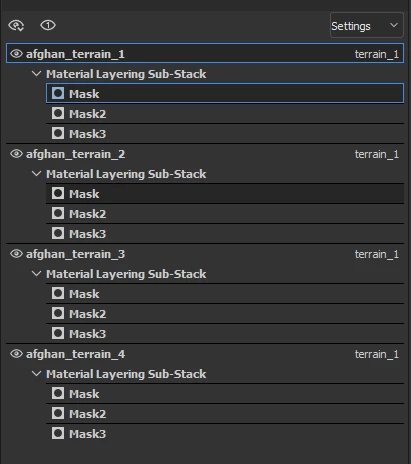
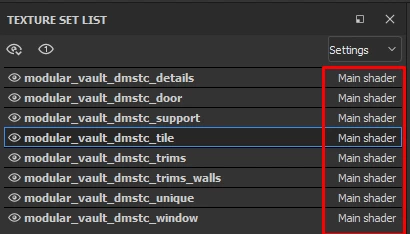
I am trying to create a new shader instance. but it is grayed out. I reinstalled painter, updated my GPU driver (3070ti), and restarted my PC between each step.

This worked a few months ago. but on the latest 8.2 version, I cannot change that. I have tried different projects, creating new projects, and opening Older working projects. with no luck. it was disabled on all of them.
I could not see any issues in the console.
I tried switching to other shaders in the Shader settings.
I tried renaming the current instance to another.
all with no luck.
Anyone has an idea as to why? or is it a bug?


Thank you.
 

This topic has been closed for replies.
Correct answer davescm

You can add a shader instance from Texture Set Settings rather than from the texture set list.


a. Click on your texture in the texture set list

b. In Texture set settings, go to Shader Instance and press the downward reveal arrow

c. Click on New Shader Instance


Dave

1 reply

davescm
Community Expert
davescmCommunity ExpertCorrect answer
Community Expert
November 16, 2022

You can add a shader instance from Texture Set Settings rather than from the texture set list.


a. Click on your texture in the texture set list

b. In Texture set settings, go to Shader Instance and press the downward reveal arrow

c. Click on New Shader Instance


Dave

AbdullahAlaskari
Participant
November 19, 2022

Thank you so much