


Question
Color Picker Samples A Color on The Screen to Be Pure White When It Is Not
Current Substance Painter Version:
The two regions I am sampling colors from. They are not the same color, confirmed with photoshop color picker. At the time of color picking, this reference image is being displayed on PureRef on my one and only monitor.

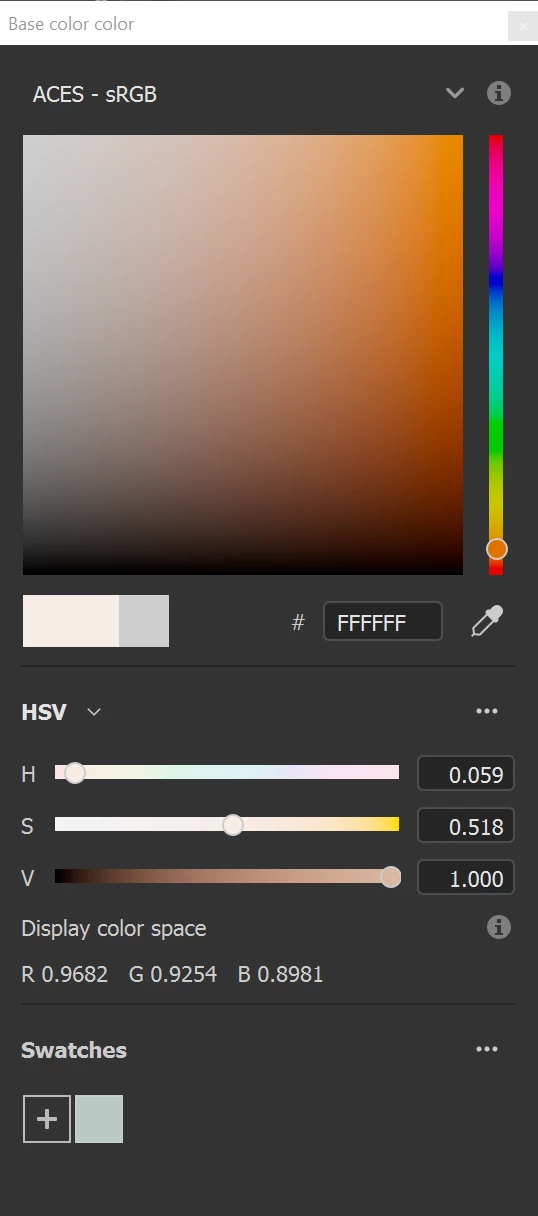
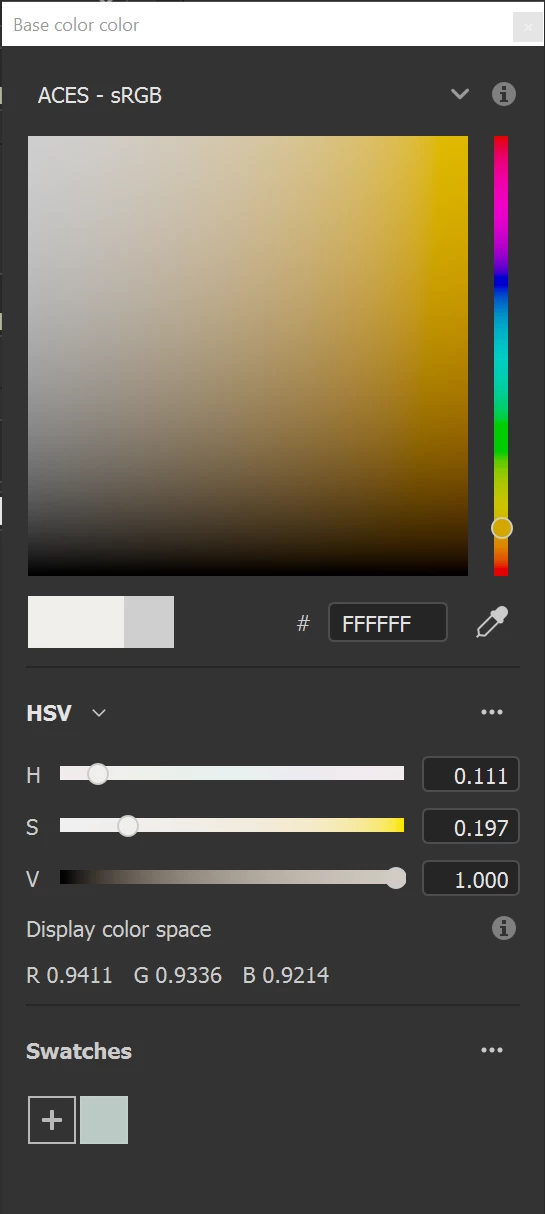
In Painter, these are the color picking results. Face color(left), suit color(right). Although they are both #FFFFFF, the display color space on the bottom indicates Painter recognizes they are different colors.
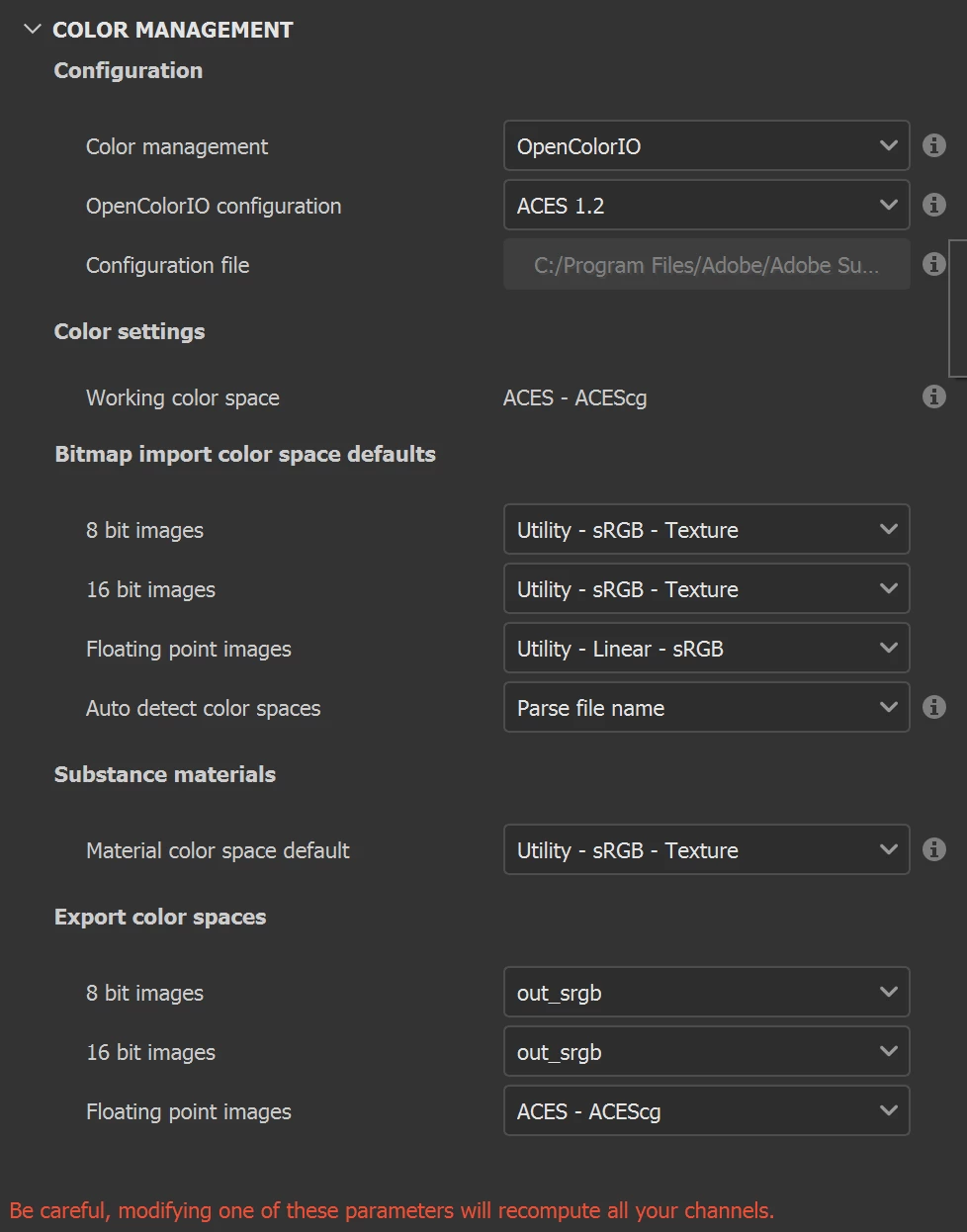
How should I adjust my color management settings so painter can pick up those colors?
 AdChoices