
Question
Creating Libraries Importing sbsar files
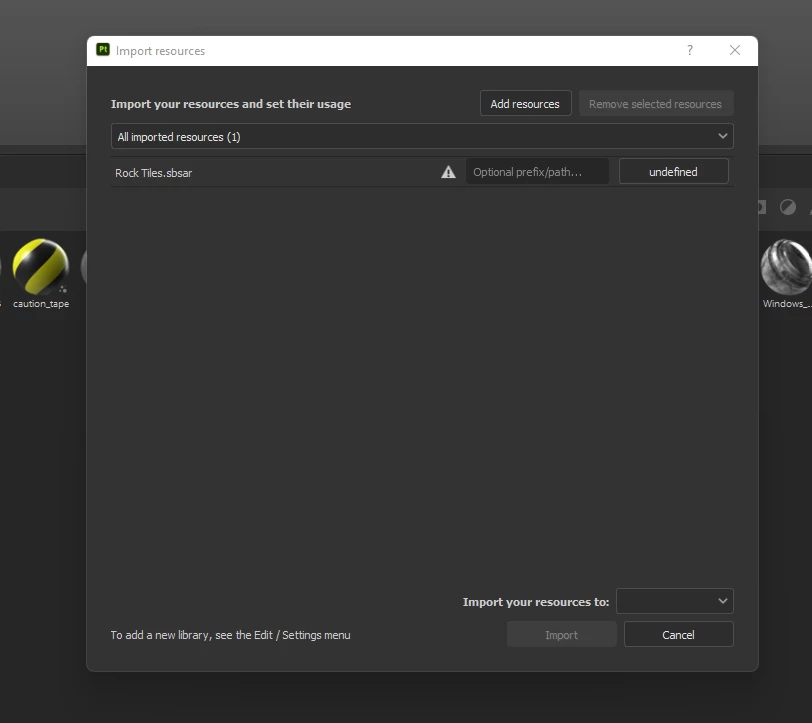
I've been trying to import some sbrar materials to a customer folder I created in my library C:\Documents\Allegorithmic\Substance Painter\shelf\materials. I've tried every possible method to do it. some files will update others don't. I previously had all these files already uploaded working fine and I had to reupload them. I keep getting this error. It says "an error occurred while opening this resource it can't be imported." All the information I found says to drag and drop the file into the appropriate folders and it will auto-update. This is not happening. How the hell do we import materials into substance? Why won't the other files import?


 AdChoices