Participant
July 20, 2022
Answered

Curvature map baking incorrectly

  • July 20, 2022
  • 1 reply
  • 3155 views

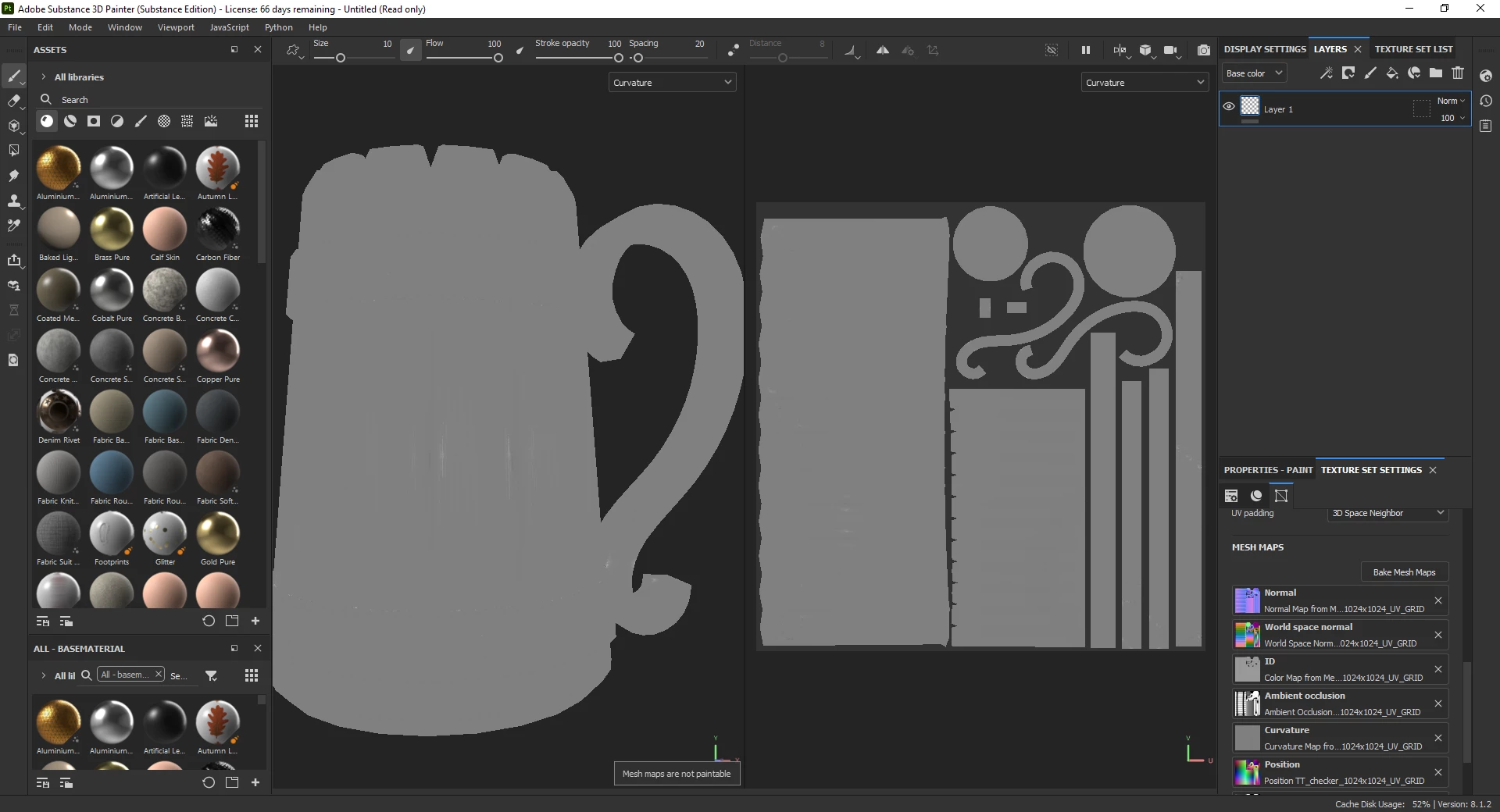
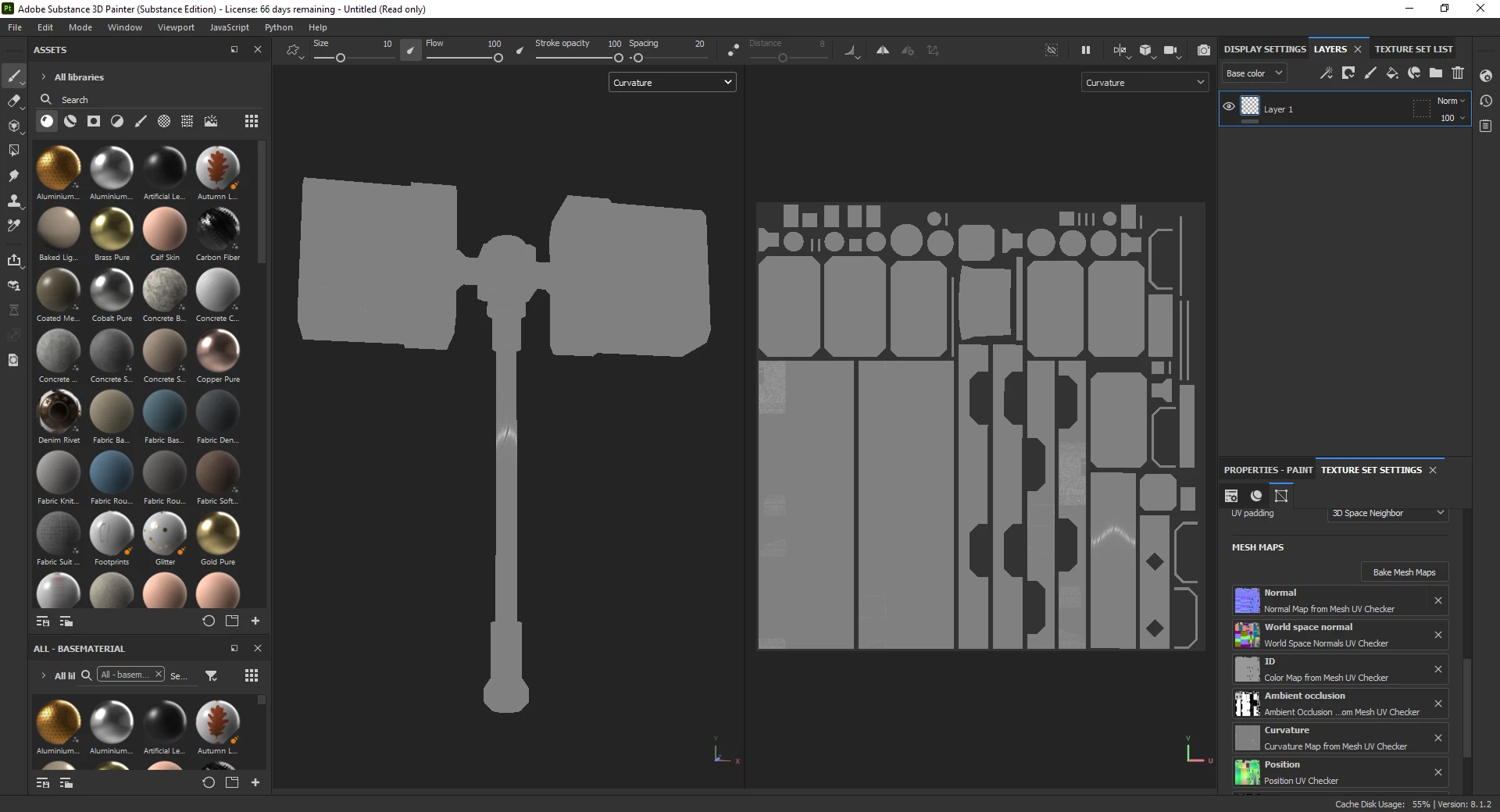
Curvature map bakes wrong on every model. Normals, height etc. bakes properly. Problem exist in every release of SP.


This topic has been closed for replies.
Correct answer GeoffroySC
Log_Substance_3D_Painter_8-1-2-1782-msvc14-x86_64-standard-e7c0d315.txt

Hi,

Have you tried disabling the GPU raytracing baking? In Edit>Settings...
Maybe this is an issue with AMD GPUs, this does happen. But this is weird since your drivers are up to date.

I suppose changing parameters in the curvate bake settings doesn't change anything?  


1 reply

GeoffroySC
Community Manager
Community Manager
July 21, 2022

Hi,

Could you share a log, as well as your baking settings? 

Could you show your high and low poly? 

Thank You,
Kind Regards,

Geoffroy SC

Participant
July 21, 2022
GeoffroySC
Community Manager
Community Manager
July 21, 2022

Hi,

It seems to work on my side... This is strange!  Could you share the log (help>export log...), this would give me some clues at what your issue might be. 

Thank you 

Kind Regards, 
Geoffroy SC