Participant
October 6, 2022
Question

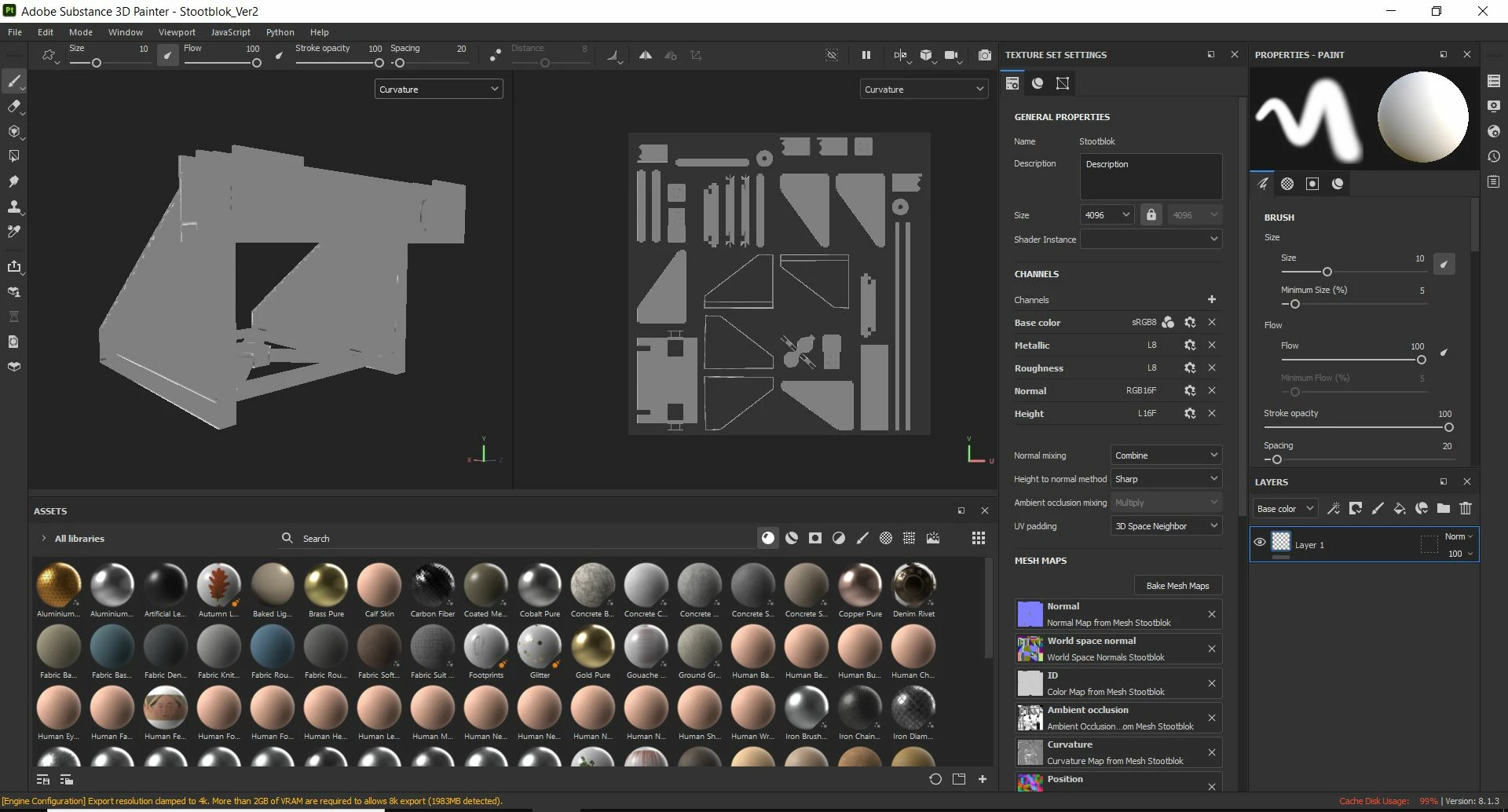
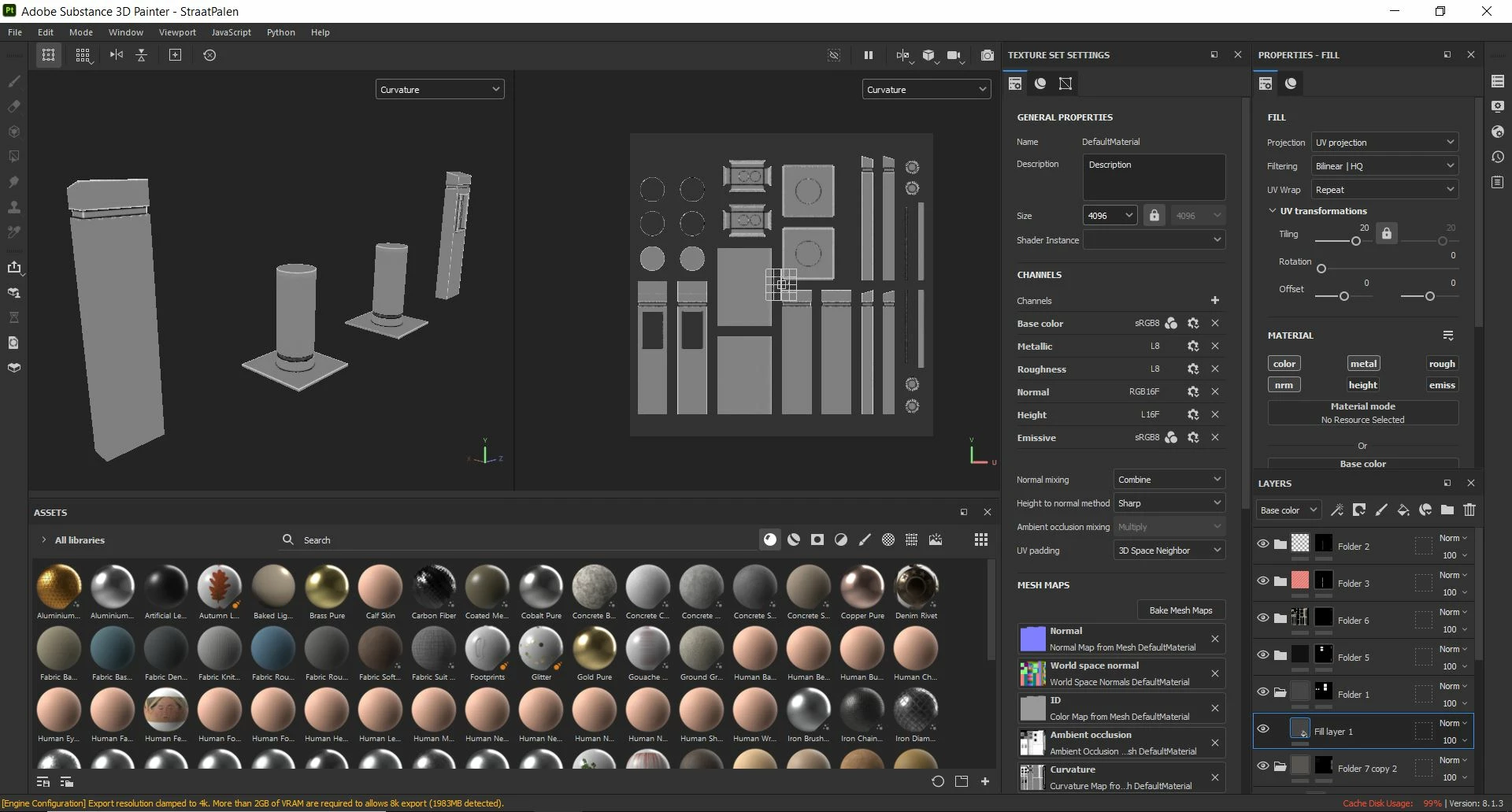
Curvature map missing some curves

  • October 6, 2022
  • 1 reply
  • 800 views

Hello,


Let me start off by saying I am by no means a 3D expert. Hell, I've only been working with Blender for about 1.5 years, and the first time I used Substance Painter is less than a month ago. That being said I've run into a problem with literally every model I've tried to texture so far ( 5 in total ) and I'm desperate for a solution. I've tried asking others, like the lead artist at my internship company, but even he was at a loss.


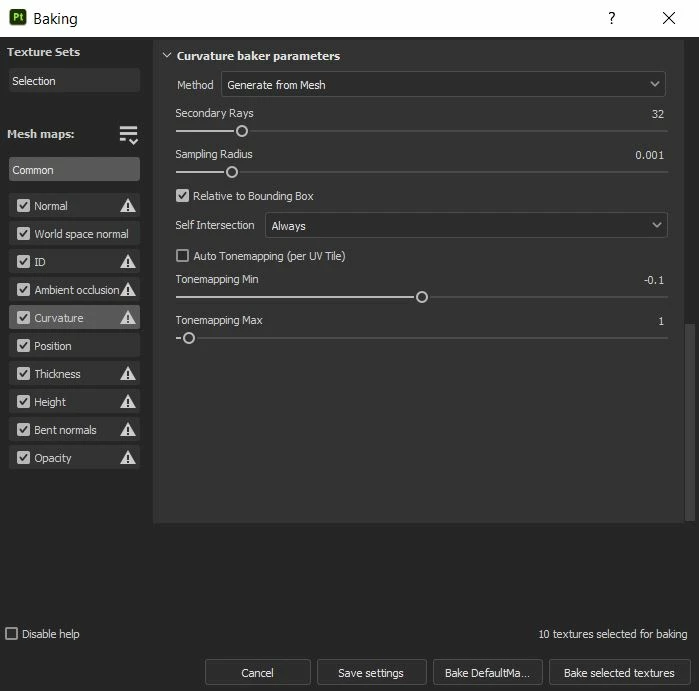
My problem is as follows; my curvature map never seems to be baking right. Some edges get highlighted, while others don't even get noticed. I've tried tweaking the settings a bit but nothing. I also can't find anything wrong with my UV unwraps or the meshes themselves. I've included screenshots of multiple assets for visual reference.


If anyone has any idea what could be wrong, please do reach out. Thank you in advance.
 

This topic has been closed for replies.

1 reply

davescm
Community Expert
Community Expert
October 6, 2022

Try increasing the sampling radius. If that doesn't help can you post an fbx of the problem model.


Dave

Participant
October 17, 2022

Hi there,


First of all, sorry it took me so long to respond. Life has been incredibly busy and I also kind of forgot I posted this in the first place. Oops.


That being said, thank you so much for reaching out and giving some advice. Unfortunately increasing the sampling radius did next to nothing for me.


I've attached one of the multiple problem models with this message. Would really, really appreciate it if you could take a look.


davescm
Community Expert
Community Expert
October 17, 2022

No problem with the delay - sometimes things get in the way 🙂

I used the following settings and got a good curvature bake on that model (all bakes at 2048 the same as the texture setting size)


Applying a material that uses curvature for edge damage: