


Participating Frequently
April 6, 2023
Answered

Curvature map not working even with curvature generator

  • April 6, 2023
  • 3 replies
  • 2637 views

Although I baked curvature map and added curvature smart mask & curvature generator the map kept the same 
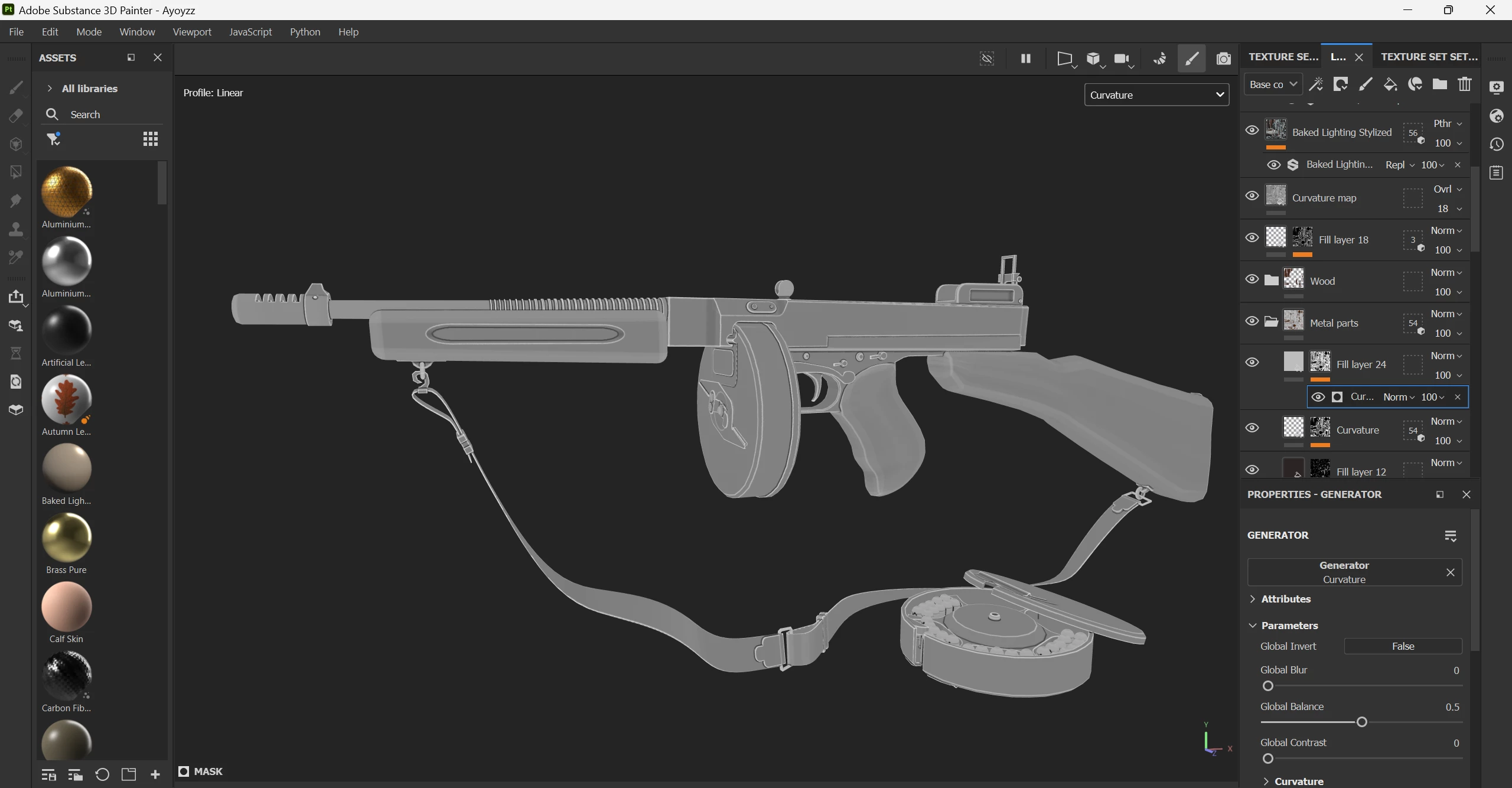
 I tried turning of auto tone mapping with minimum -0.1 and maximum 0.1 it was affected but the rest of maps changed
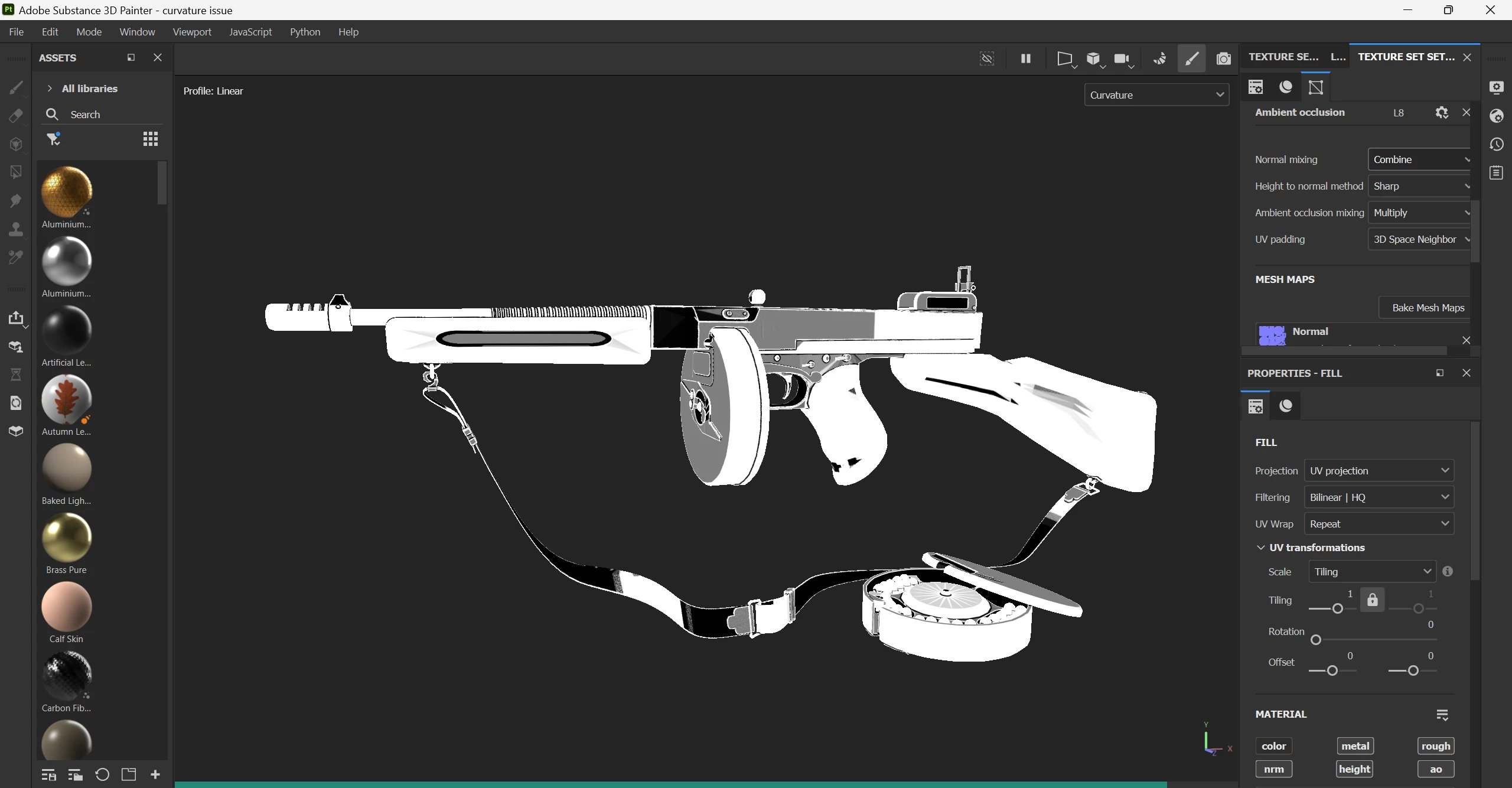
 I tried to add layers, turning all the layers on and off this map never changes using layers, colors, generators or smart masks

This topic has been closed for replies.
Correct answer davescm

Hi,

No the curvature map is an input map, so only changes if you rebake it. it is there to tell those generators which use curvature where the curves are on your mesh. You can add layers with generators/filters or materials that use that curvature map in different ways - but the map itself remains constant - unless of course you rebake it.


Roughness is an output from the texturing process, so does change as you add layers.


Dave

3 replies

Participant
August 19, 2023

Somebody, where I can get Curvature and Ambient Occlusion Generator .sbsar files? I seem erased 'em but can't find now.. (

davescm
Community Expert
Community Expert
April 6, 2023

You are viewing the baked curvature mesh map in your viewport. That is a baked input map and should not change when you use it to drive a generator. What should change is the mask generated from the generator which you can view by selecting it in the layers panel and choosing 'Mask' in the viewport.


Dave


AyaEissaAuthor
Participating Frequently
April 6, 2023

Won't the curvature map change as the rest of maps change when a layer is added? like the addition of white color on roughness map when I add rough values?

davescm
Community Expert
davescmCommunity ExpertCorrect answer
Community Expert
April 6, 2023

Hi,

No the curvature map is an input map, so only changes if you rebake it. it is there to tell those generators which use curvature where the curves are on your mesh. You can add layers with generators/filters or materials that use that curvature map in different ways - but the map itself remains constant - unless of course you rebake it.


Roughness is an output from the texturing process, so does change as you add layers.


Dave

Cyril Dellenbach
Community Manager
Community Manager
April 6, 2023

Hi @AyaEissa,


Thanks for your message.


Unfortunately, I am not sure to get what you want to achieve with the curvature map. If you want to tweak it a little bit, you can check in the baking parameters of the curvature if there is something that interests you.

I think I'll need to have a little bit more information on your project to give you a proper help.


Keep me posted,


Cyril Dellenbach (Micro) | QA Support Artist | Adobe
AyaEissaAuthor
Participating Frequently
April 6, 2023

Hi @Cyril Dellenbach 

Thanks for replying, I'm a beginner with Substance Painter and I'm trying to add values to curvature maps so they change as roughness maps change when we add a grunge for example, I'm practicing the usage of Substance Painter as a part of post graduate scholarship and the instructor told me that I have to add values to the curvature map so I viewed the mesh with only the curvature map as shown in the first picture and tried adding smart masks but the map kept constant.  

AyaEissaAuthor
Participating Frequently
April 6, 2023

This is the mesh I'm working on, I'm practcing making it realistic by using different maps to add values and to norish it with realistic details