


Answered
Darker gray areas on model after AO baking
Hello everyone!
I got a question about darker gray areas on the model. Here's the situation:
I have a model in Maya and UVs for it. This is far from perfect, but I have no experience in modelling, so that's the mesh.
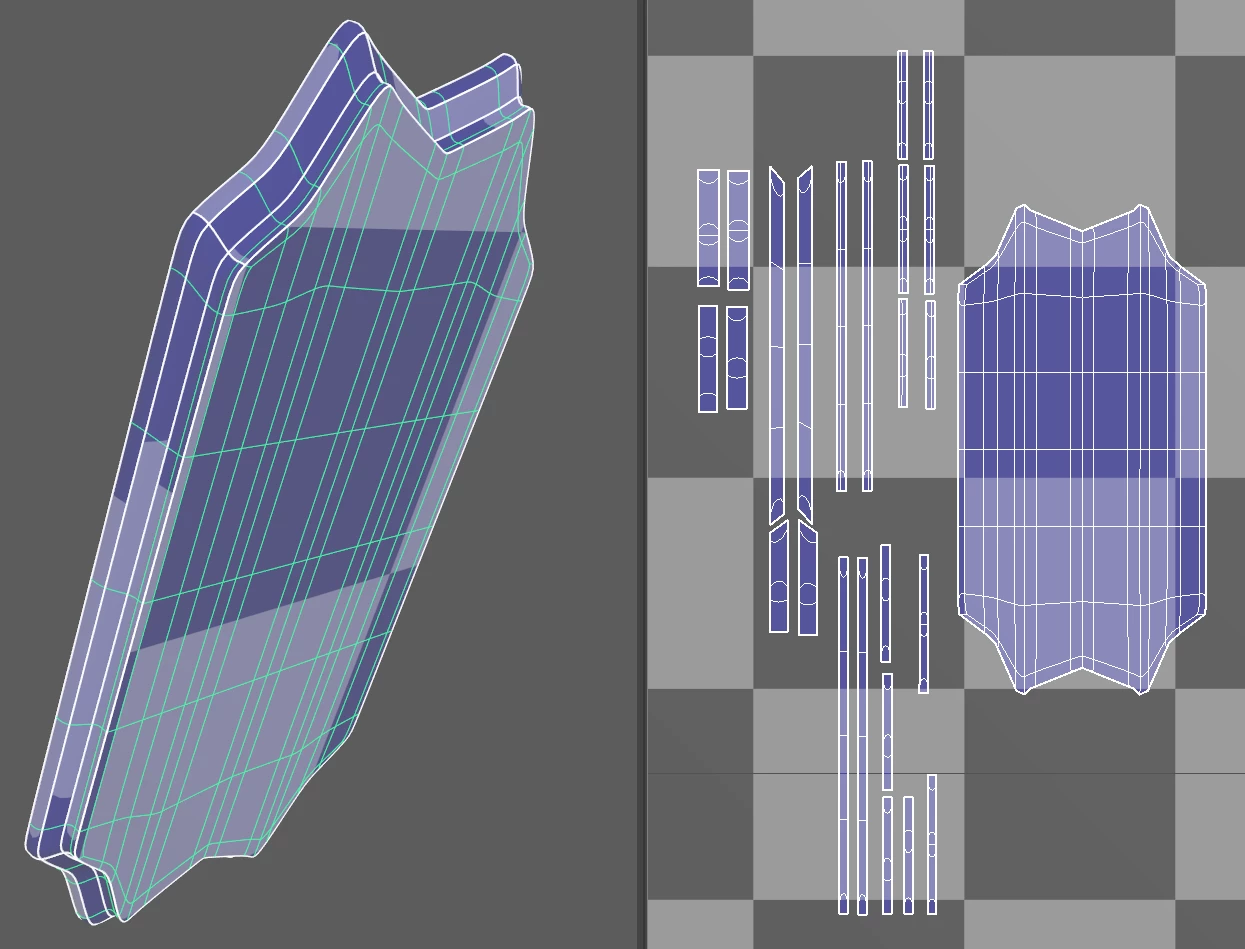
When I export it to Substance Painter and bake the AO map, I get some areas that are in darker gray color.
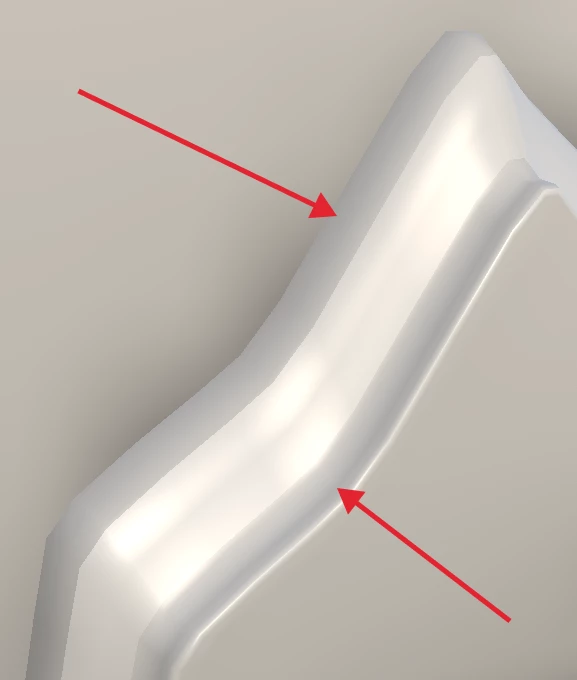
I Googled the issue, and people usually tell to check faces and overlaps.
I checked the UV map - there are no overlapping shells.
Display > Polygons > Face Normals and Vertex Normals show that there are no inverted components.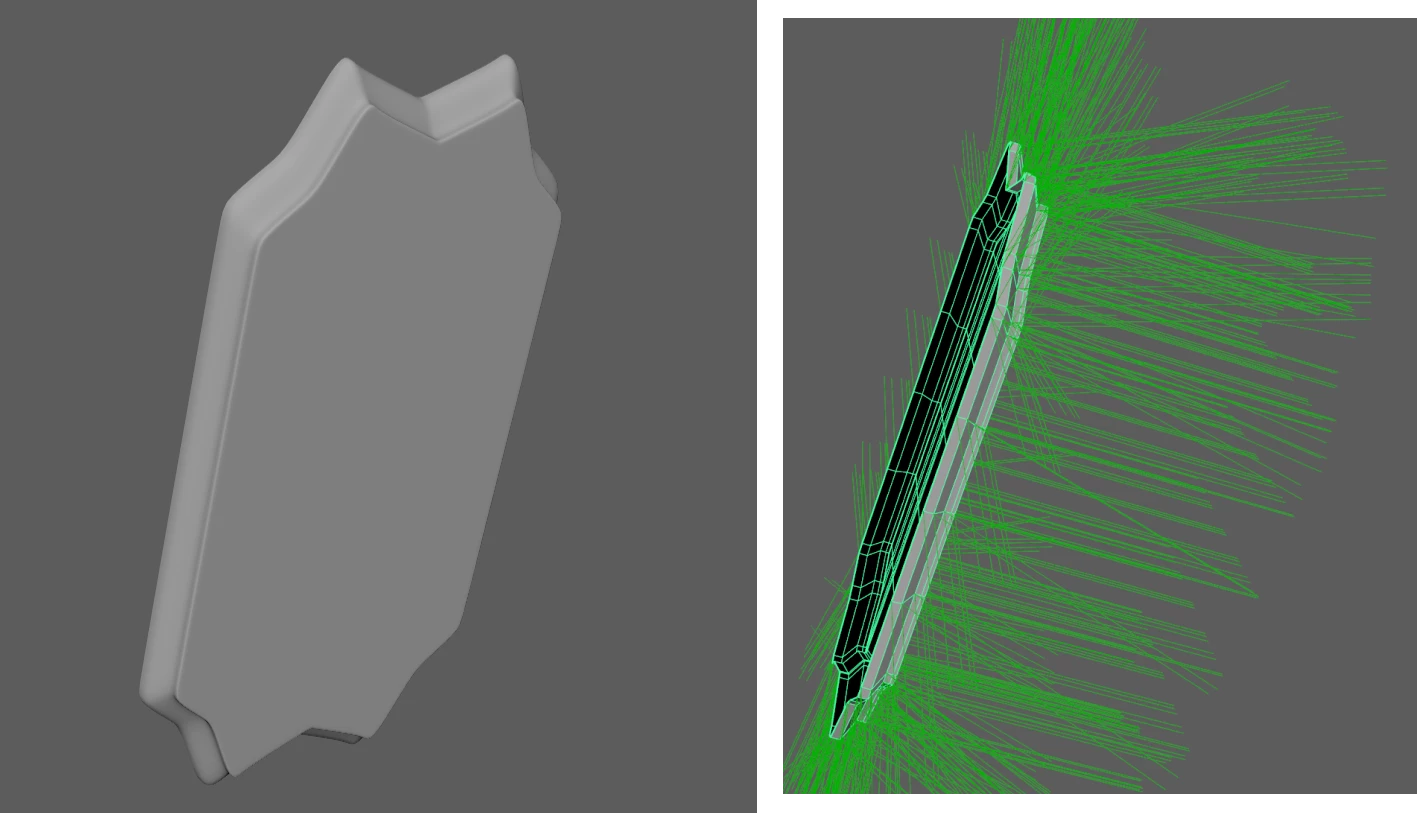
Could you help me please - are these gray areas critical? How can I fix it?


 AdChoices