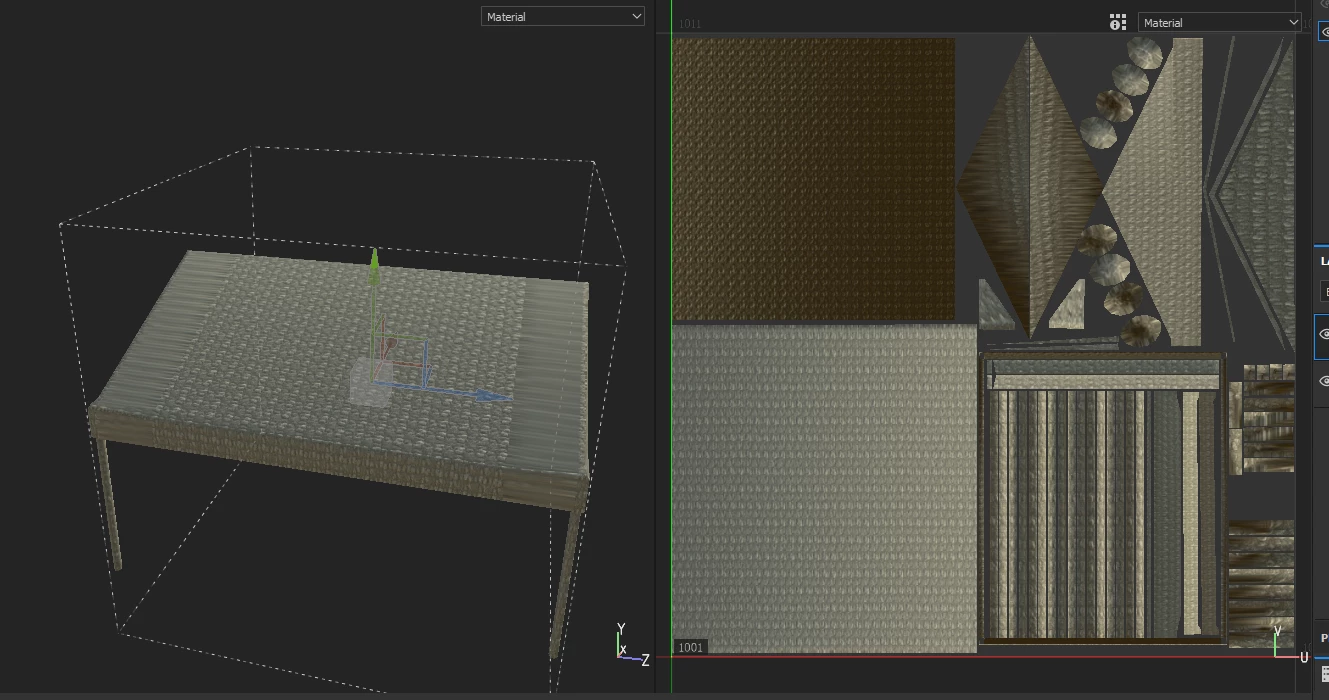
I fixed the UV in maya again, and that weirdly enough fixed it even though I didn't change much. I tell you all, I tend to create bugs that sometimes baffles me.
I fixed the UV in maya again, and that weirdly enough fixed it even though I didn't change much. I tell you all, I tend to create bugs that sometimes baffles me.
I actually made a new post regarding a new issue emerged from this, where one from your QA analyst will look at the two files data to see what causes this. I will leave a link to that other post, where the files are included, in my comment.
Update: So if I import the file straight from Maya to Substance Painter, this distortion doesn't happend, but if I import the model into Zbrush to make the desired changes and then import into substance from Zbrush. This issue occurs. I am so lost in terms what causes this.




 AdChoices