


Draw simple rectangle or circle on the MASK
Hi Guys!
I am not a big expert in Substance so I need some advice how could I make this more efficient:
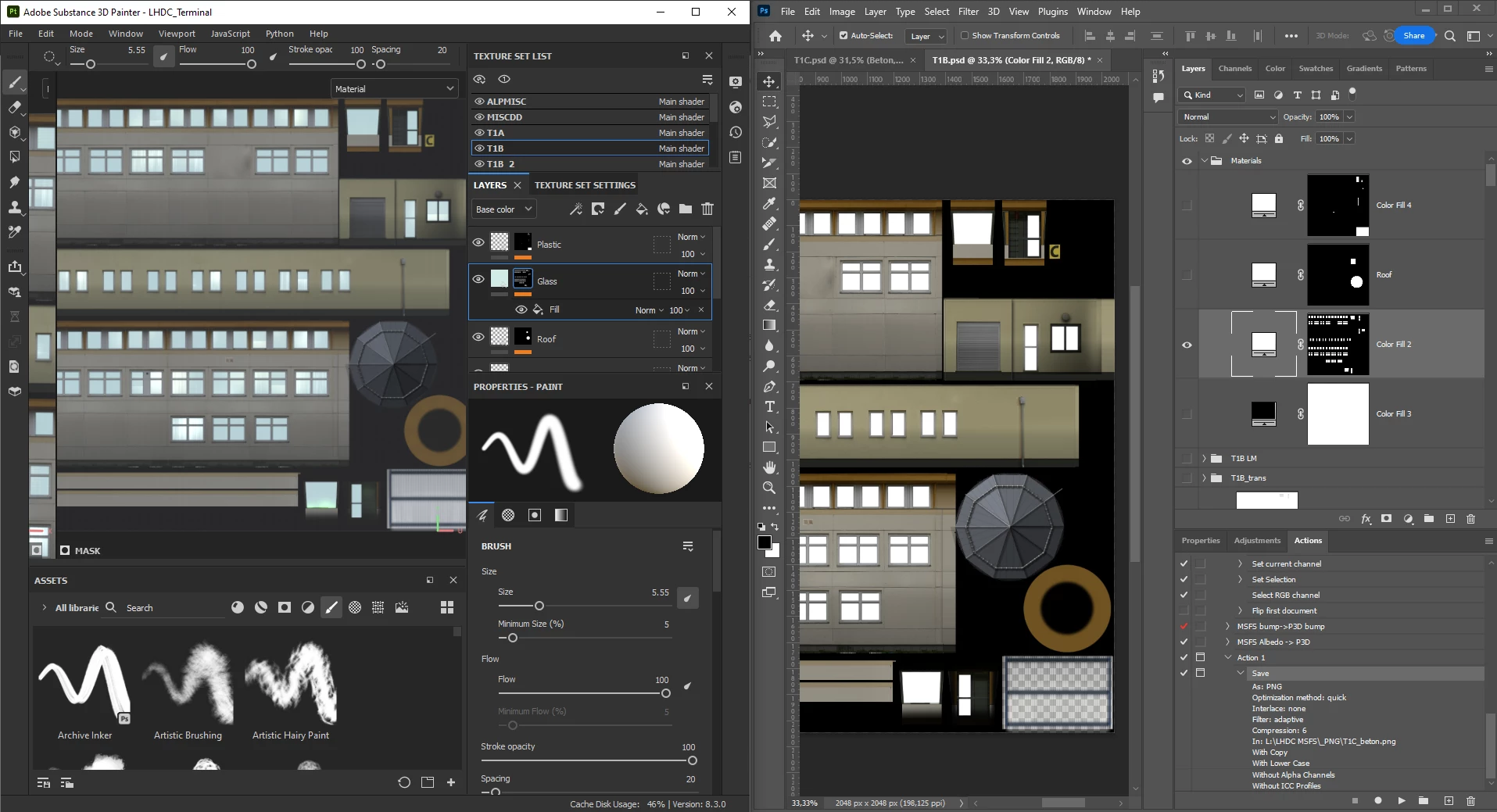
I am refurbishing very old models and try to add PBR materials to them. These models are usually buildings. Lot of straight rectangle polys. When they were created the polygon count was an issue so lot of things were simply drawn on the texture without extra polygons. So for example windows were simply was drawn on the facade of the building, they were not extruded or beveled to a poly. So in the materials I have to mask out the windows (glass).
I simply want to select area on the texture/mask and add it as a white mask but somehow I cannot find the option or tool for that. The tool like rectangle, circle, polygon is missing for me.
So far what I did that I opened photoshop created a mask bitmap, imported to substance as bitmap mask. But this is a little bit tedious and wondering if I could do this without photoshop.
 AdChoices