Participant
April 1, 2022
Answered

emissive bleeding according to viewport distance

  • April 1, 2022
  • 2 replies
  • 1458 views

Hello I have a problem, can you help me?

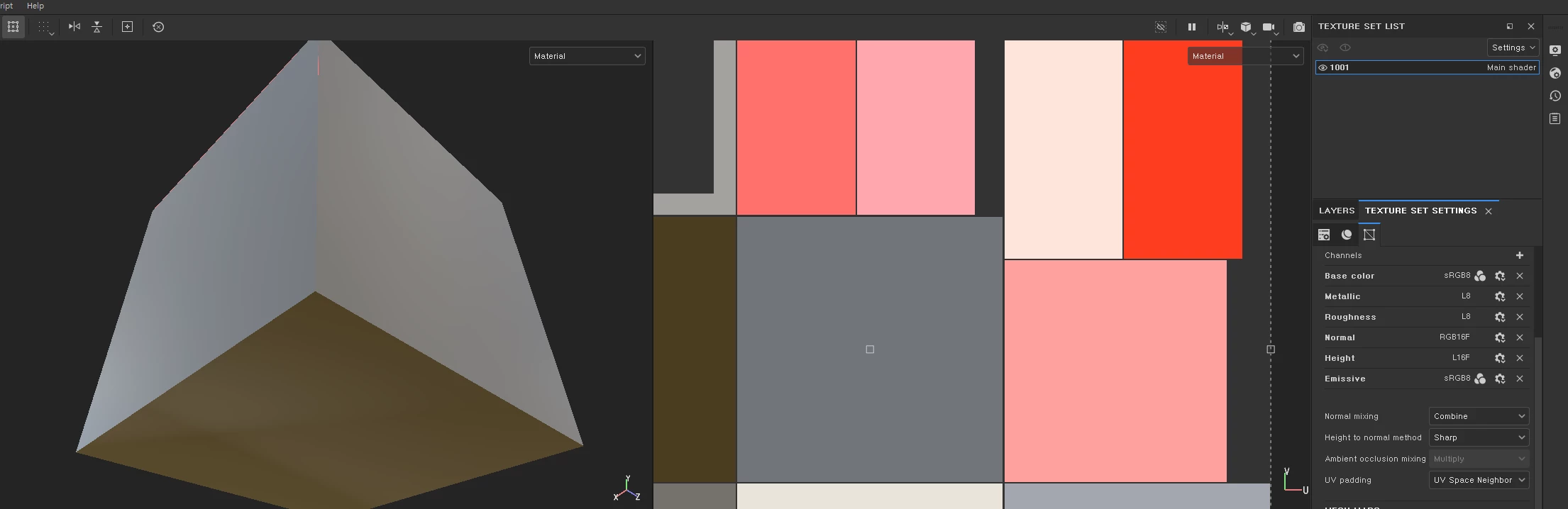
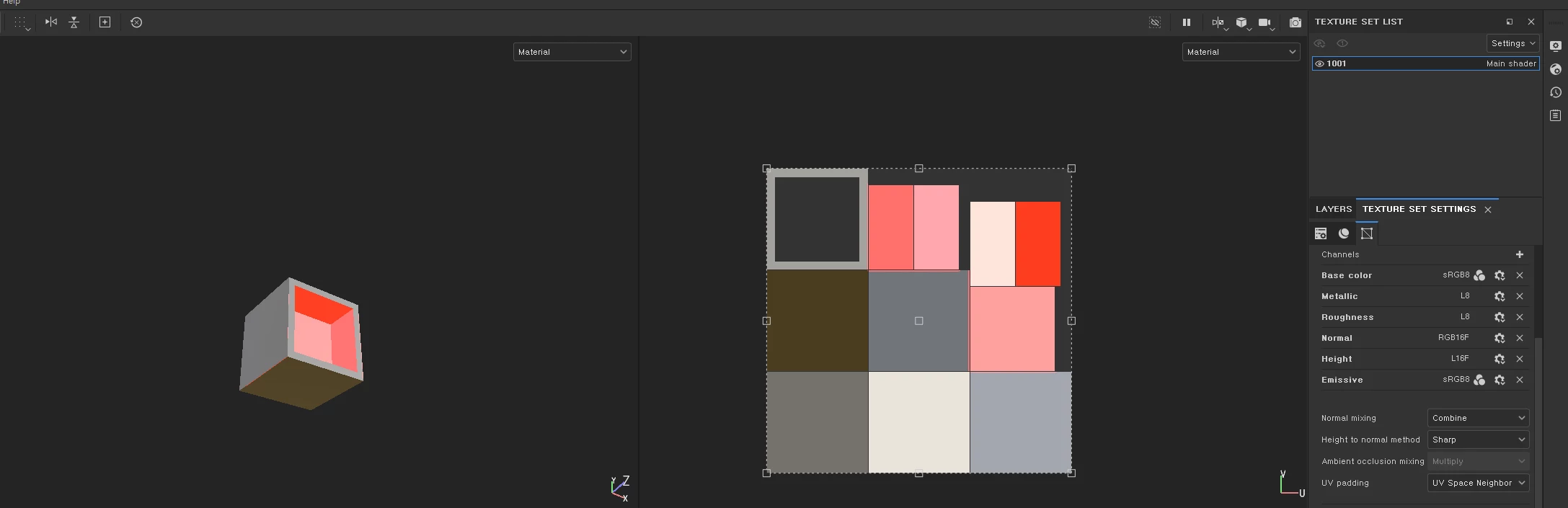
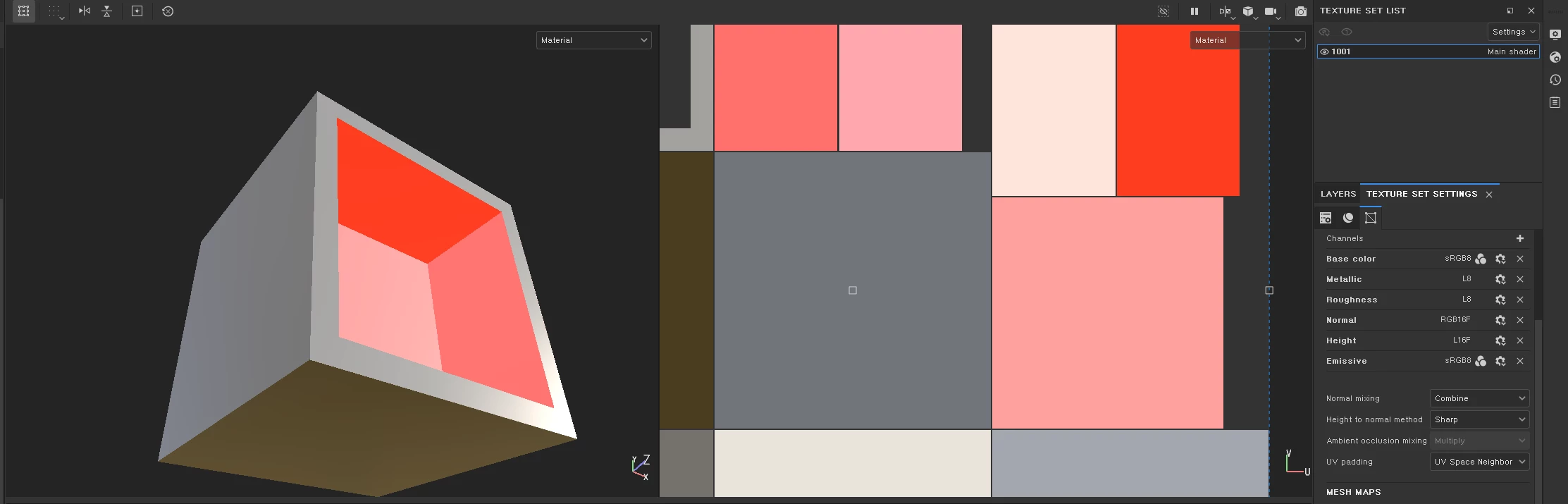
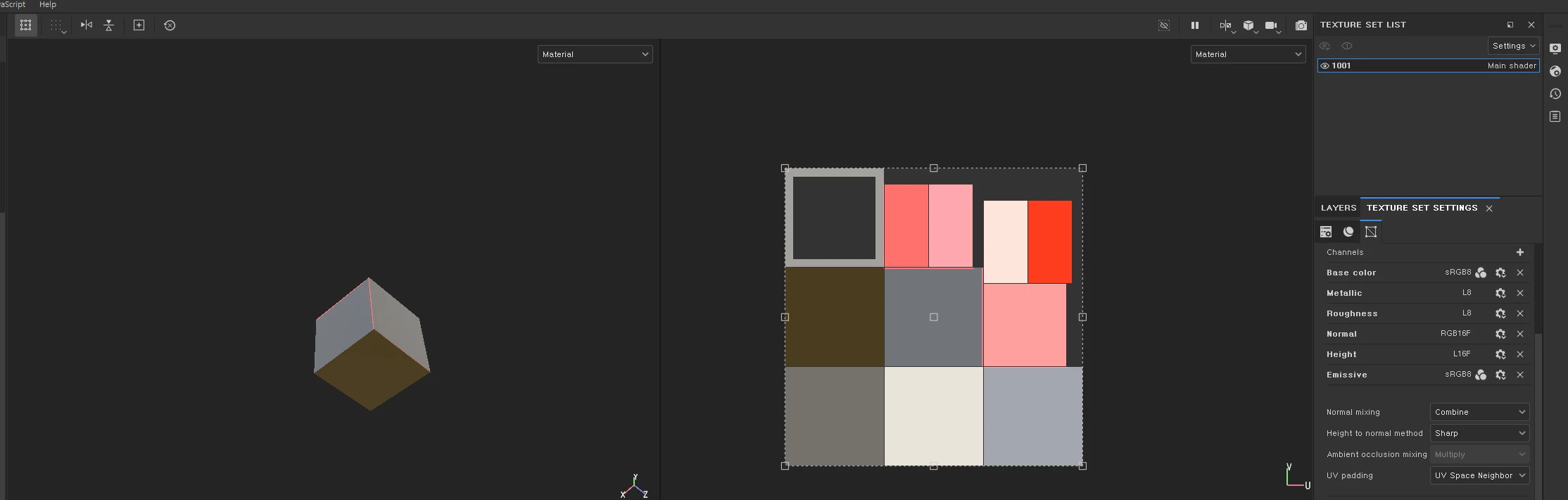
The emissive looks normal when viewed close up, but bleeding when viewed from a distance. 

modeling program is Blender.


This topic has been closed for replies.
Correct answer davescm

Hi

I downloaded your spp file. It updated to the latest version when I loaded it but still showed the same viewport artifacts. However if you go to Display Settings > Viewport Settings > 'MipMap bias' and change it from 0 - Soft to 3 Sharp or 4  Very sharp then the problem is completely eliminated. It looks like it is indeed just a viewport artifact

Note : You may see a performance hit when using '4' although I saw no performance issue here on an RTX3090.


Dave

2 replies

davescm
Community Expert
Community Expert
April 1, 2022

@Cedric Marchessoux I think the OP is referring to the 2D and 3D views in his screenshots which are showing the orange emmisive material on the edges of the cube and as small overlaps on the 2D view in his zoomed out screenshots. It looks like this is just a viewport artifact.


@Gamma22904026dtk9 Are you able to post the Substance file and I'll try it here to see what happens the viewport on my system.

Also can you confirm that the exported textures are OK and match the 'zoomed in' look.


Dave

GeoffroySC
Community Manager
Community Manager
April 1, 2022

Hi,

The material view is activated in the UV viewport as well as the 3D viewport, therefore adjacent faces to the one emitting light receive light. If you want to see your UVs without all the lighting information, you can switch to single-channel or mesh maps view mode.

Kind Regards,

Geoffroy SC


davescm
Community Expert
Community Expert
April 1, 2022

Hi

Emmited light falling on an adjacent face on the model, I could understand , but the edges highlighted are on the opposite side (although they are close in position on the UV map). The artifact on the non adjacent model edges (arrowed) which his screenshots show disappears in both 2D and 3D when zoomed in. If it was emitted light then surely that would not change just by zooming?


Dave

Cedric Marchessoux
Community Manager
Community Manager
April 1, 2022

If you speak about the lower face of the cube, in Painter we can not change the control the light (environment map) from top-bottom (Y), only left to right (X).